
33 Integrated Manufacturing Operations Architect Manager - Refining & Chemicals Resume Templates with Example 2026 (ATS-Optimized)
This guide shows you how to build an Integrated Manufacturing Operations Architect Manager - Refining & Chemicals resume that is clear, focused, and easy to scan. You will learn how to organize senior-level manufacturing architecture evidence so recruiters can quickly understand your scope, technical depth, and delivery impact.
Strong resumes for this role connect business transformation work with practical manufacturing systems expertise. Show how you used iMOM, ISA-95, ISA-88, MES, SCADA, LIMS, PLM, ERP integration, and IT/OT architecture to improve process design, data flows, testing, governance, and client delivery.
Below, you will see one complete Integrated Manufacturing Operations Architect Manager - Refining & Chemicals resume example presented in 33 ATS-optimized layouts, with free PDF downloads and format guidance to help you choose a professional structure.
What Makes a Great Integrated Manufacturing Operations Architect Manager - Refining & Chemicals Resume in 2026
A strong resume for this role shows senior manufacturing architecture leadership, client delivery, and measurable implementation scope in a format that is easy to scan.
Prioritize evidence around iMOM, ISA-95, ISA-88, MES, SCADA, LIMS, PLM, ERP, IT/OT integration, requirements, testing, workstream leadership, and vendor coordination.
The examples shown below are intentionally detailed to demonstrate a range of experiences, skills, accomplishments and relevant keywords. We prefer detailed resumes as they provide more context to the hiring managers and also help the ATS systems identify relevant qualifications and score your resume better for a match. But the length of a resume is an individual choice. If you want a one page resume, just keep the most relevant experience and information for the job. Note: Resume examples are created for educational purposes; references to real organizations do not imply affiliation or endorsement.
#1 Plain Two Column Format Resume Example
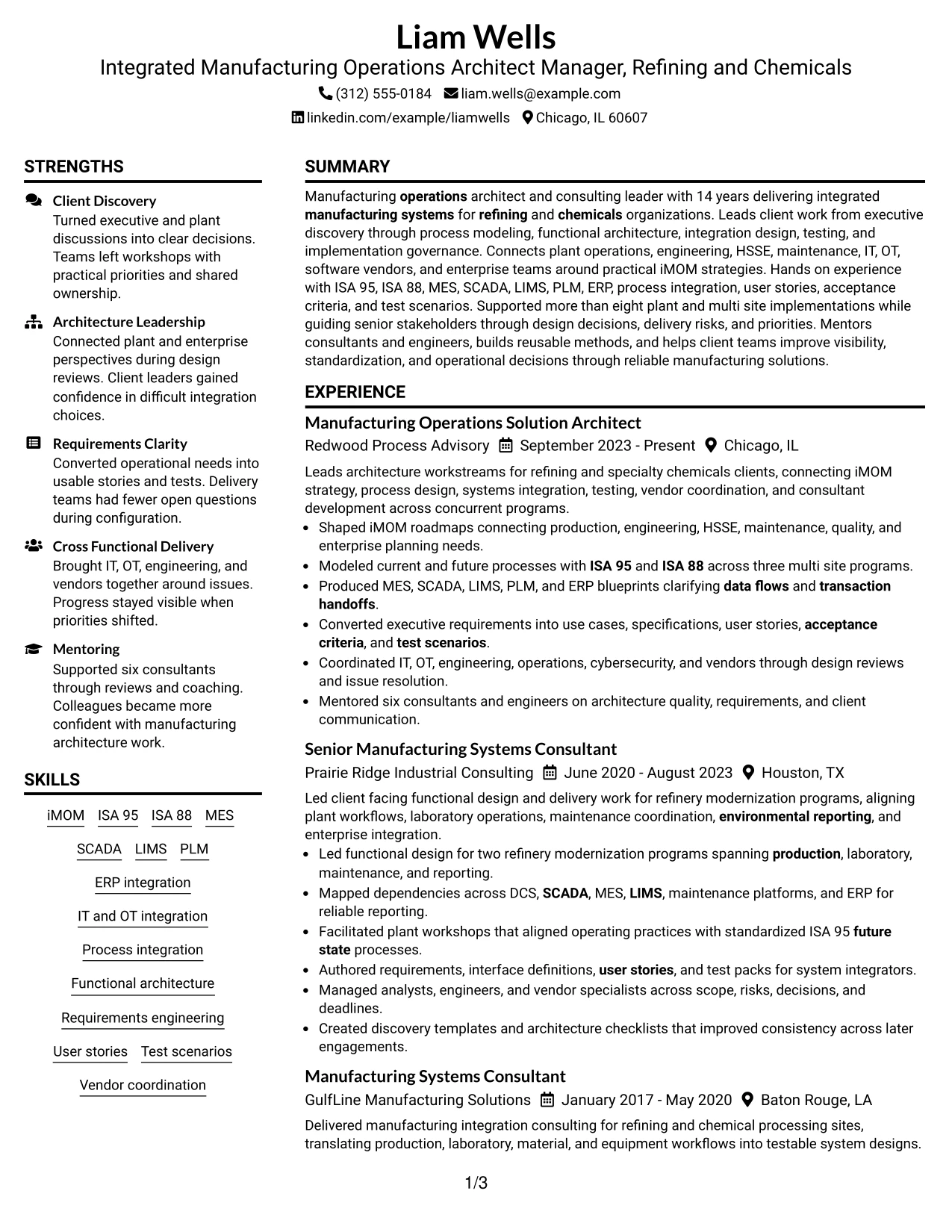
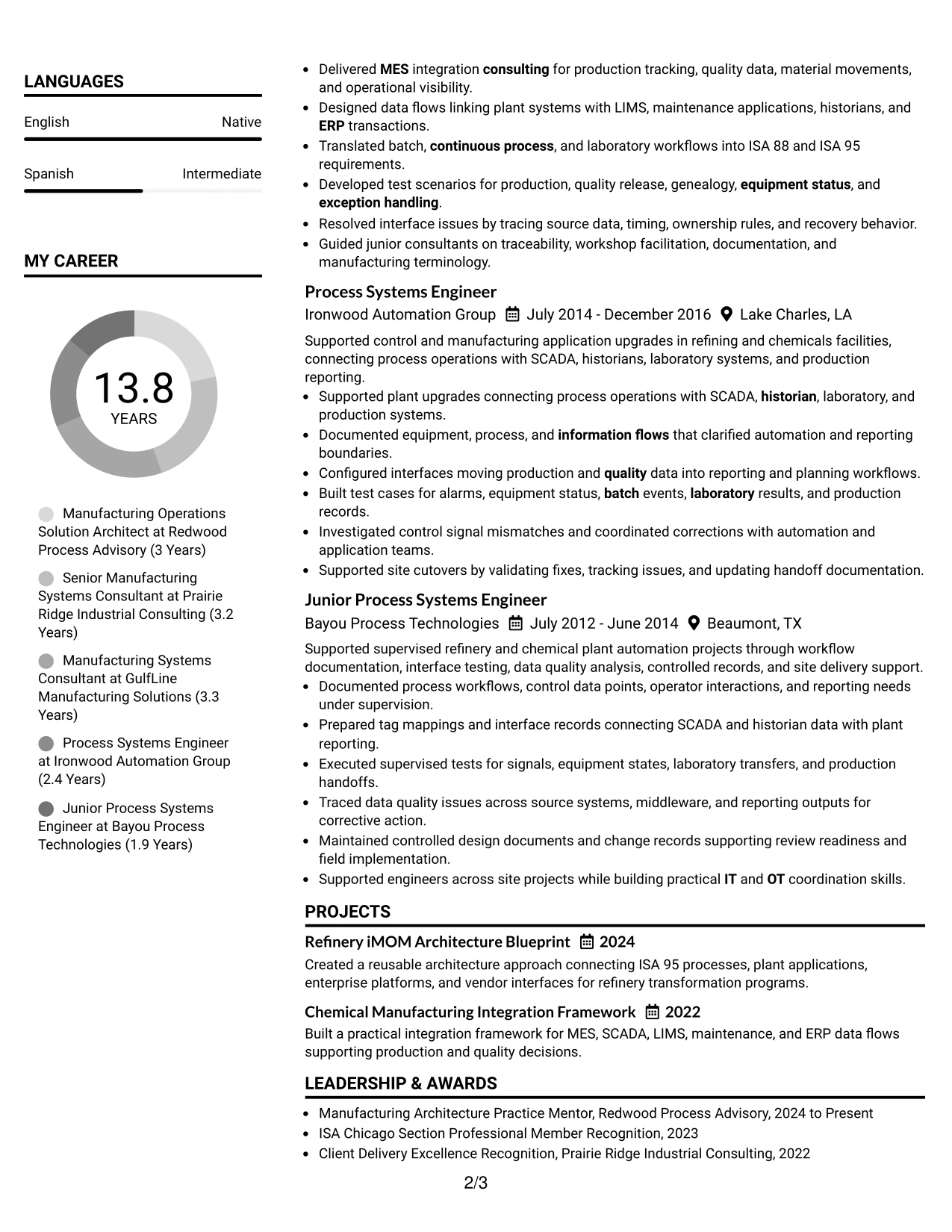
The Plain Two Column Format separates core experience from supporting skills and credentials, making a complex manufacturing architecture career easier to scan. Liam Wells can use the main column for progressive roles and the side column for iMOM, ISA 95, ISA 88, MES, SCADA, LIMS, PLM, ERP integration, and certifications.
That structure supports a results-driven review because major implementation evidence stays visible without burying technical depth. The resume can show more than eight plant and multi site implementations, three multi site process-modeling programs, and mentoring of six consultants while keeping education and certifications compact.
Resume Snapshot
- 14 years delivering integrated manufacturing systems for refining and chemicals organizations
- More than eight plant and multi site manufacturing system implementations
- Bachelor's Degree in Industrial Engineering from Texas A&M University
- AVEVA System Platform Certified Developer and ISA 95 and ISA 88 Manufacturing Systems Certificate Program
Why the Plain Two Column Format Works for a Resume
- Keeps progressive manufacturing systems experience in the primary reading path.
- Places technical platforms and standards in a compact secondary area for fast scanning.
- Supports clear separation between leadership evidence and detailed tool coverage.
- Works well for long careers with five distinct roles and substantial project detail.
- Helps recruiters connect architecture scope with implementation outcomes.
- Maintains readable hierarchy while presenting both consulting and engineering experience.
Resume Keywords
- iMOM
- Refining
- Chemicals
- ISA 95
- ISA 88
- MES
- SCADA
- LIMS
- PLM
- ERP
- IT
- OT
- Functional architecture
- Process integration
- User stories
#2 Simple One Column Format Resume Example
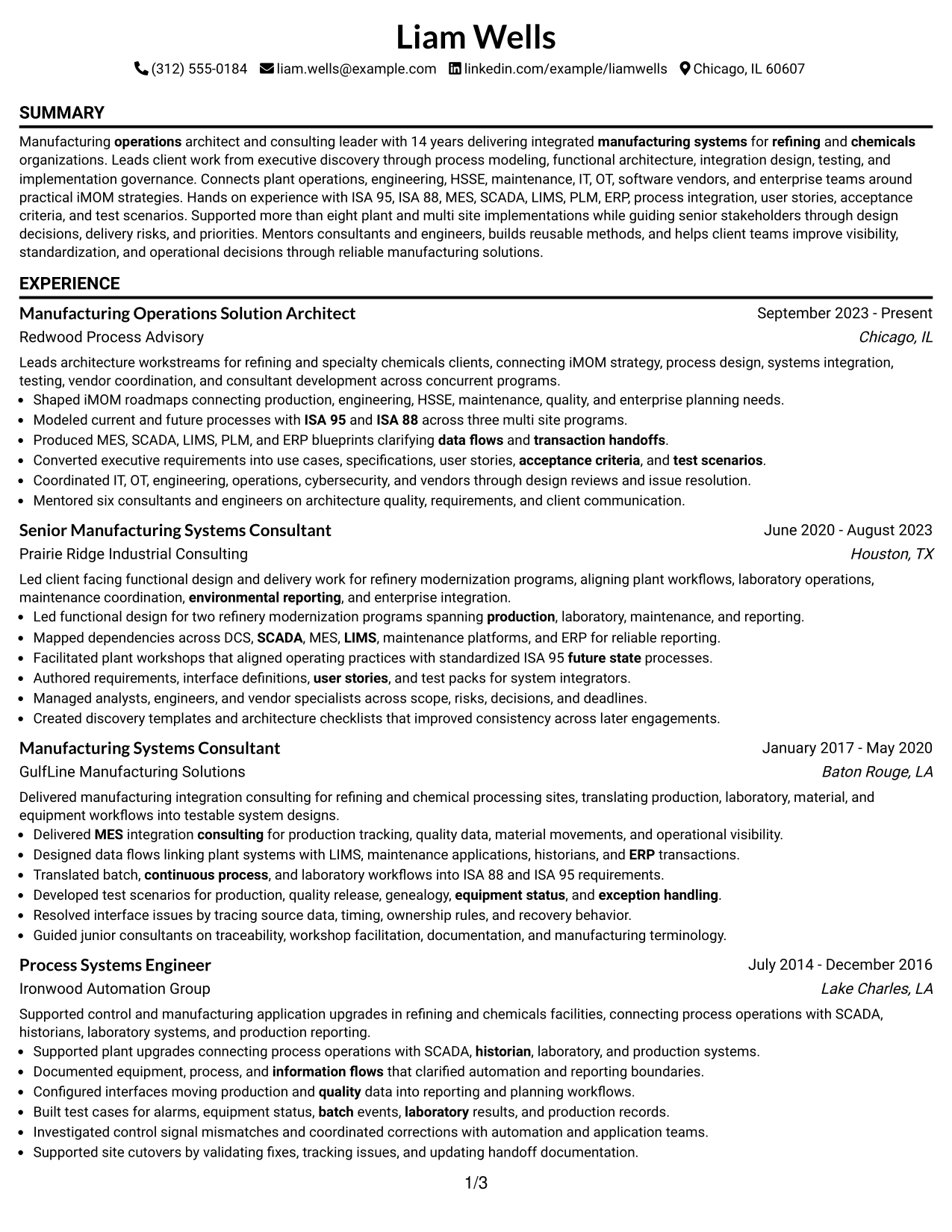
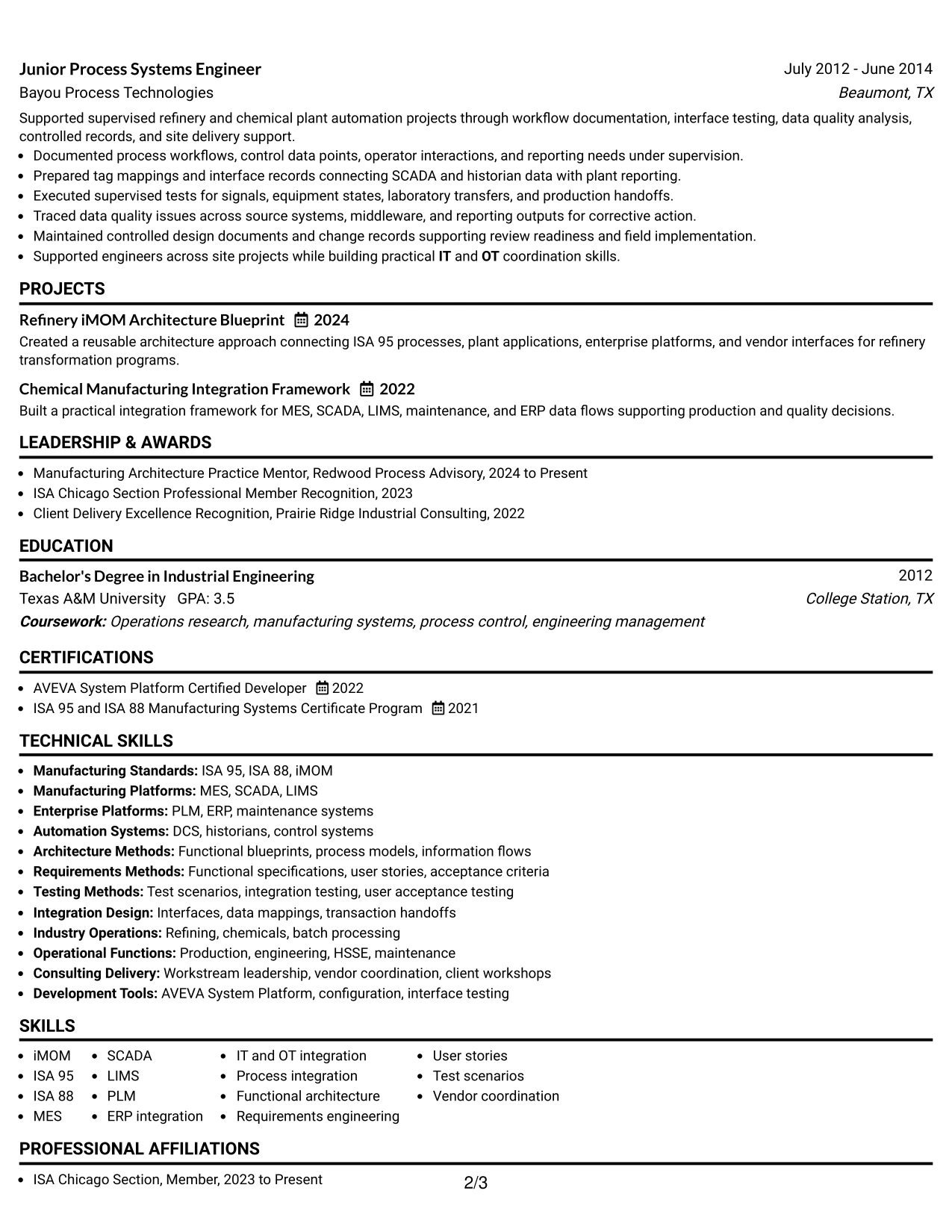
A recruiter can move from summary to experience, projects, certifications, and skills in one continuous reading path. This makes the Simple One Column Format effective when the resume needs to explain a long progression from Junior Process Systems Engineer through Manufacturing Operations Solution Architect.
The format gives enough vertical space for detailed accomplishment bullets about process modeling, integration blueprints, requirements, test scenarios, IT and OT coordination, and client workstream leadership. It also keeps ATS parsing straightforward because content follows a clear top-to-bottom order.
Why the Simple One Column Format Works for a Resume
- Creates a direct reading sequence for five roles across 14 years of experience.
- Gives detailed accomplishment bullets enough room without compressing technical language.
- Supports ATS parsing with a simple section order and limited visual complexity.
- Makes career progression easy to follow from engineering support to architecture leadership.
- Keeps projects, certifications, and technical skills visible after the experience section.
- Works well when evidence volume matters more than decorative presentation.
Best For
- Resumes with substantial experience that need a clear top-to-bottom narrative
- Applications where ATS readability is the first priority
- Candidates who need room for detailed implementation and integration bullets
- Career histories with several roles that should be read in sequence
- Documents that include projects, certifications, and technical skills after experience
- Senior manufacturing systems work that benefits from a traditional review flow
#3 Clean Two Column Sidebar Format Resume Example
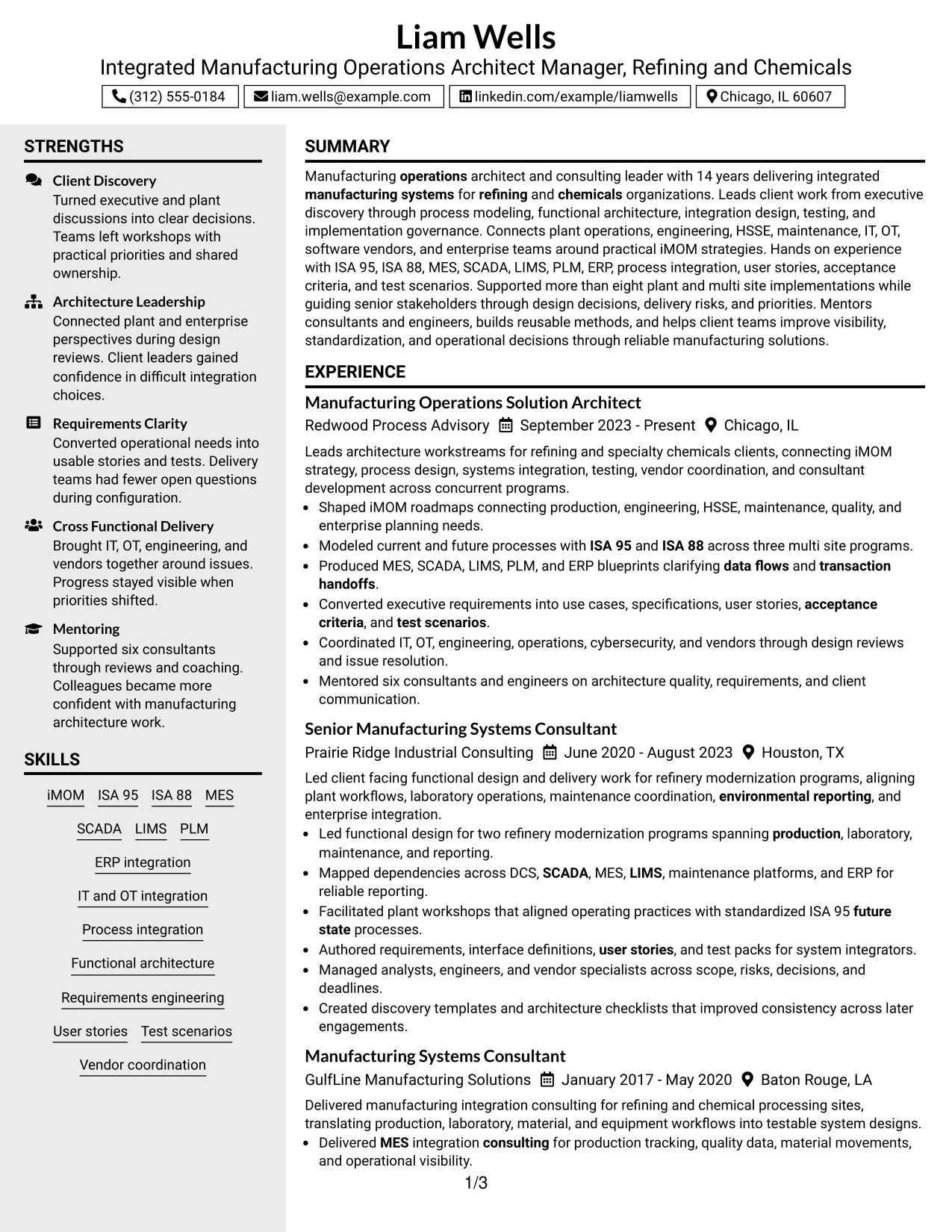
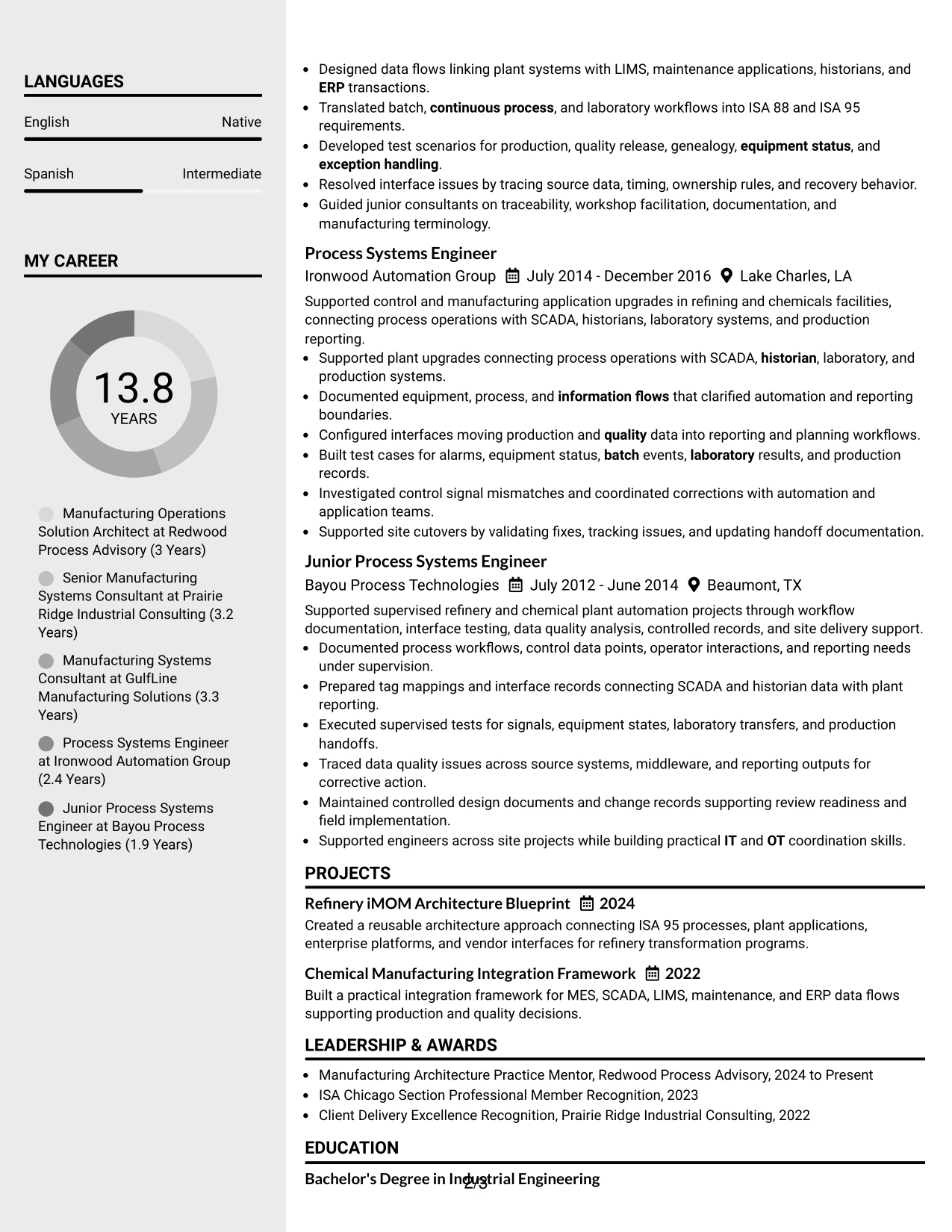
Architecture evidence receives first priority in this format, with the main column reserved for role progression, implementation scope, and accomplishment bullets. The sidebar can carry technical skills, certifications, education, languages, and concise supporting details without interrupting the experience story.
This approach is especially useful for a resume that must balance manufacturing standards with business delivery. It lets recruiters see iMOM roadmaps, ISA 95 and ISA 88 process models, MES and ERP blueprints, user stories, test scenarios, and workstream leadership as connected evidence rather than isolated keywords.
Why the Clean Two Column Sidebar Format Works for a Resume
- Prioritizes implementation and architecture evidence in the main content area.
- Uses the sidebar for certifications, education, languages, and technical skills.
- Separates detailed career achievements from quick-reference qualifications.
- Helps recruiters connect manufacturing standards with real project delivery.
- Supports dense technical content without making the page feel crowded.
- Creates a strong visual distinction between evidence and supporting credentials.
Best For
- Candidates with deep project evidence plus a broad technical skills list
- Resumes that need separate space for certifications and education
- Applications where architecture outcomes should dominate the first scan
- Career histories that combine consulting, engineering, and integration work
- Documents with strong supporting credentials that should remain easy to find
- Integrated Manufacturing Operations Architect Manager - Refining & Chemicals applications with substantial implementation evidence
#4 Two Column Format Resume Example
Content is balanced between a larger experience area and a smaller supporting column, so the resume can carry both senior delivery evidence and detailed technical qualifications. The main area can show architecture leadership and implementation history, while the second column organizes skills, projects, certifications, and education.
That balance is useful when a resume must prove both breadth and depth. Recruiters can review multi site process modeling, refinery modernization, plant integration, site cutovers, mentoring, and vendor coordination while still finding ISA 95, ISA 88, MES, SCADA, LIMS, PLM, ERP, DCS, and historian experience quickly.
Why the Two Column Format Works for a Resume
- Balances long-form experience with concise technical reference content.
- Keeps five roles readable while preserving room for projects and certifications.
- Shows senior consulting scope without hiding hands-on systems experience.
- Supports quick access to manufacturing standards and platform knowledge.
- Separates career evidence from supporting details without breaking the resume flow.
- Helps reviewers compare leadership scope with technical delivery depth.
- Provides a practical structure for a complex refining and chemicals background.
Best For
- Applications that require both detailed experience and fast skills scanning
- Resumes with multiple projects, certifications, and technical categories
- Candidates balancing consulting leadership with hands-on manufacturing systems work
- Documents where a compact second column can reduce overall page length
- Roles requiring both enterprise and plant systems context
- Recruiter reviews that benefit from quick access to tools beside experience
- Career histories with enough evidence to justify a balanced two-column structure
#5 Photo Header Two Column Format Resume Example
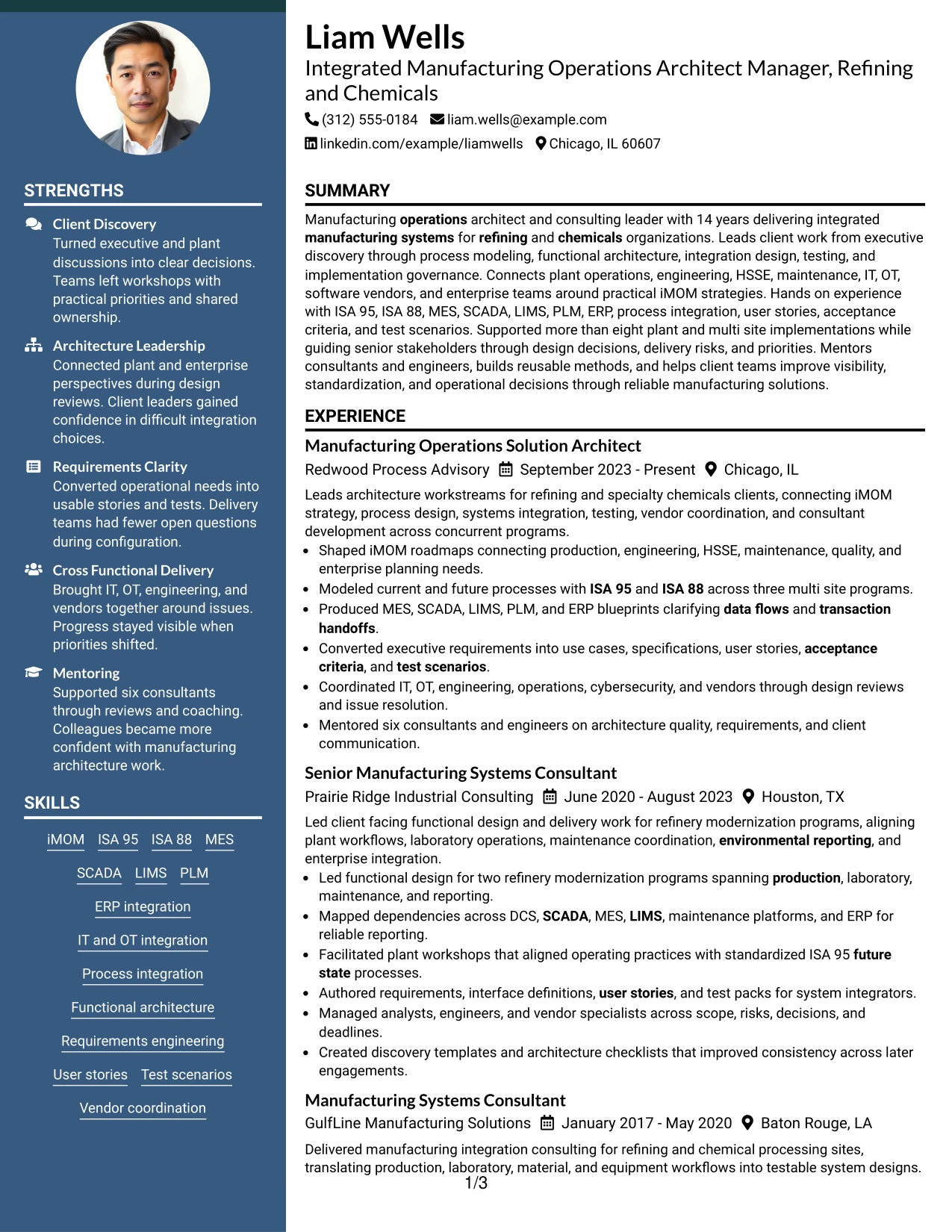
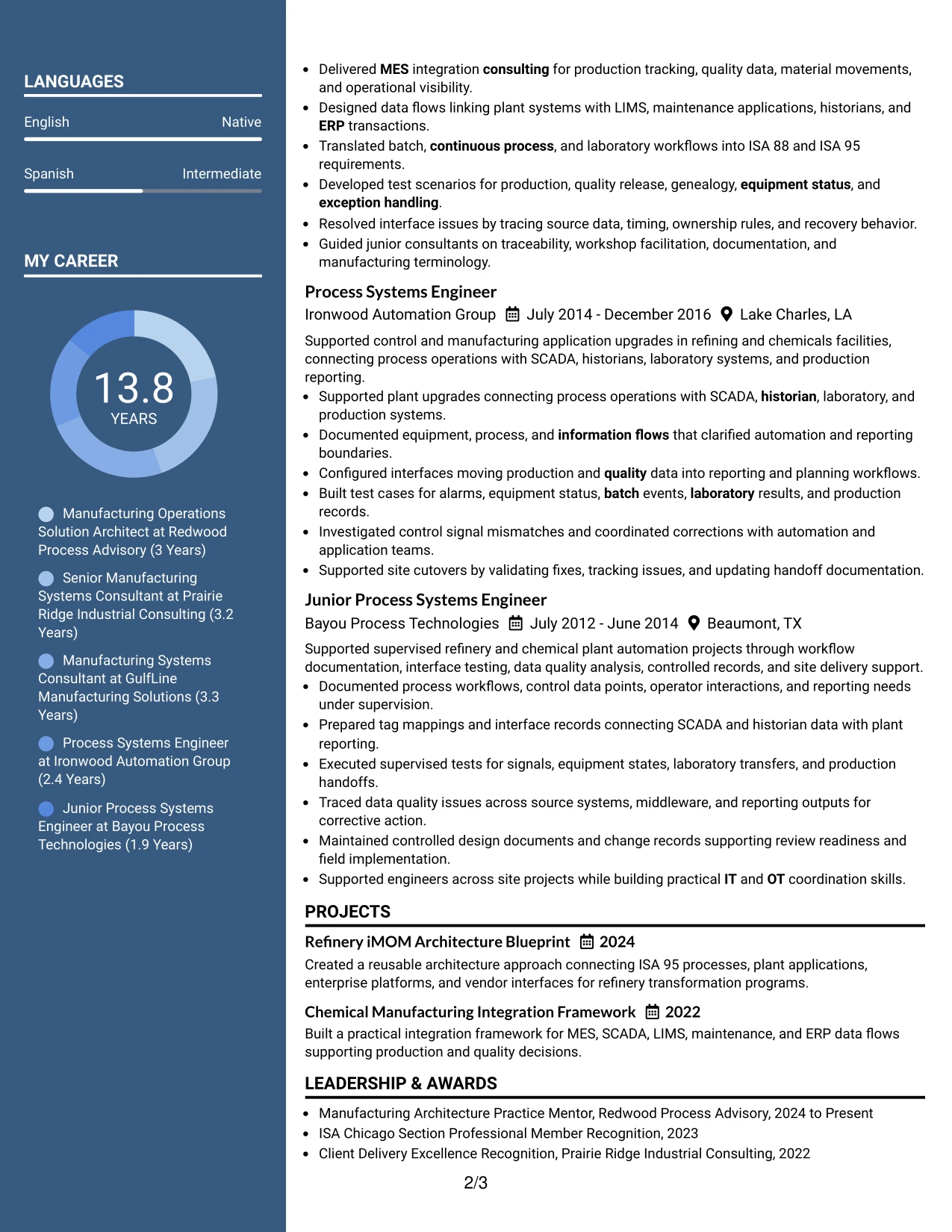
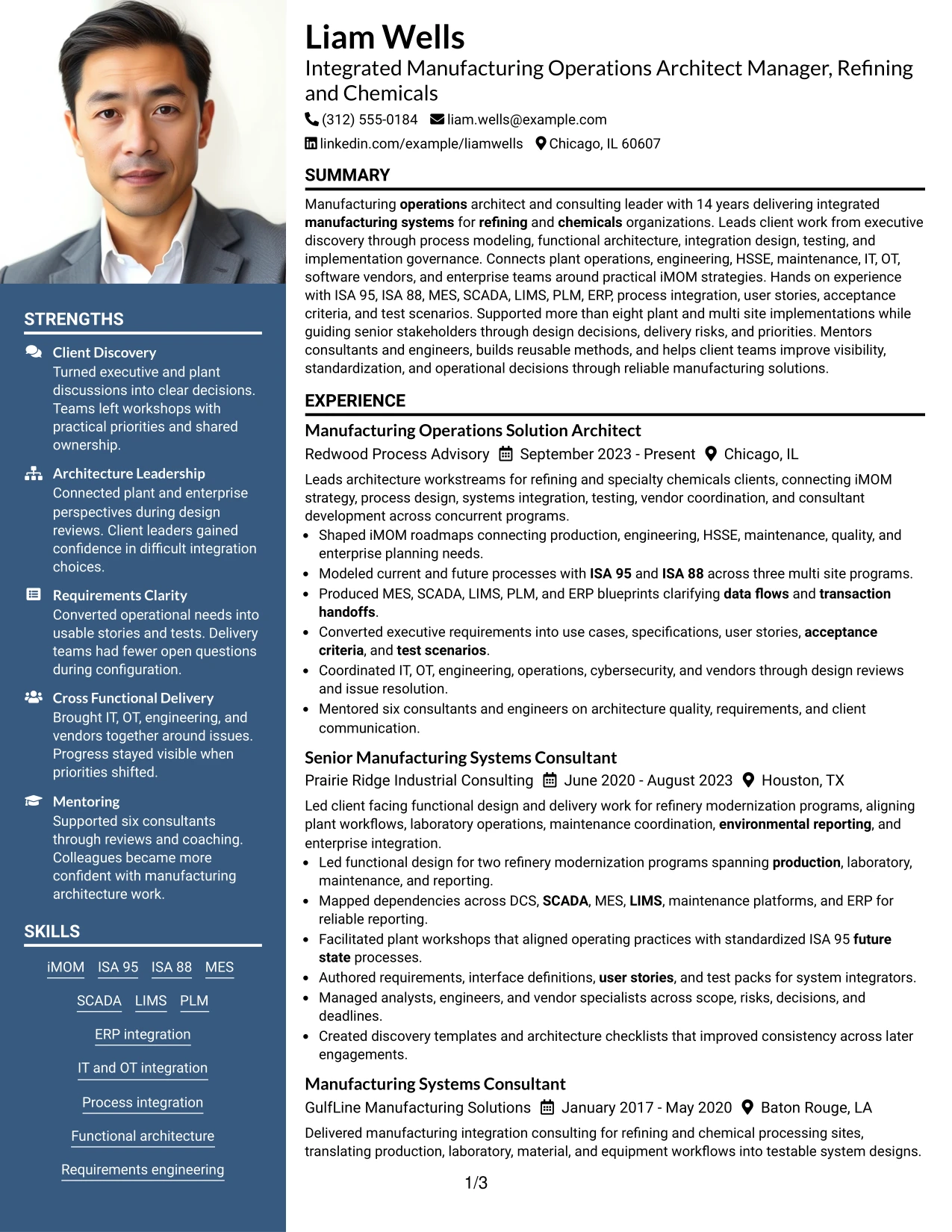
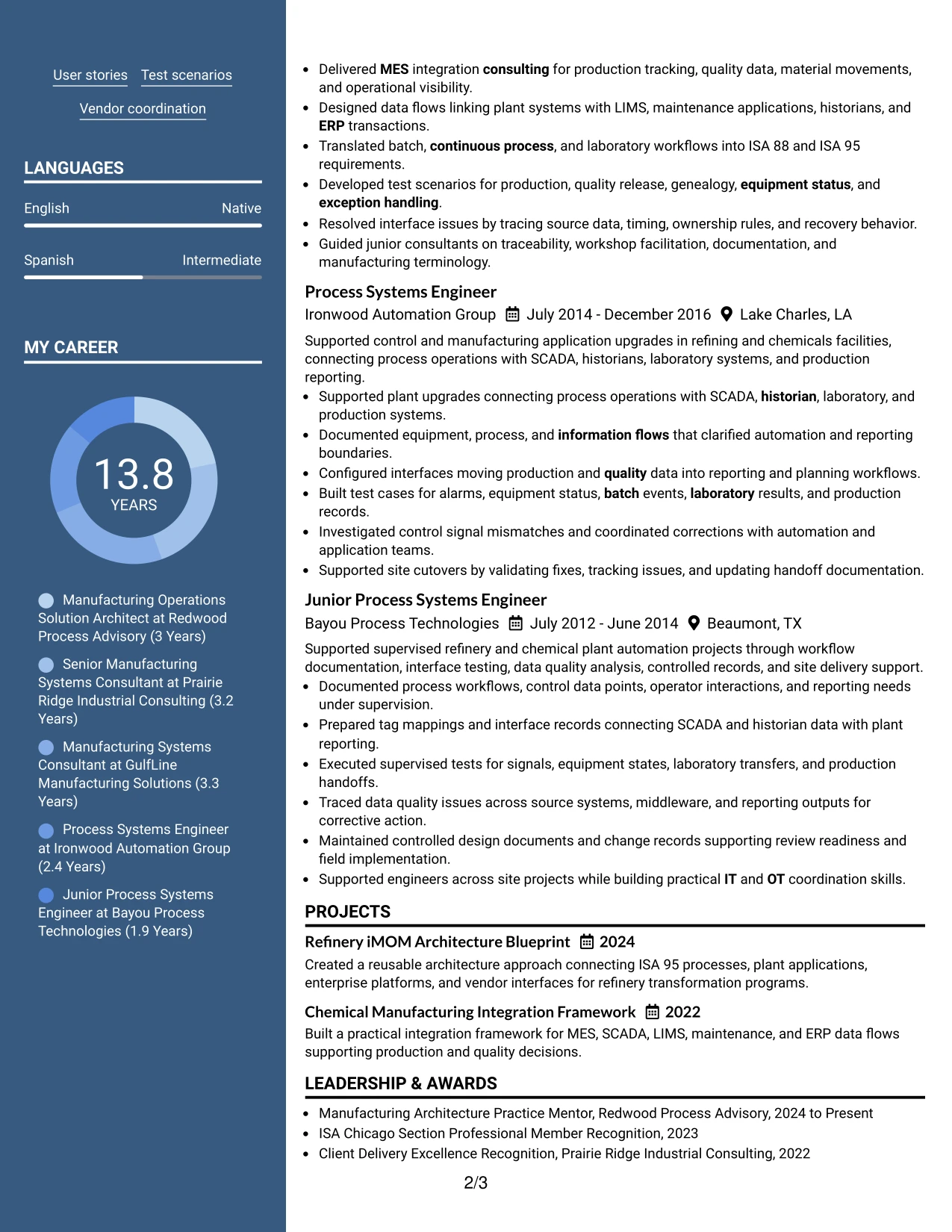
For applications where a photo-based resume is appropriate, this format combines a visible identity area with two-column organization. The main resume content can still lead with architecture leadership, implementation history, and client delivery, while the secondary column organizes skills, certifications, education, and projects.
The format should keep the photo from competing with evidence. The strongest content remains the record of iMOM strategy, ISA 95 and ISA 88 process design, MES and ERP integration, requirements, testing, vendor coordination, and more than eight plant and multi site implementations.
Why the Photo Header Two Column Format Works for a Resume
- Combines a personal identity area with structured technical and career sections.
- Preserves a strong experience column for architecture and implementation evidence.
- Uses the secondary column for concise qualifications and credentials.
- Can support international or regional application contexts where photos are customary.
- Keeps technical keywords accessible without replacing accomplishment-based bullets.
- Works best when visual elements remain secondary to manufacturing systems evidence.
- Provides room for projects and certifications alongside a long career history.
Best For
- Application contexts where a resume photo is customary or specifically requested
- Candidates who want a visible identity area without losing structured experience content
- Resumes that need separate space for technical skills and certifications
- Documents with enough evidence to support a full two-column presentation
- International submissions where a photo-based format is accepted
- Manufacturing architecture careers that still need strong accomplishment emphasis
#6 Colored Two Column Format Resume Example
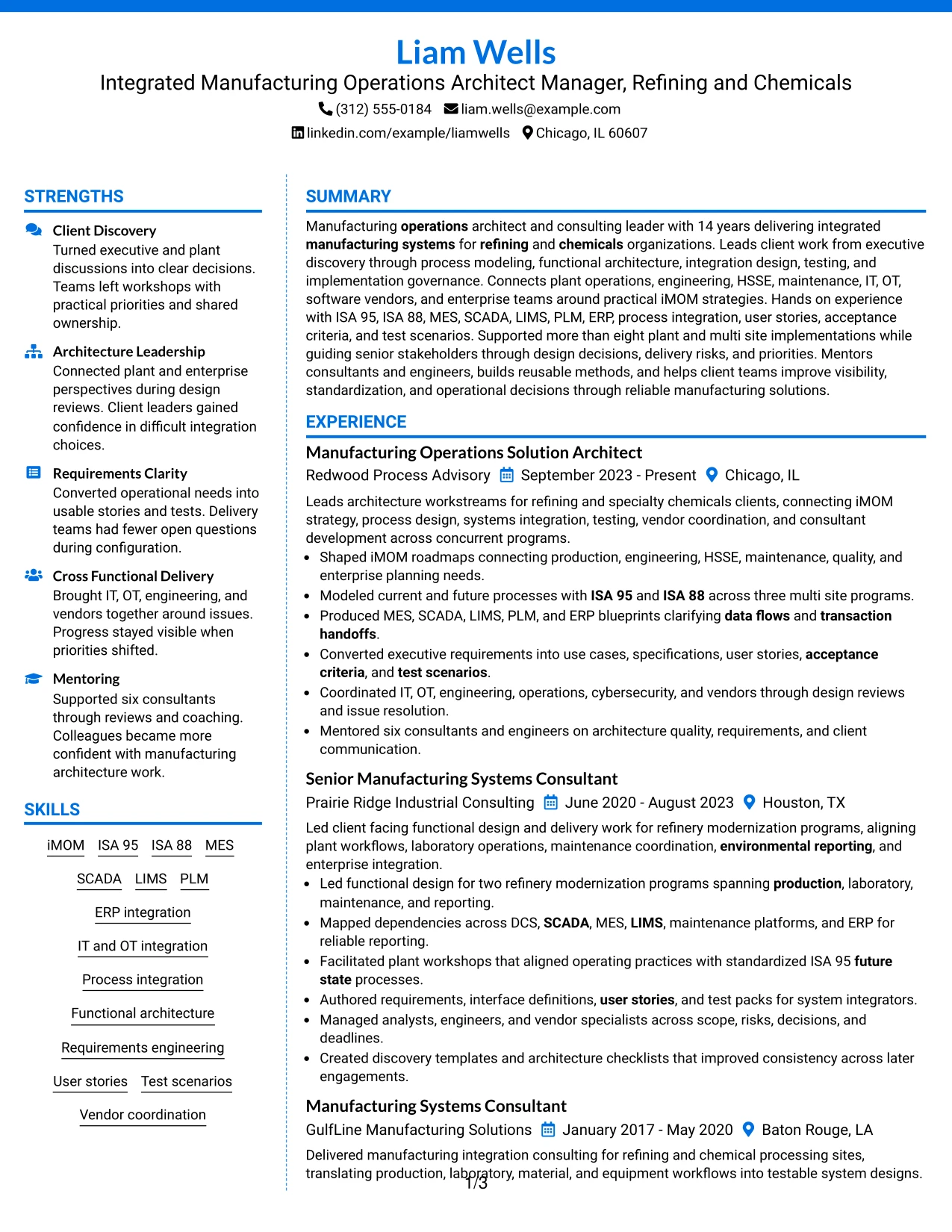
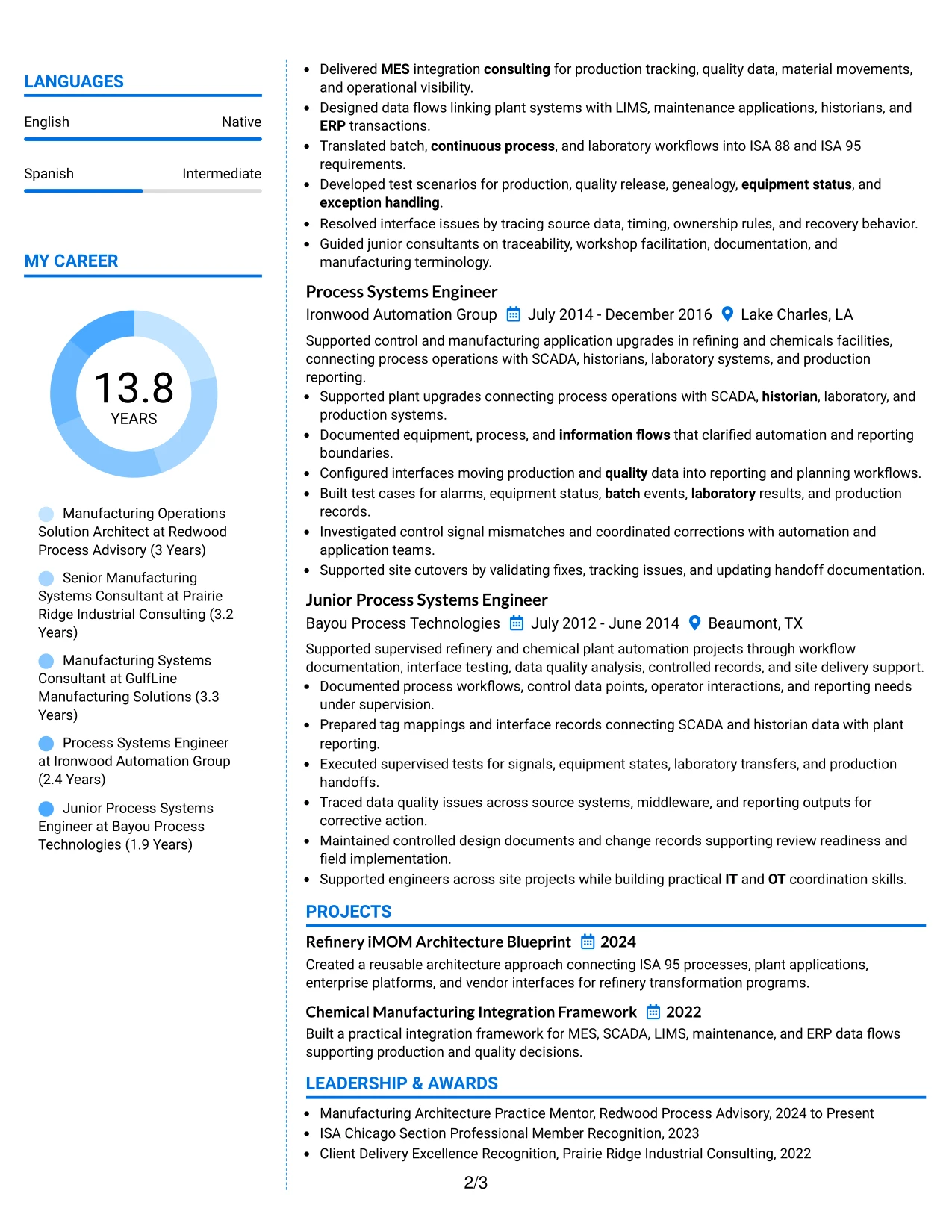
A restrained color treatment can create a clear hierarchy without weakening professional credibility. In this Colored Two Column Format, senior architecture achievements can stay in the main content area while skills, certifications, projects, and education sit in a visually distinct secondary column.
The structure suits a manufacturing systems resume because it separates quick-reference qualifications from deeper project evidence. Recruiters can move from workstream leadership and functional blueprints to iMOM, ISA 95, ISA 88, MES, SCADA, LIMS, PLM, ERP integration, and vendor coordination without losing context.
Why the Colored Two Column Format Works for a Resume
- Uses restrained visual contrast to make section boundaries easier to scan.
- Separates supporting qualifications from detailed experience evidence.
- Keeps senior client and workstream leadership visible in the main column.
- Provides a compact home for standards, platforms, certifications, and education.
- Supports a modern presentation without reducing ATS-relevant text content.
- Helps organize a broad mix of consulting, engineering, and integration evidence.
Best For
- Professionals who want stronger section separation without a highly decorative design
- Resumes combining leadership evidence with a long technical skills list
- Applications where quick navigation through complex qualifications matters
- Candidates with certifications and projects that deserve distinct placement
- Documents that need modern visual hierarchy while keeping content professional
- Integrated Manufacturing Operations Architect Manager - Refining & Chemicals resumes with broad systems coverage
#7 Stylish Two Column Designer Format Resume Example
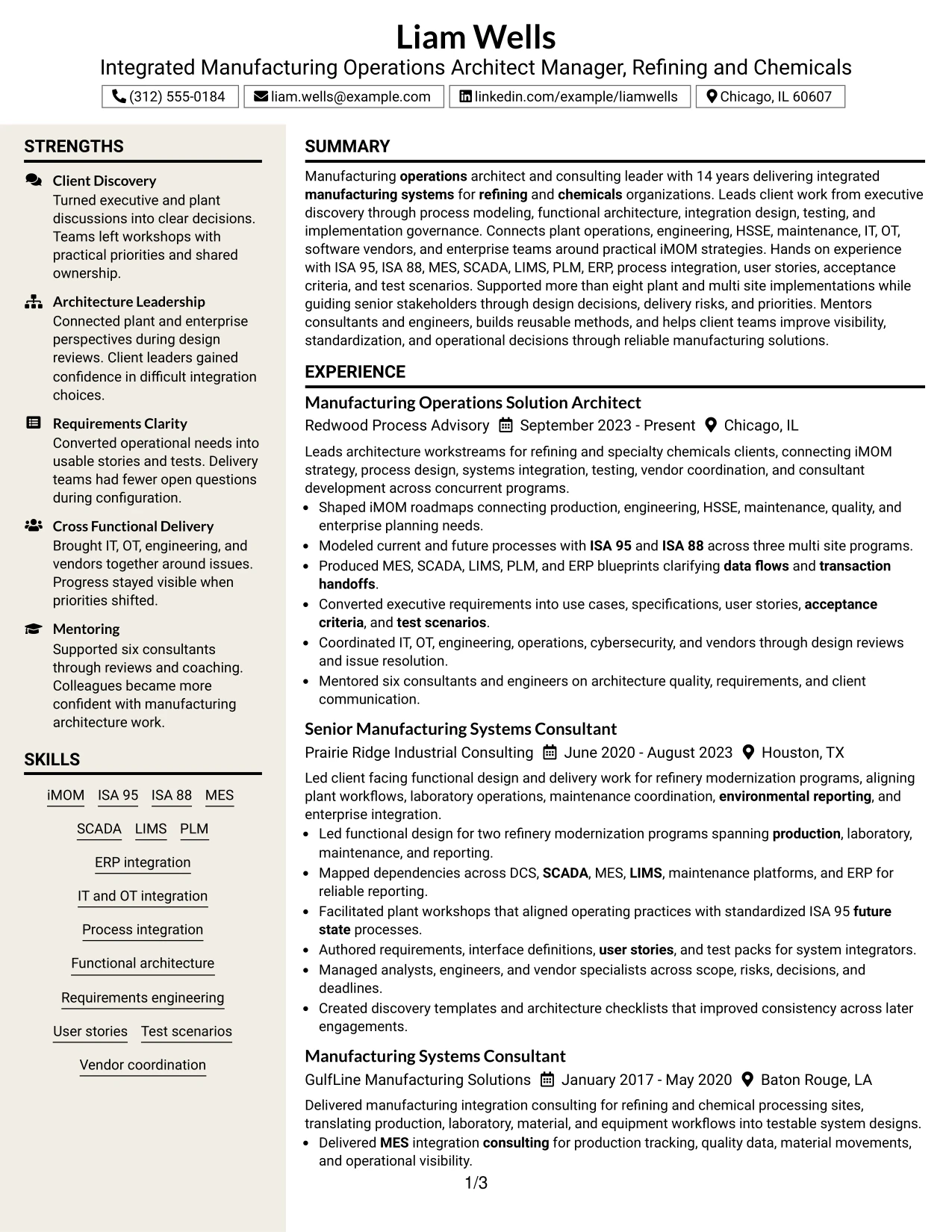
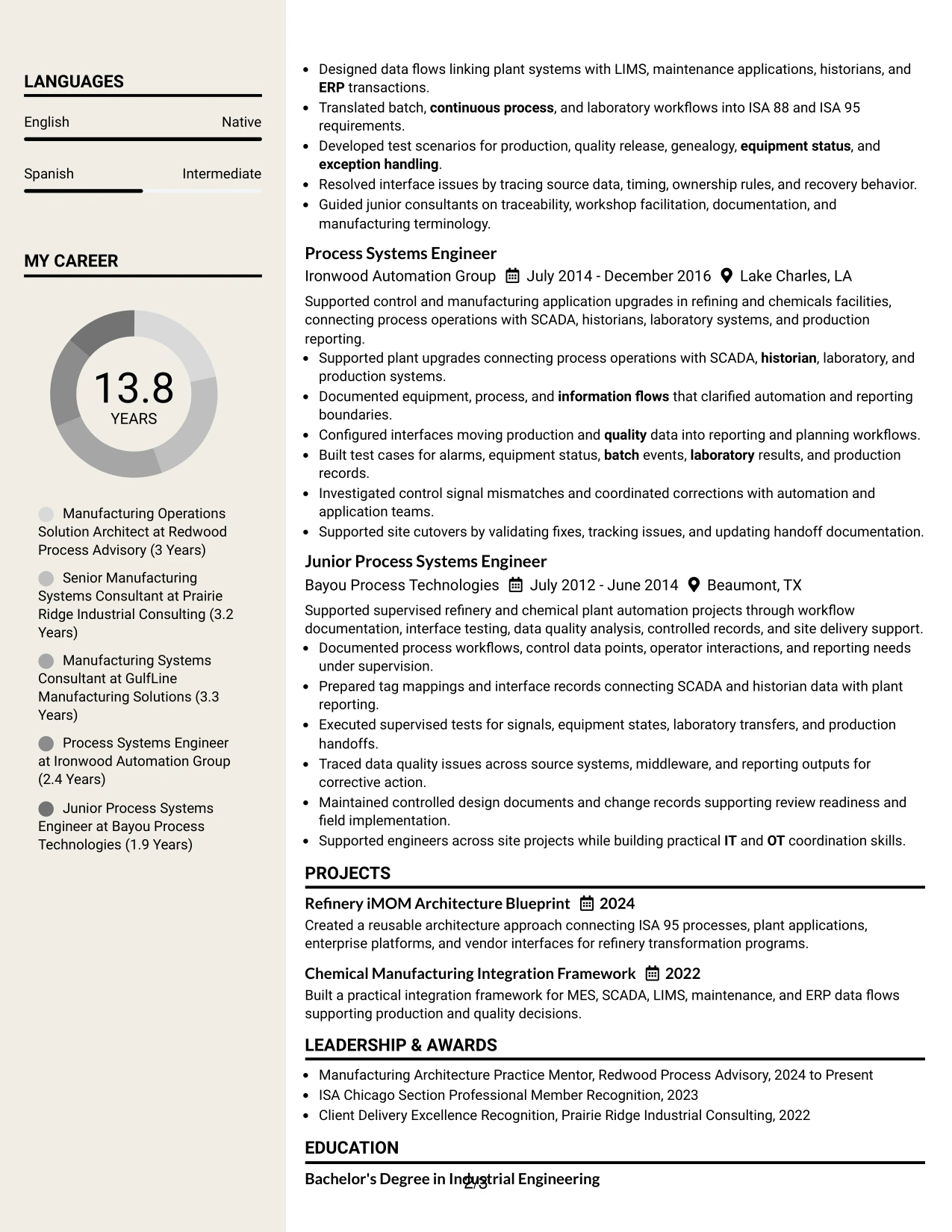
The Stylish Two Column Designer Format uses stronger visual organization to separate the career narrative from supporting qualifications. Experience and project outcomes can occupy the dominant area, while the second column presents standards, systems, certifications, languages, and education in compact groups.
Used carefully, the format helps a complex resume stay readable without turning presentation into the main event. The evidence should still lead with refining and chemicals implementation scope, architecture decisions, process integration, testing, IT and OT coordination, client leadership, and mentoring.
Why the Stylish Two Column Designer Format Works for a Resume
- Creates strong section separation for a large amount of resume content.
- Supports quick scanning of standards, systems, certifications, and education.
- Leaves the main column available for detailed accomplishment bullets.
- Can make a long career easier to navigate when spacing is controlled.
- Provides visual structure for projects and supporting qualifications.
- Maintains emphasis on evidence when design elements remain restrained.
- Works well for candidates with both technical breadth and leadership depth.
Best For
- Resumes that need strong visual navigation across many content categories
- Candidates with long experience sections plus projects and credentials
- Applications where polished presentation is useful but evidence must remain primary
- Documents with enough content to benefit from clear sectional grouping
- Professionals who want a modern two-column structure for recruiter scanning
- Career histories that combine engineering foundations with consulting leadership
#8 Modern Icon Format Resume Example
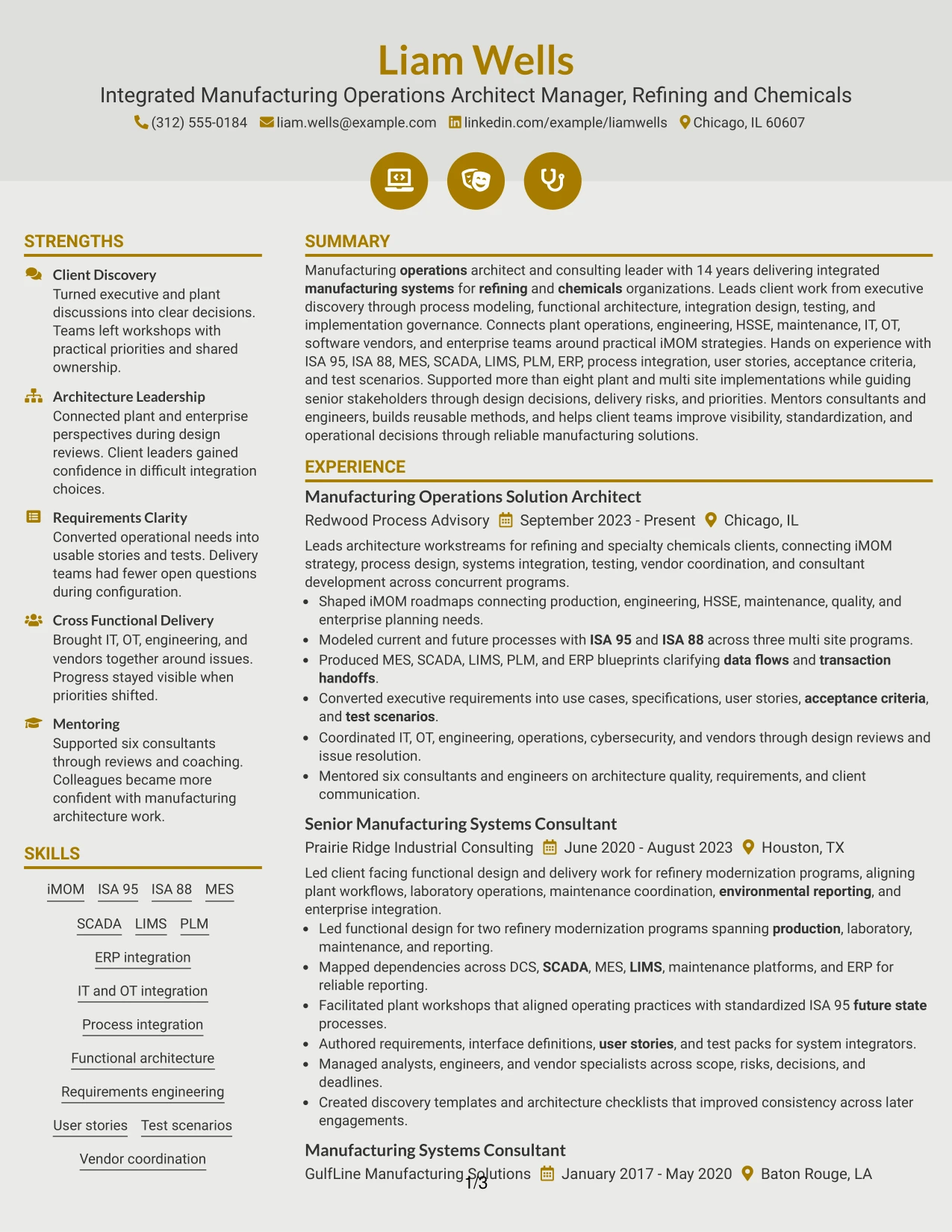
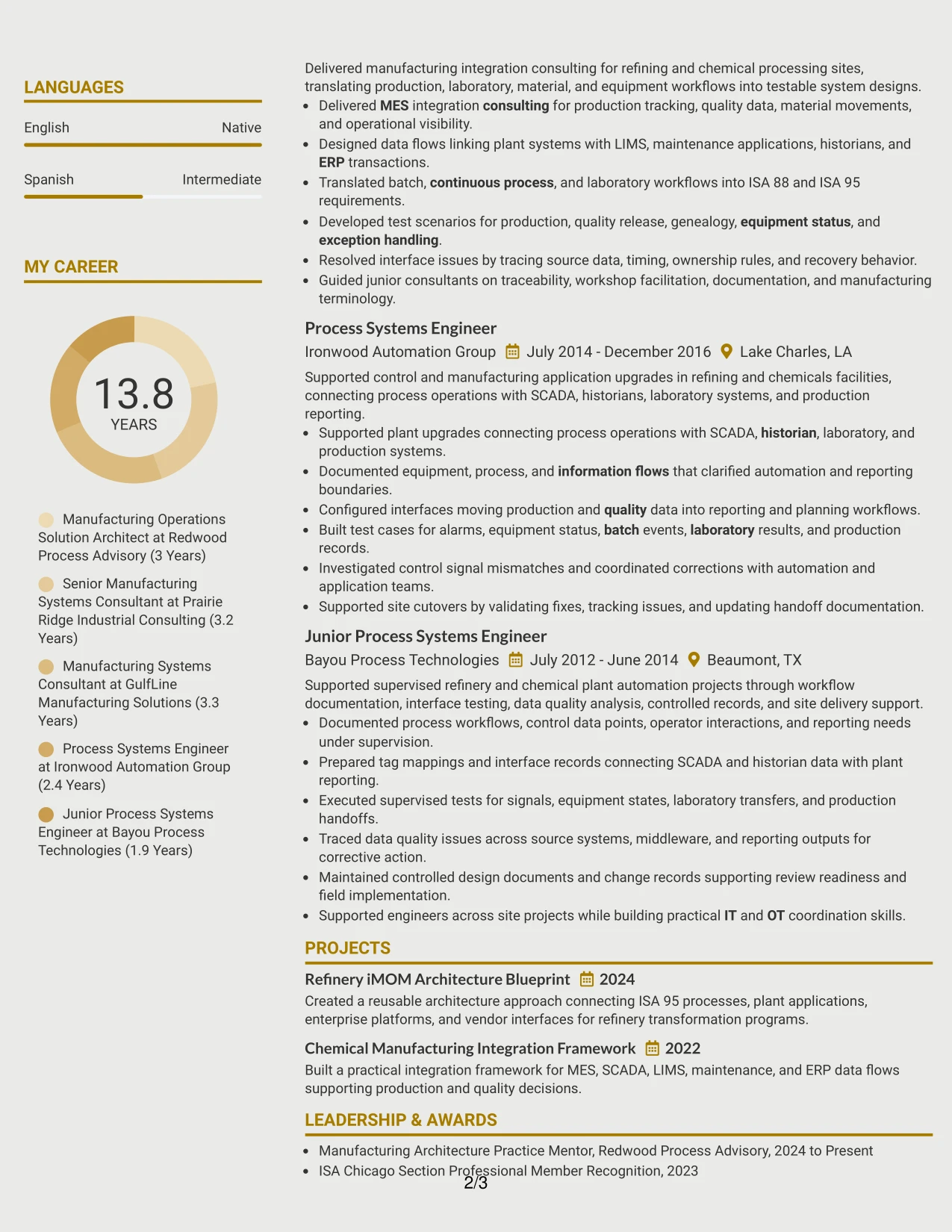
A recruiter can follow this resume through one primary content path, using simple icons only as navigation cues between sections. The Modern Icon Format works best when the visual markers support, rather than replace, clear headings for summary, experience, projects, certifications, education, and skills.
The one-column structure gives substantial space to accomplishment bullets such as leading refinery modernization work, producing MES, SCADA, LIMS, PLM, and ERP blueprints, converting executive requirements into user stories and test scenarios, and mentoring six consultants and engineers.
Why the Modern Icon Format Works for a Resume
- Maintains a single reading path while adding light visual navigation.
- Gives detailed experience bullets enough width for technical context.
- Supports clear grouping of projects, certifications, education, and skills.
- Works well for resumes with substantial evidence and several career stages.
- Helps reviewers distinguish sections quickly without relying on dense sidebars.
- Preserves ATS-relevant text when icons are only secondary visual cues.
- Provides room for measurable scope such as three multi site programs and six mentees.
Best For
- One-column resumes that need a little more visual navigation
- Candidates with detailed accomplishment bullets that need full line width
- Documents with multiple supporting sections after experience
- Applications where readability matters more than compact page density
- Resumes that benefit from simple section markers without complex graphics
- Professionals with long career progression and substantial technical evidence
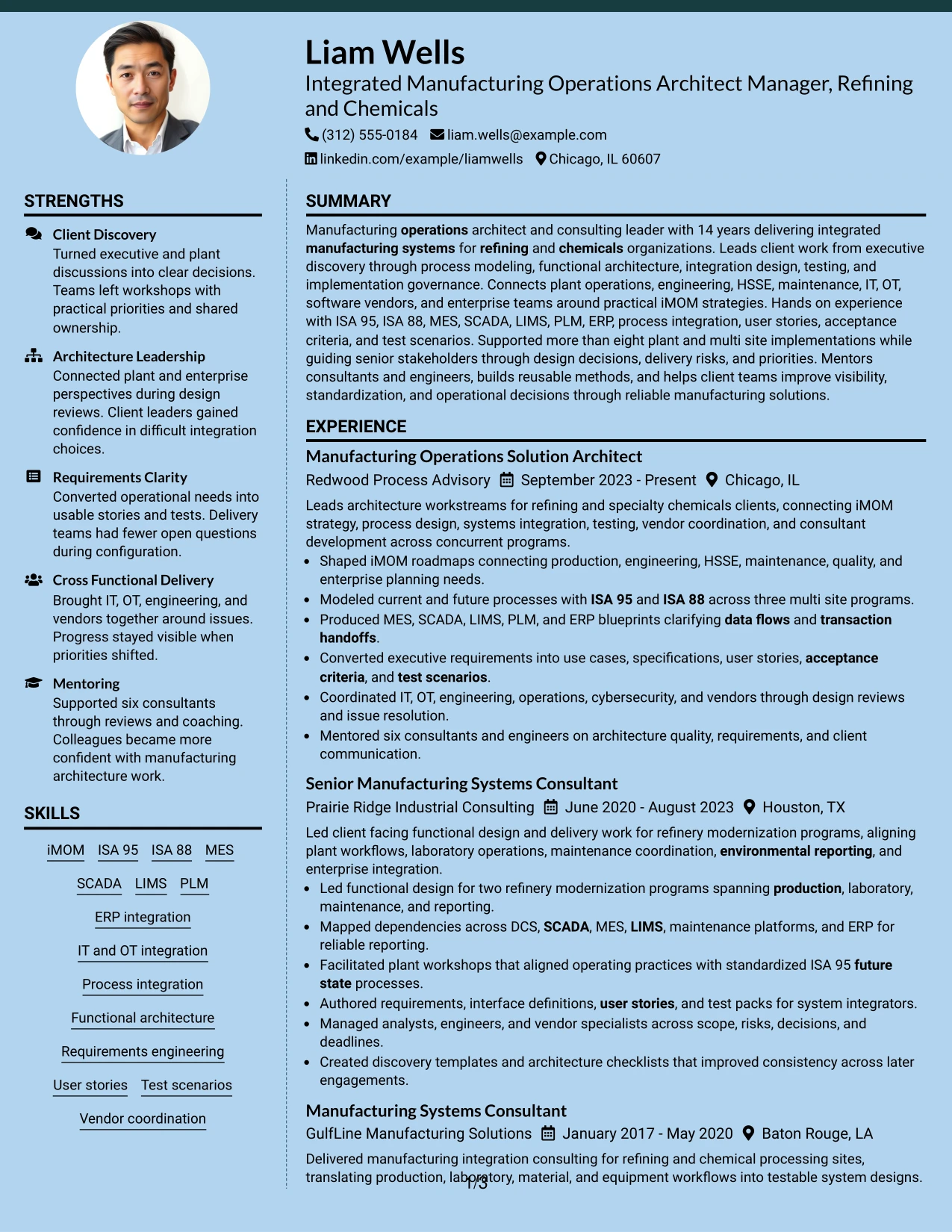
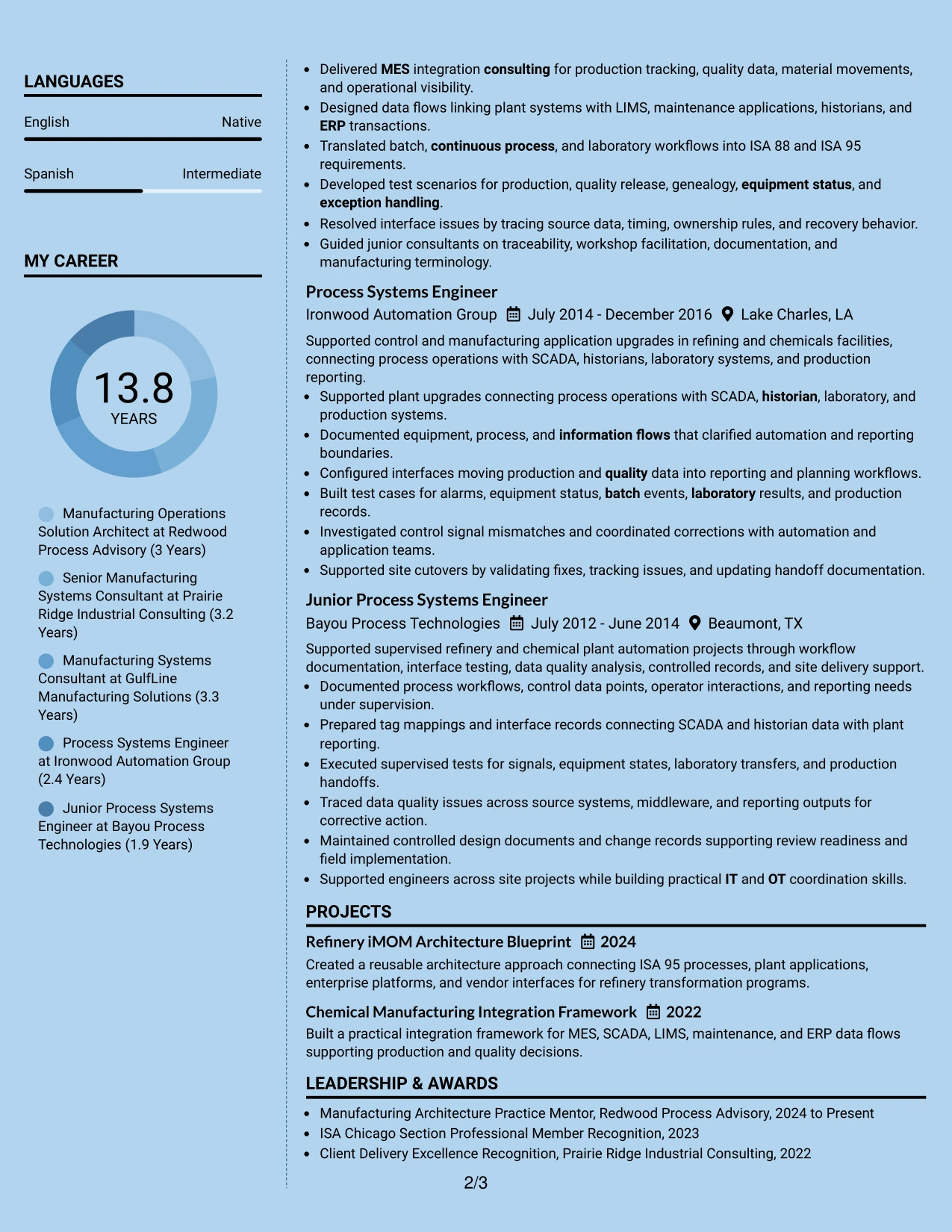
#9 Modern Full Background Two Column Format Resume Example
Implementation evidence takes priority, with the main column carrying the strongest examples of architecture, process integration, testing, and delivery leadership. A second column can hold technical skills, certifications, projects, education, and languages so those qualifications remain visible without interrupting the career narrative.
The full-background treatment should remain restrained enough for professional use. Its value comes from organizing evidence such as iMOM roadmaps, ISA 95 and ISA 88 process models, plant-to-enterprise data flows, refinery modernization, site cutovers, vendor coordination, and mentoring into a clear review path.
Why the Modern Full Background Two Column Format Works for a Resume
- Prioritizes substantial architecture and implementation evidence.
- Separates technical reference content from the main career story.
- Supports long experience while keeping projects and credentials accessible.
- Can create strong section contrast when background treatment is restrained.
- Helps reviewers connect plant-level work with enterprise integration scope.
- Provides room for both consulting leadership and earlier engineering evidence.
- Works well when the resume contains many systems, standards, and delivery methods.
Best For
- Candidates whose strongest advantage is deep implementation evidence
- Resumes with many technical categories that need a separate reference area
- Applications where plant and enterprise integration scope should be easy to compare
- Documents with long experience sections and multiple supporting credentials
- Professionals who want stronger visual contrast while keeping content structured
- Career histories that span engineering execution, consulting, and architecture leadership
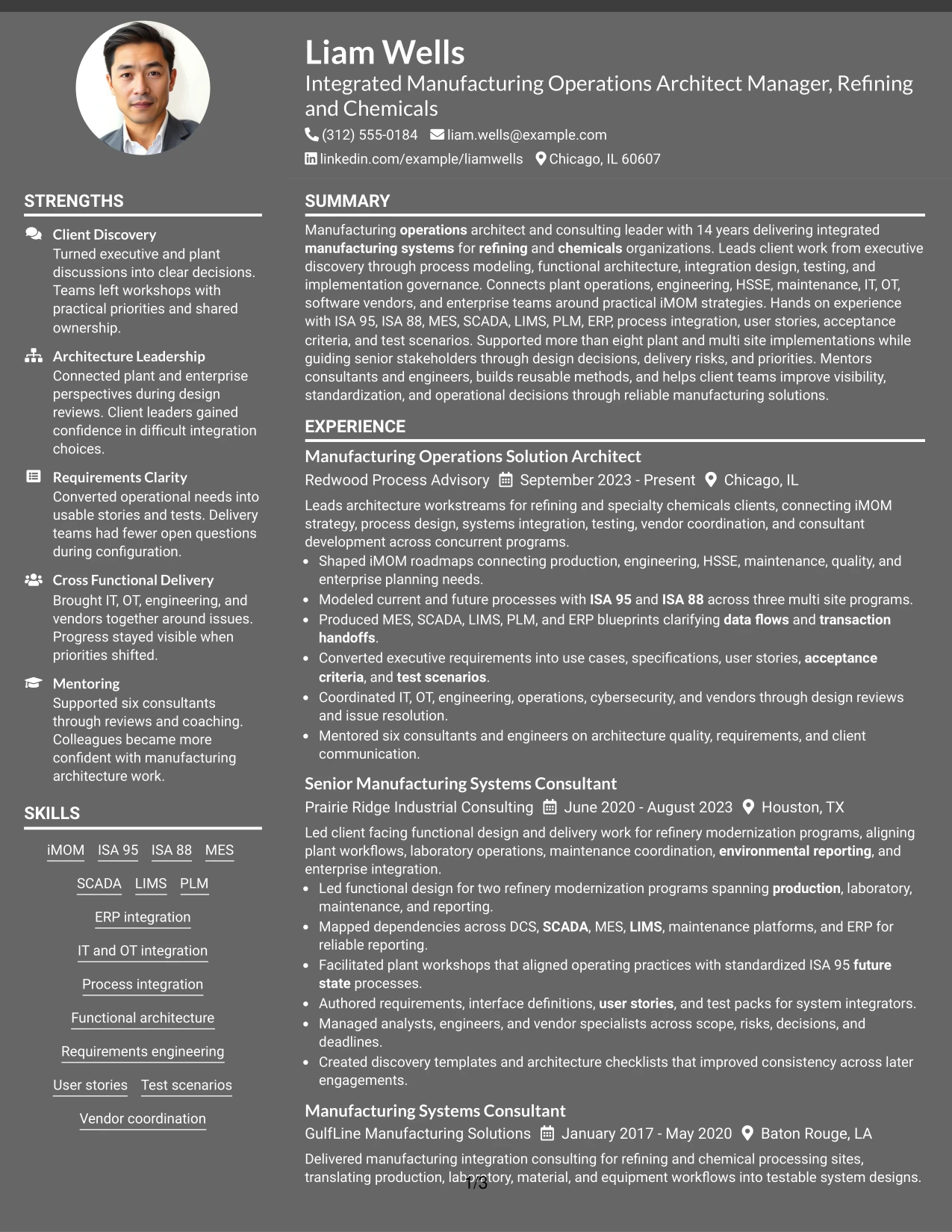
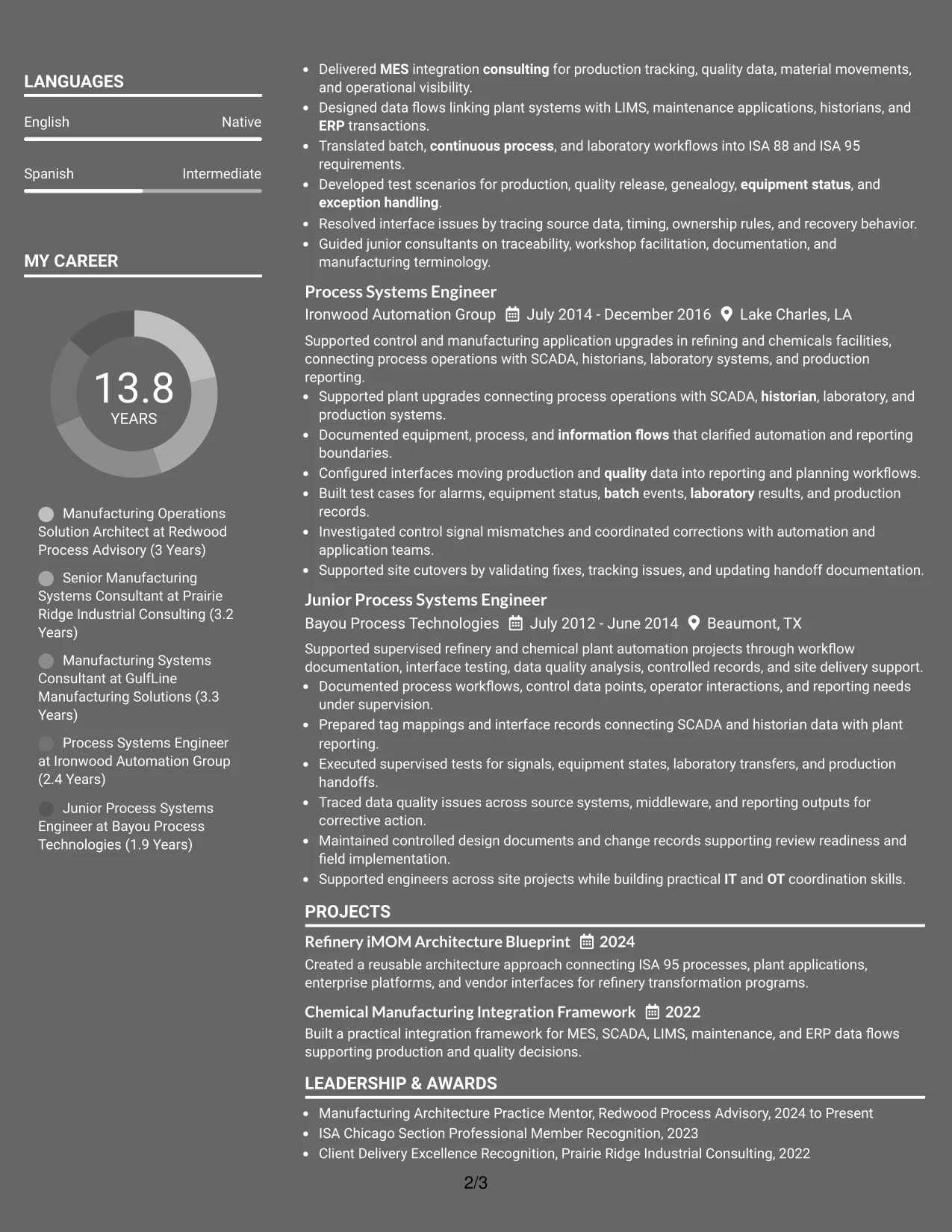
#10 Dark Mode Two Column Format Resume Example
Space is divided between a detailed experience column and a compact qualifications column, giving Liam Wells room to show a long manufacturing systems career without losing quick access to technical depth. The dark visual treatment can add contrast, but the content still needs strong hierarchy and readable text.
The strongest version keeps architecture evidence first: iMOM strategy, ISA 95 and ISA 88 process models, MES and ERP integration, requirements, user stories, test scenarios, IT and OT coordination, vendor management, and mentoring. Projects and certifications can then reinforce the same story.
Why the Dark Mode Two Column Format Works for a Resume
- Balances a long experience history with compact supporting qualifications.
- Uses strong visual contrast to separate major resume sections.
- Provides a dedicated area for technical platforms, standards, and certifications.
- Leaves enough space for detailed architecture and implementation bullets.
- Can help a dense resume feel more organized when typography remains readable.
- Supports side-by-side comparison of leadership evidence and technical depth.
- Works best when content hierarchy stays stronger than the decorative treatment.
Best For
- Applications where a distinctive but professional visual treatment is acceptable
- Resumes with long experience plus compact skills and certification sections
- Candidates who want strong visual separation between evidence and qualifications
- Documents that need to present technical depth beside leadership scope
- Digital-first resume reviews where contrast and section hierarchy matter
- Manufacturing systems careers with enough content to justify a two-column structure
#11 Dark Mode Box Header Format Resume Example
For a digital-first application that allows a stronger visual identity, the Dark Mode Box Header Format gives the opening summary and contact area clear separation from the rest of the document. The one-column body then keeps experience, projects, certifications, education, and skills in a straightforward reading order.
This format is most effective when the header stays concise and the body does the real selling. The resume can then prove senior scope through more than eight implementations, three multi site process-modeling programs, refinery modernization work, functional blueprints, test scenarios, vendor coordination, and mentoring of six consultants and engineers.
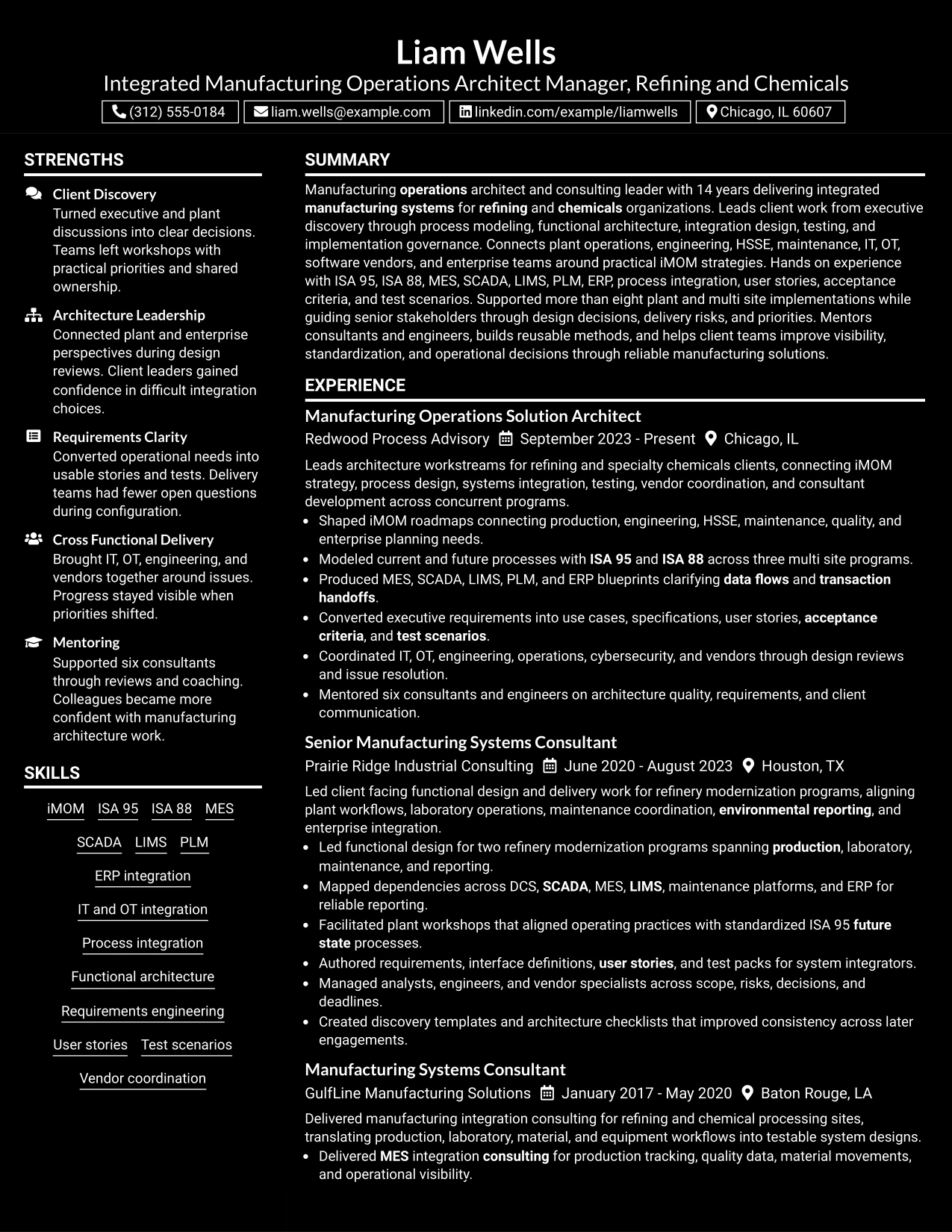
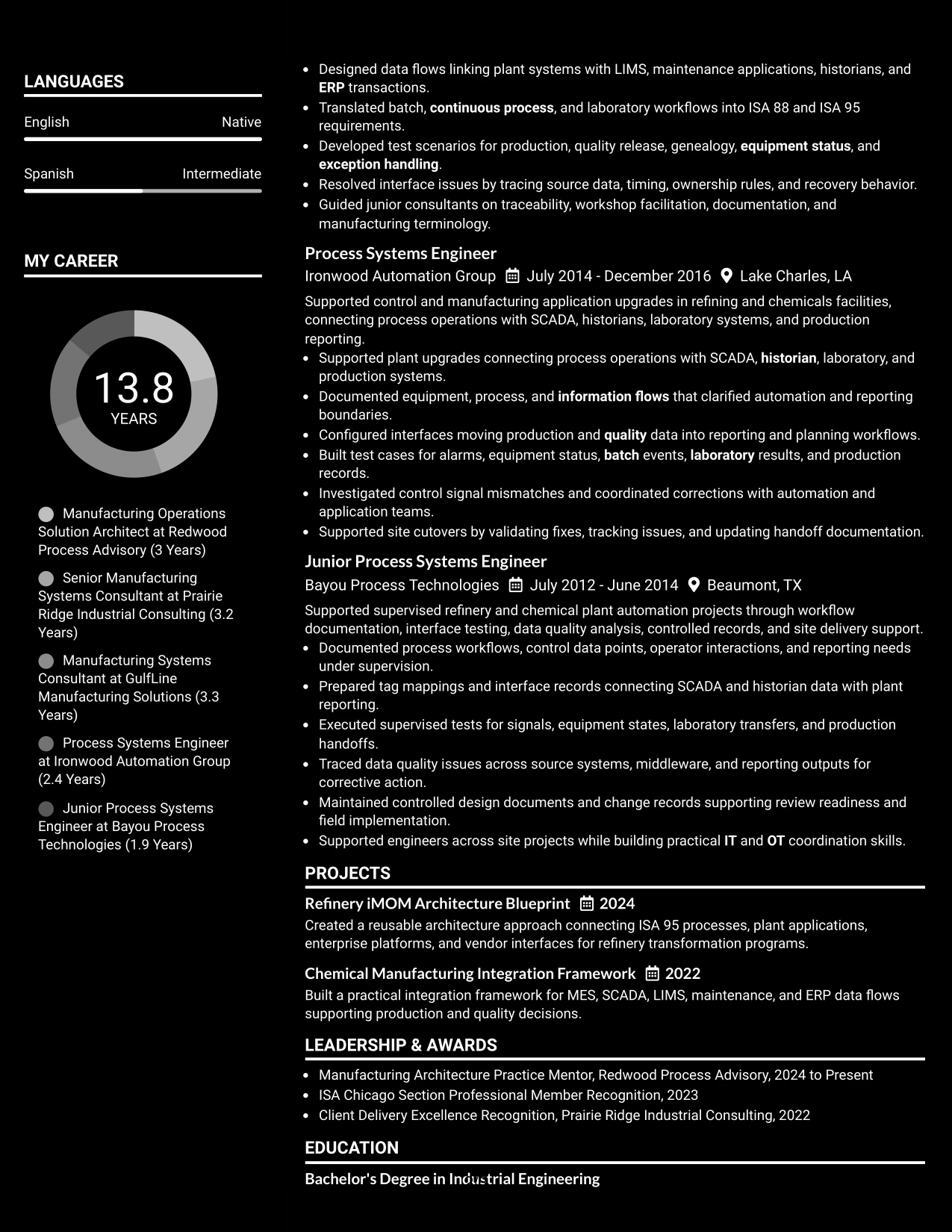
Why the Dark Mode Box Header Format Works for a Resume
- Creates a clear opening identity area without disrupting the main reading path.
- Keeps the body in a simple one-column sequence for recruiter scanning.
- Provides full width for detailed accomplishment bullets and technical context.
- Works well when the resume includes several supporting sections after experience.
- Uses visual contrast to separate the header from evidence-heavy body content.
- Supports ATS-friendly text structure when decorative elements stay secondary.
- Gives measurable implementation scope enough space to remain specific and readable.
Best For
- Digital-first applications where a stronger header treatment is acceptable
- One-column resumes with detailed experience and several supporting sections
- Candidates who want a distinct opening area while keeping body content conventional
- Documents where accomplishment bullets need full page width
- Applications that benefit from clear separation between identity and career evidence
- Senior professional resumes with substantial implementation scope and technical detail
#12 Elegant Full Background Two Column Format Resume Example
A restrained full-background treatment gives the resume a polished visual frame while the two-column structure keeps detailed career evidence easy to separate from supporting qualifications. The main column can lead with manufacturing architecture, implementation, and consulting achievements, while the second column carries skills, certifications, projects, education, and languages.
For this role, the visual treatment works only if the evidence remains stronger than the design. The resume should keep iMOM strategy, ISA 95 and ISA 88 process modeling, MES and ERP integration, workstream leadership, testing, vendor coordination, and more than eight plant and multi site implementations easy to find.
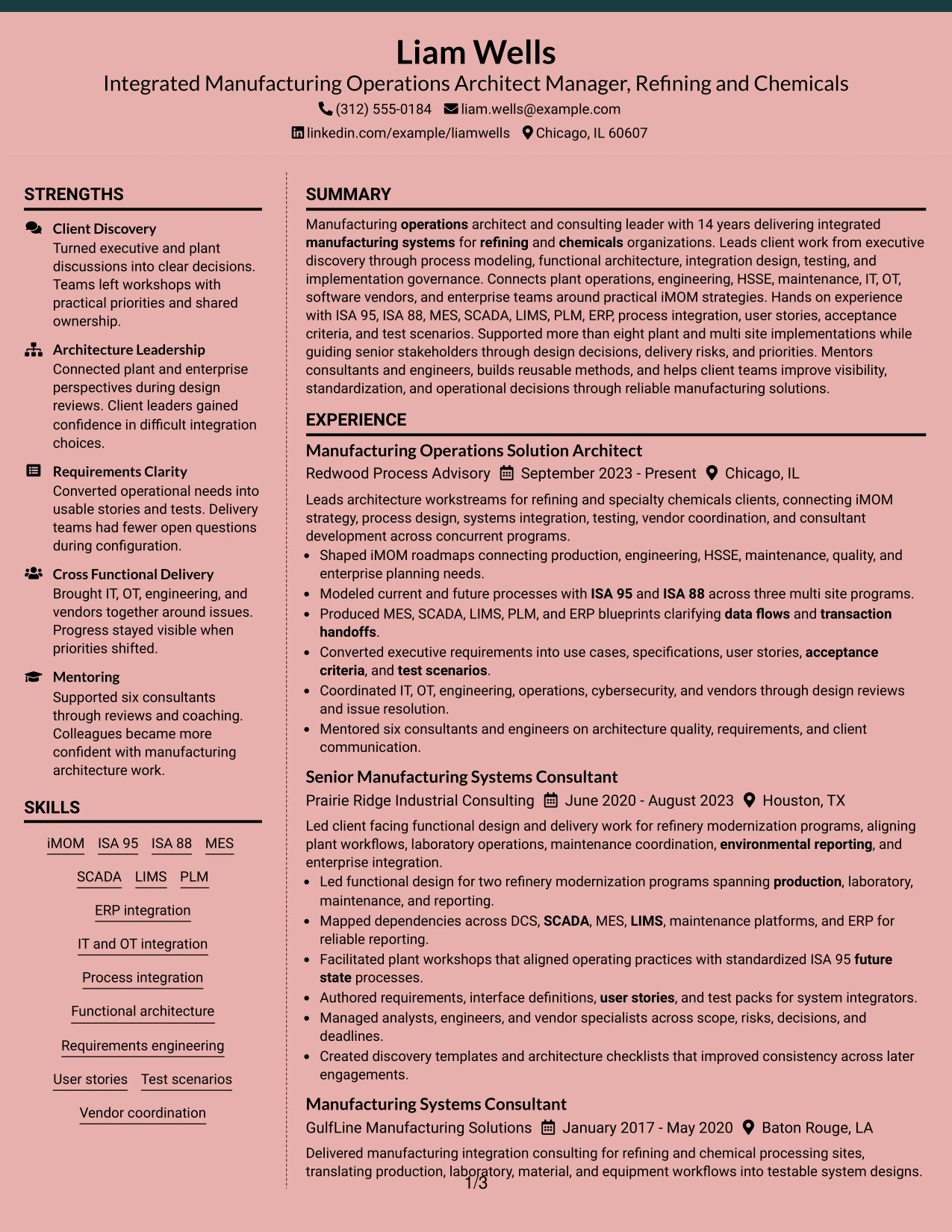
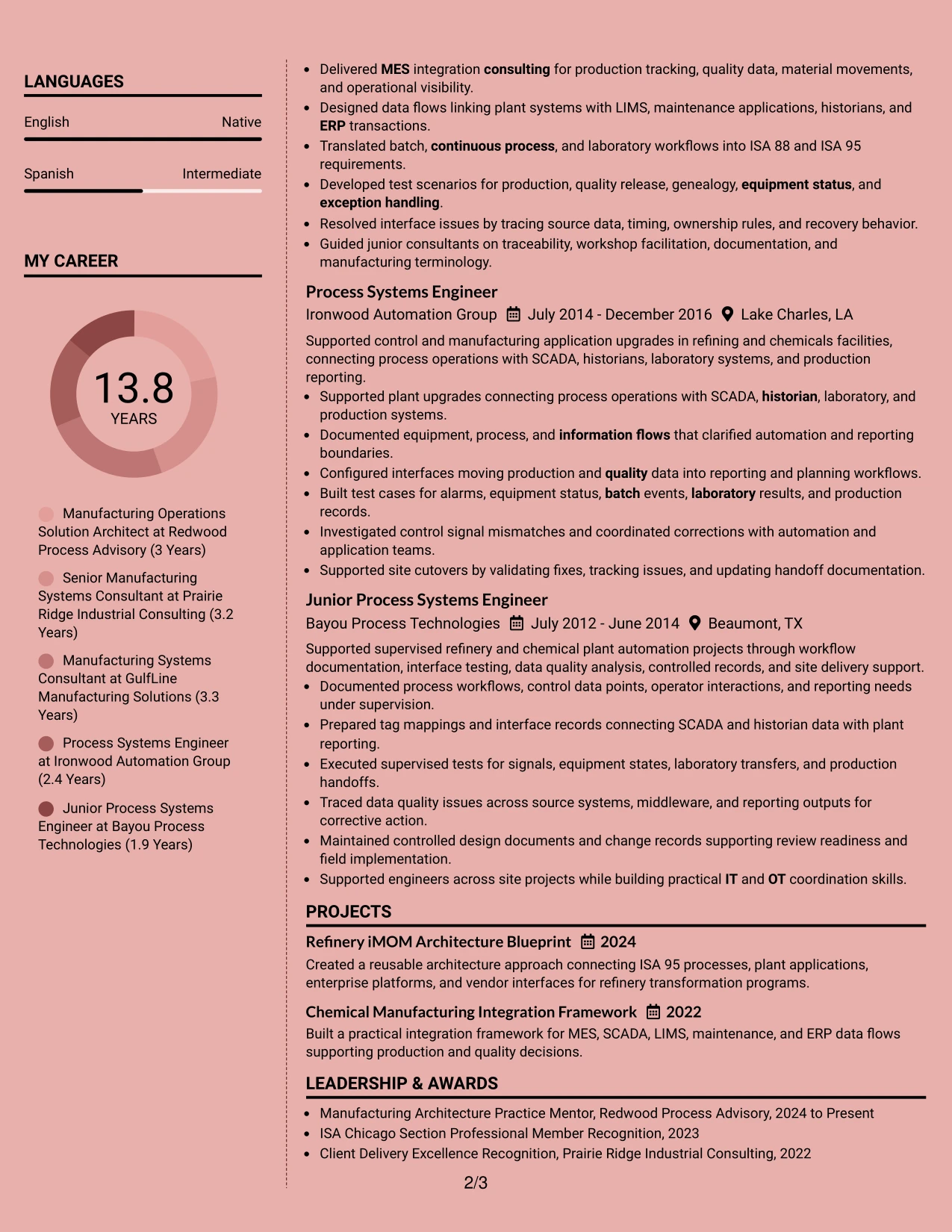
Why the Elegant Full Background Two Column Format Works for a Resume
- Creates visual polish without changing the underlying resume hierarchy.
- Separates detailed experience from quick-reference technical qualifications.
- Provides room for projects, certifications, education, and languages beside career evidence.
- Supports a complex consulting and engineering history without forcing dense paragraphs.
- Helps recruiters connect implementation scale with architecture leadership.
- Works well when a long technical skills list needs its own organized area.
- Keeps the strongest evidence visible when background styling remains restrained.
Best For
- Professionals who want a refined two-column presentation for a detailed career history
- Resumes that need strong visual separation between experience and supporting credentials
- Applications where both leadership scope and technical depth must be visible quickly
- Documents with projects, certifications, languages, and education beyond the core experience section
- Candidates with substantial implementation evidence that benefits from clear grouping
- Integrated Manufacturing Operations Architect Manager - Refining & Chemicals applications that need polished but practical organization
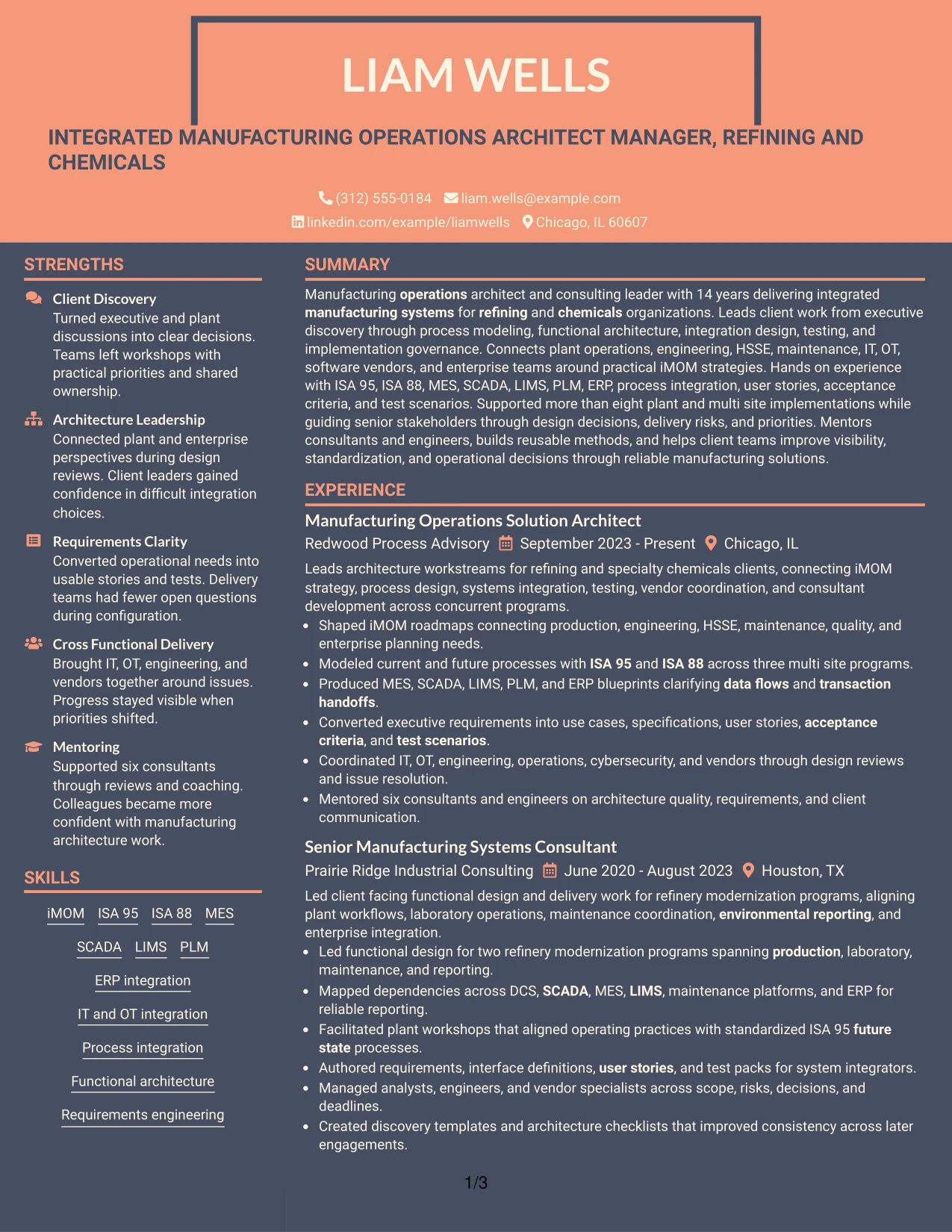
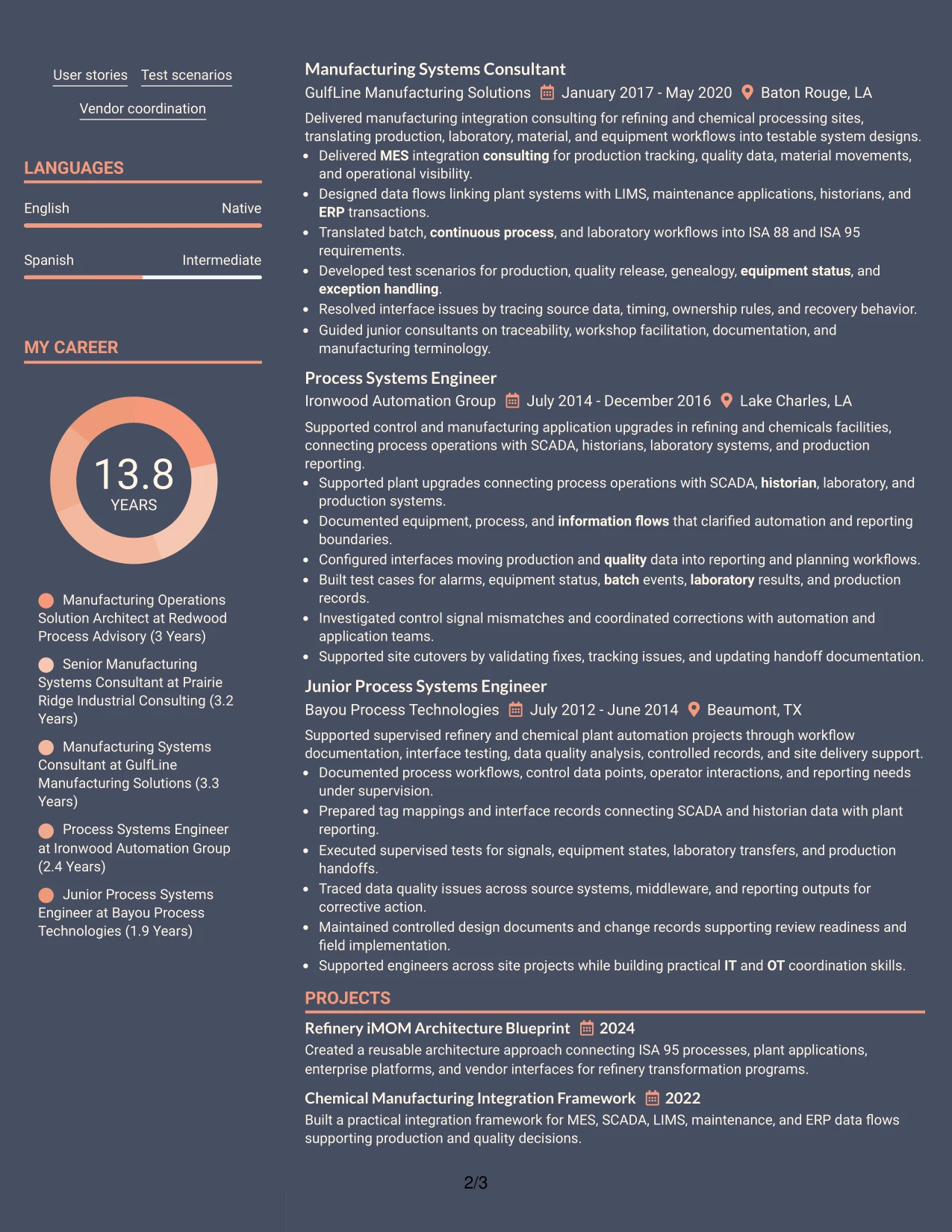
#13 Creative Two Tone Format Resume Example
The Creative Two Tone Format uses contrasting sections within a single-column reading path, making it easier to distinguish the summary, experience, projects, certifications, education, and skills without splitting attention across separate columns. That structure can support a long career while keeping ATS-relevant text in a direct sequence.
Used with discipline, the color contrast can guide the eye toward the strongest evidence: iMOM roadmaps, refinery modernization, MES integration, SCADA and LIMS dependencies, user stories, test packs, vendor coordination, and mentoring. The format should organize the content, not compete with it.
Why the Creative Two Tone Format Works for a Resume
- Uses section contrast to make a one-column resume easier to navigate.
- Keeps all experience and accomplishment bullets in one continuous reading order.
- Provides visual distinction for projects, certifications, and skills without a sidebar.
- Supports ATS parsing because the content remains sequential.
- Helps a long career feel organized without compressing technical details.
- Works well when the resume contains several systems, standards, and delivery methods.
- Maintains focus on evidence when decorative elements stay restrained.
Best For
- One-column resumes that need clearer visual separation between major sections
- Candidates with detailed accomplishment bullets that benefit from full line width
- Documents containing several supporting sections after professional experience
- Applications where a modern visual style is acceptable but ATS structure still matters
- Career histories with enough technical content to need strong section navigation
- Professionals who prefer a single reading path with more visual character
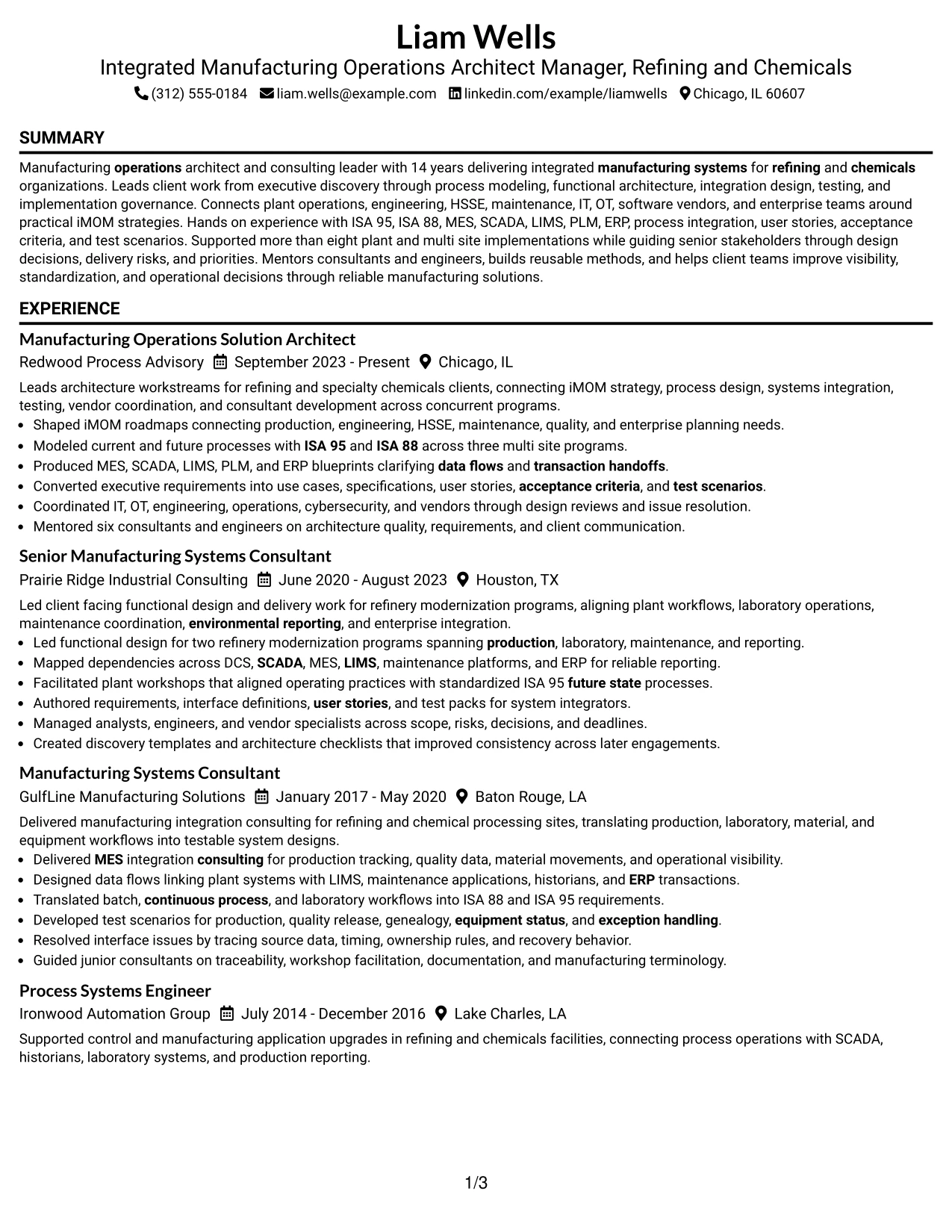
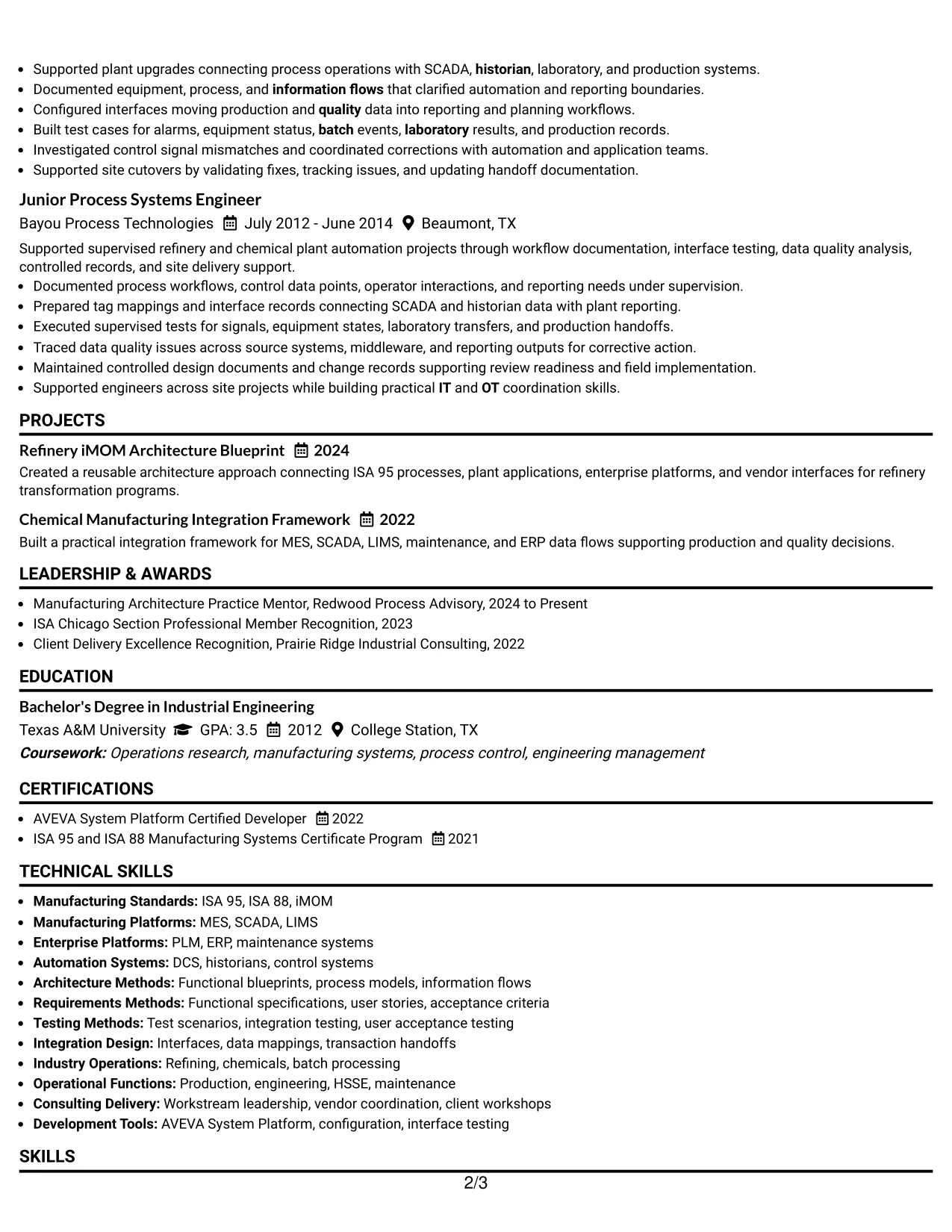
#14 Minimal Header Format Resume Example
A recruiter can move from a compact header directly into the summary and experience with very little visual interruption. The Minimal Header Format keeps attention on the resume body, which is useful when five roles, two projects, certifications, and a broad manufacturing systems skill set need room.
The single-column body supports clear chronology from Junior Process Systems Engineer to Manufacturing Operations Solution Architect. It also gives full width to detailed evidence such as process modeling across three multi site programs, two refinery modernization programs, functional blueprints, testing, and mentoring of six consultants and engineers.
Why the Minimal Header Format Works for a Resume
- Keeps attention on experience rather than decorative header elements.
- Provides full width for detailed accomplishment bullets.
- Makes five-role career progression easy to follow from top to bottom.
- Supports ATS parsing through a simple, direct section sequence.
- Leaves enough room for projects, certifications, education, and skills.
- Works well for content-heavy resumes that need more space than visual decoration.
- Helps measurable implementation scope stay specific and readable.
Best For
- Content-heavy resumes that need maximum space for experience evidence
- Applications where a conservative and highly readable presentation is preferred
- Candidates with several roles that should be reviewed in strict chronology
- Documents with long accomplishment bullets and technical context
- Resumes that include projects and certifications but do not need a secondary column
- Professionals who want a clean structure with minimal visual distraction
#15 Plain One Column with Shaded Labels Resume Example
Implementation and architecture evidence can take priority in a plain one-column body while shaded section labels make each content block easy to locate. This format is useful when the resume needs to show substantial career depth without using a complex layout.
The strongest evidence can stay in full-width bullets: more than eight plant and multi site implementations, ISA 95 and ISA 88 process modeling, MES and ERP blueprints, IT and OT coordination, requirements, test scenarios, site cutovers, and client-facing workstream leadership. Shaded labels simply make the evidence easier to scan.
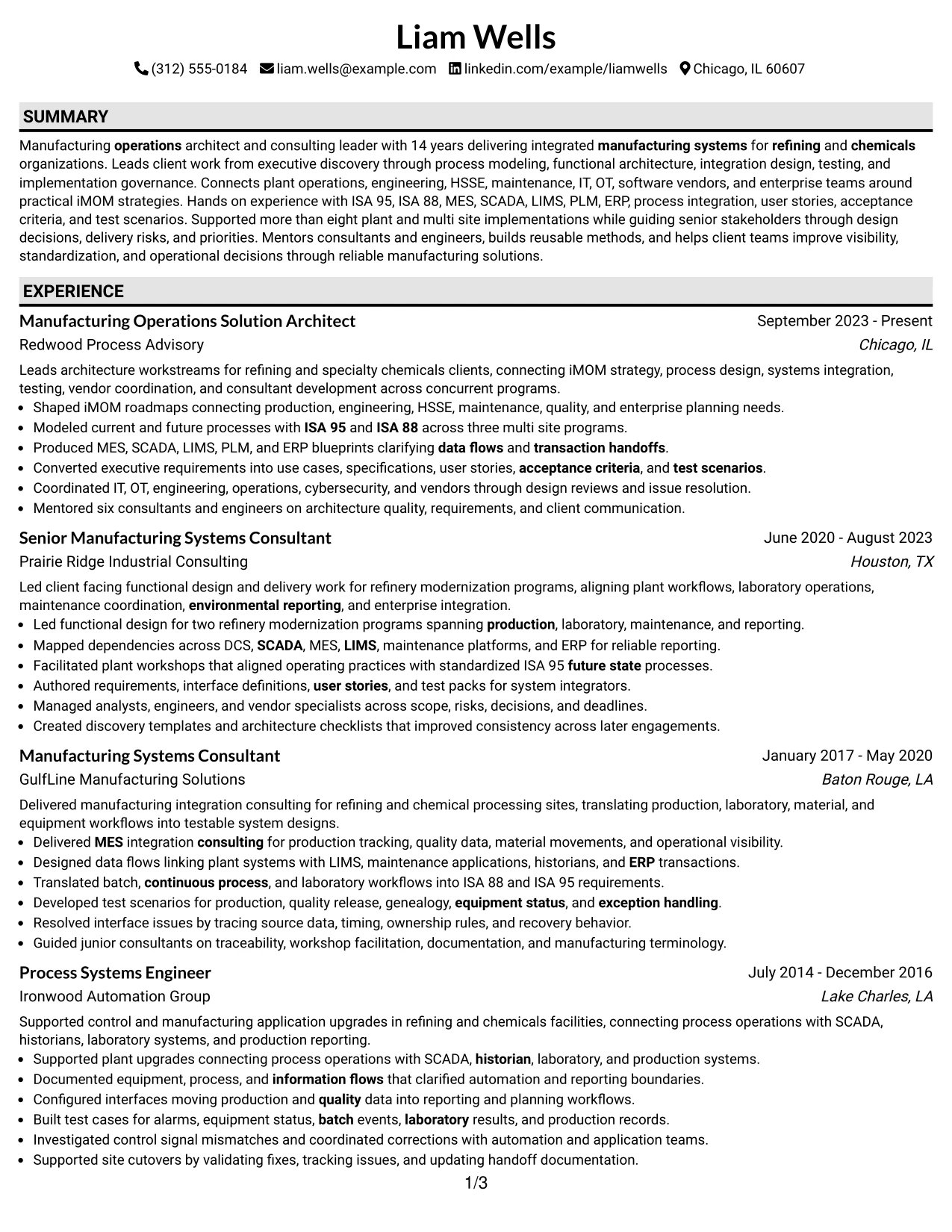
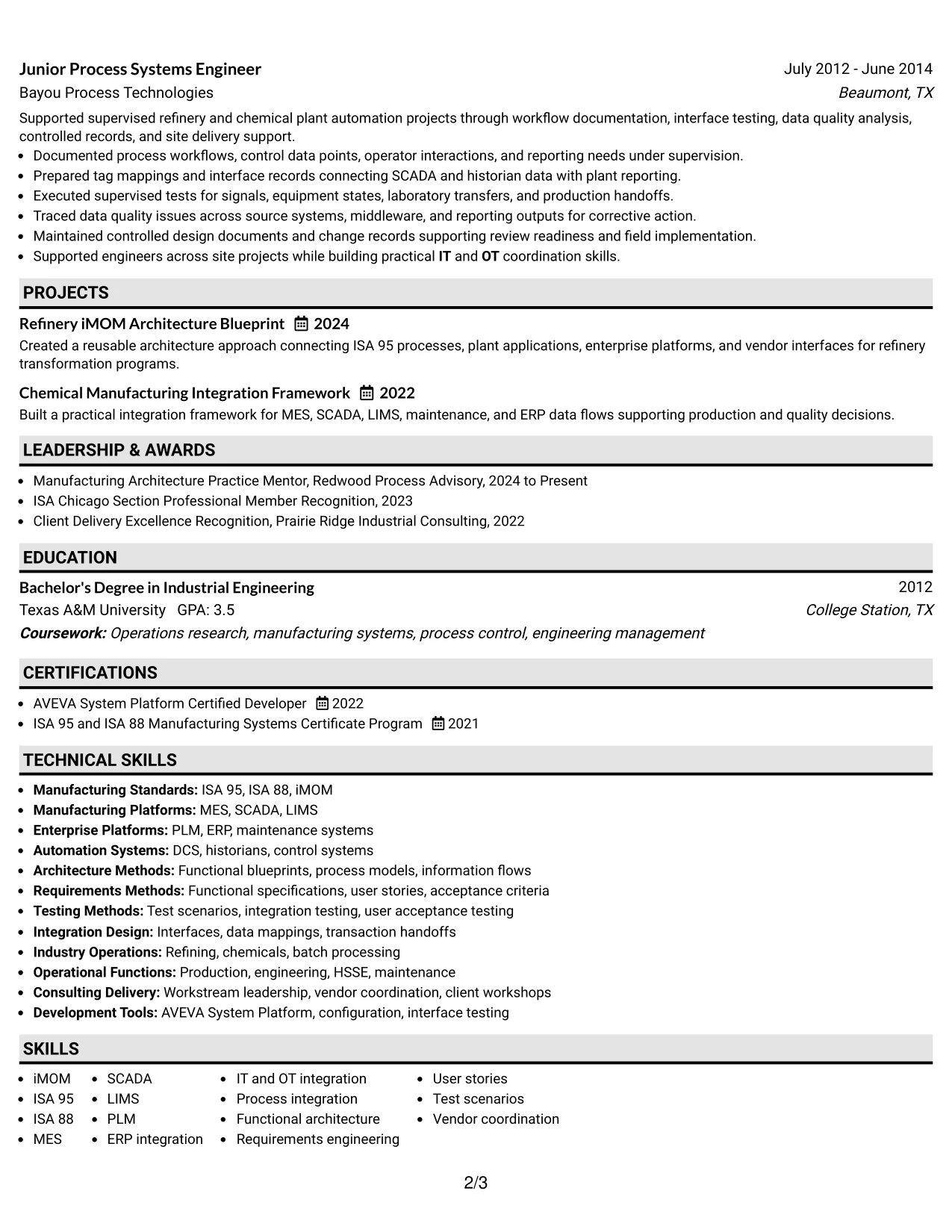
Why the Plain One Column with Shaded Labels Works for a Resume
- Prioritizes full-width evidence while making section boundaries obvious.
- Keeps career chronology simple across five professional roles.
- Supports detailed technical bullets without narrowing the text area.
- Uses section labels to speed recruiter scanning through a long resume.
- Provides a clear place for projects, certifications, education, and skills.
- Works well for manufacturing architecture evidence that needs context around tools and standards.
- Preserves a straightforward ATS-friendly reading order.
Best For
- Resumes where detailed achievements matter more than decorative layout
- Candidates who need a single column but want stronger section navigation
- Applications with long technical bullets that should remain full width
- Documents combining experience, projects, certifications, education, and skills
- Career histories that require clear chronology and obvious section breaks
- Senior manufacturing systems evidence that benefits from simple presentation
#16 Text/Fang Style Resume Example
Space is kept intentionally simple so detailed resume content can run in a clear one-column sequence. The Text/Fang Style is well suited to a profile with 14 years of manufacturing systems experience because it gives every role, project, certification, and skill category enough room without visual crowding.
That simplicity helps complex evidence read more clearly. Recruiters can move through iMOM strategy, process integration, DCS and SCADA dependencies, MES and LIMS workflows, ERP transactions, functional requirements, user stories, test scenarios, vendor coordination, and mentoring without navigating competing visual blocks.
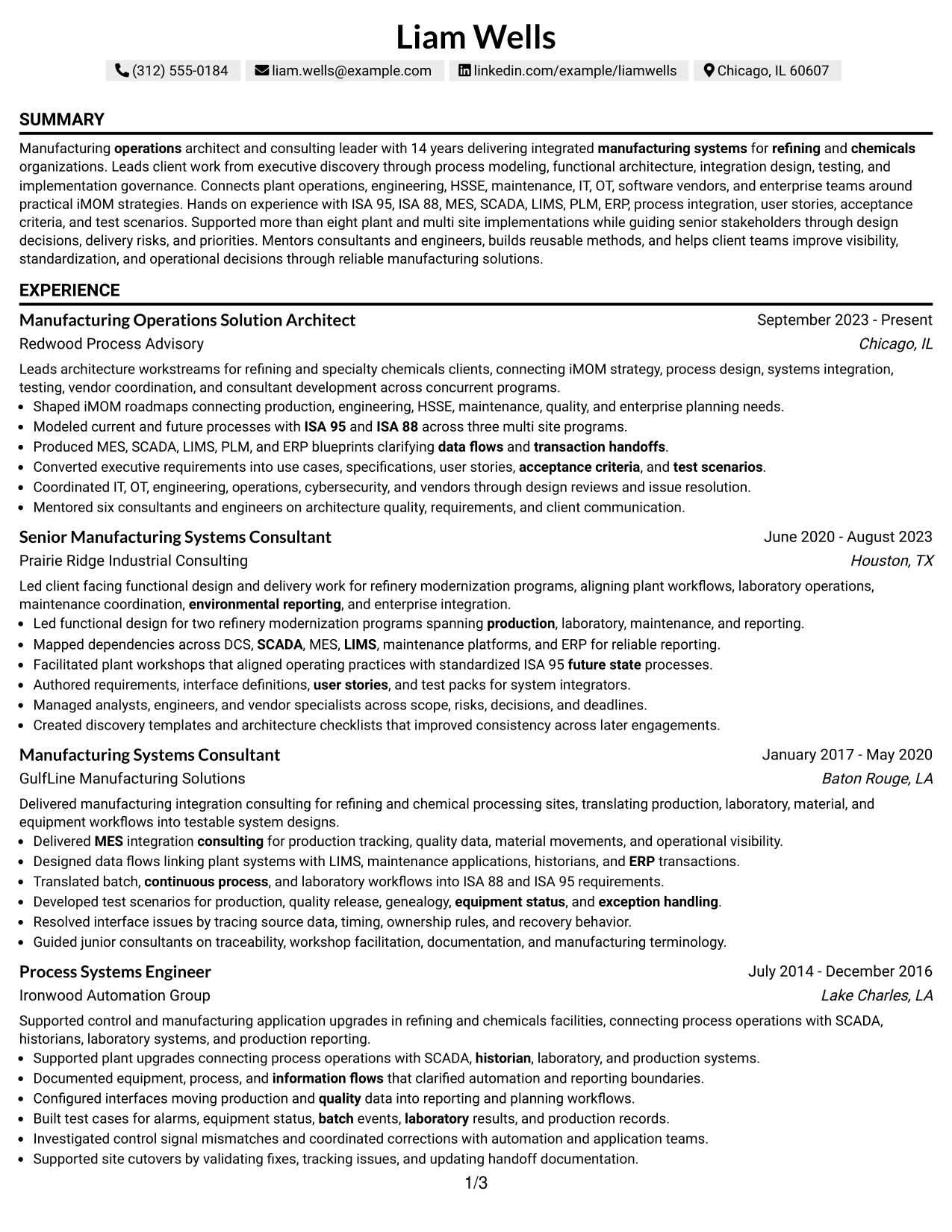
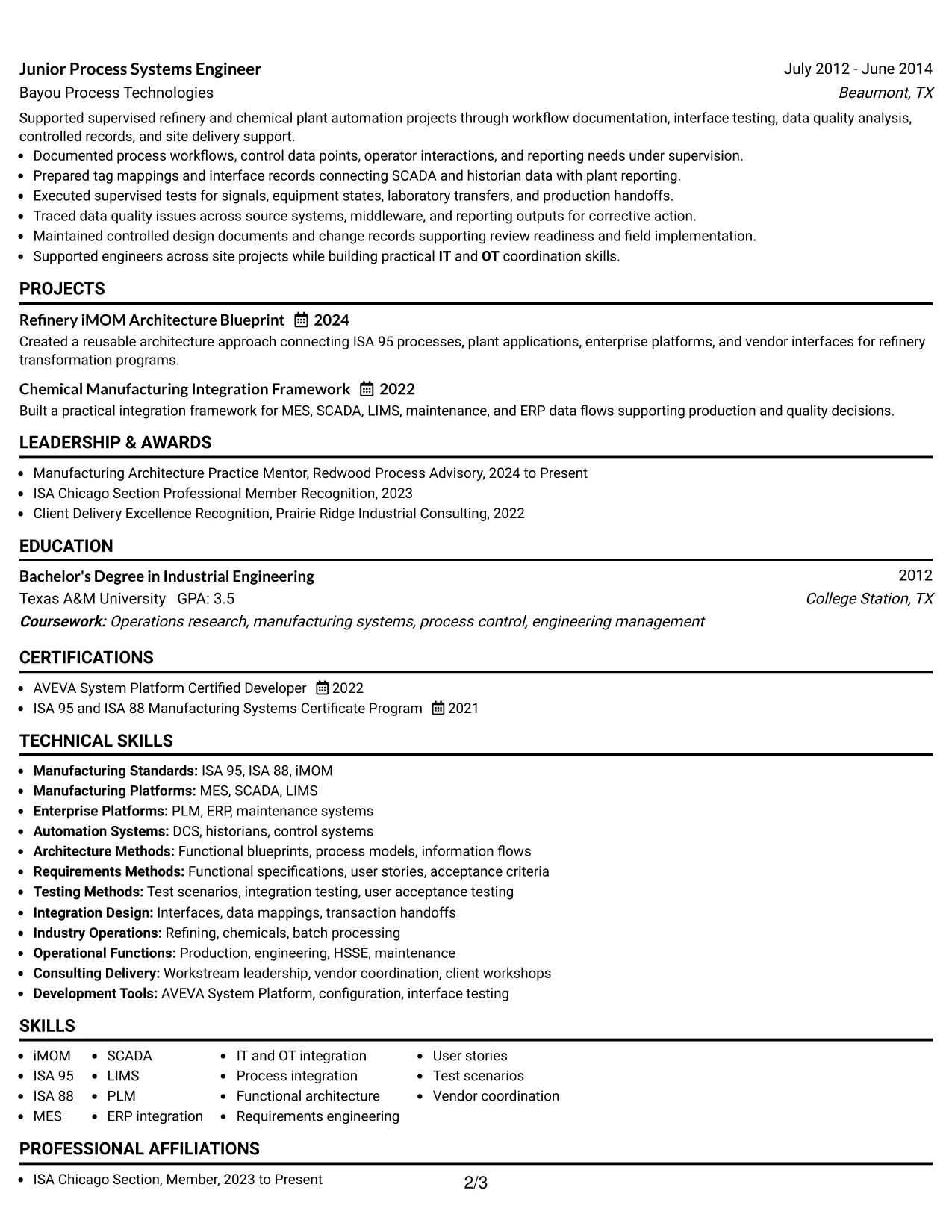
Why the Text/Fang Style Works for a Resume
- Provides a clean one-column structure for a long professional history.
- Leaves full width for technical and client-delivery detail.
- Supports ATS parsing with a simple content sequence.
- Reduces visual distraction when the resume contains many systems and standards.
- Makes projects and certifications easy to place after experience.
- Helps recruiters follow progression from engineering execution to architecture leadership.
- Works well for applications where substance should clearly outweigh styling.
Best For
- Applications that favor traditional text-first resume presentation
- Candidates with long technical descriptions that need full page width
- Resumes containing many systems, standards, and implementation methods
- Documents where ATS simplicity is more important than visual design
- Career histories that benefit from uninterrupted top-to-bottom reading
- Professionals who want a practical format for dense consulting and engineering evidence
#17 Bold Color Header Professional Format Resume Example
For applications where a stronger opening visual is appropriate, a bold color header can give contact details and the professional summary clear separation from the experience section. The one-column body should then return to a practical resume flow built around chronology, accomplishment bullets, projects, certifications, education, and skills.
The header should remain brief because the real proof sits below it. Strong evidence includes more than eight implementations, iMOM roadmaps, process models across three multi site programs, MES and ERP blueprints, refinery modernization, testing, client workstream leadership, and mentoring of six consultants and engineers.
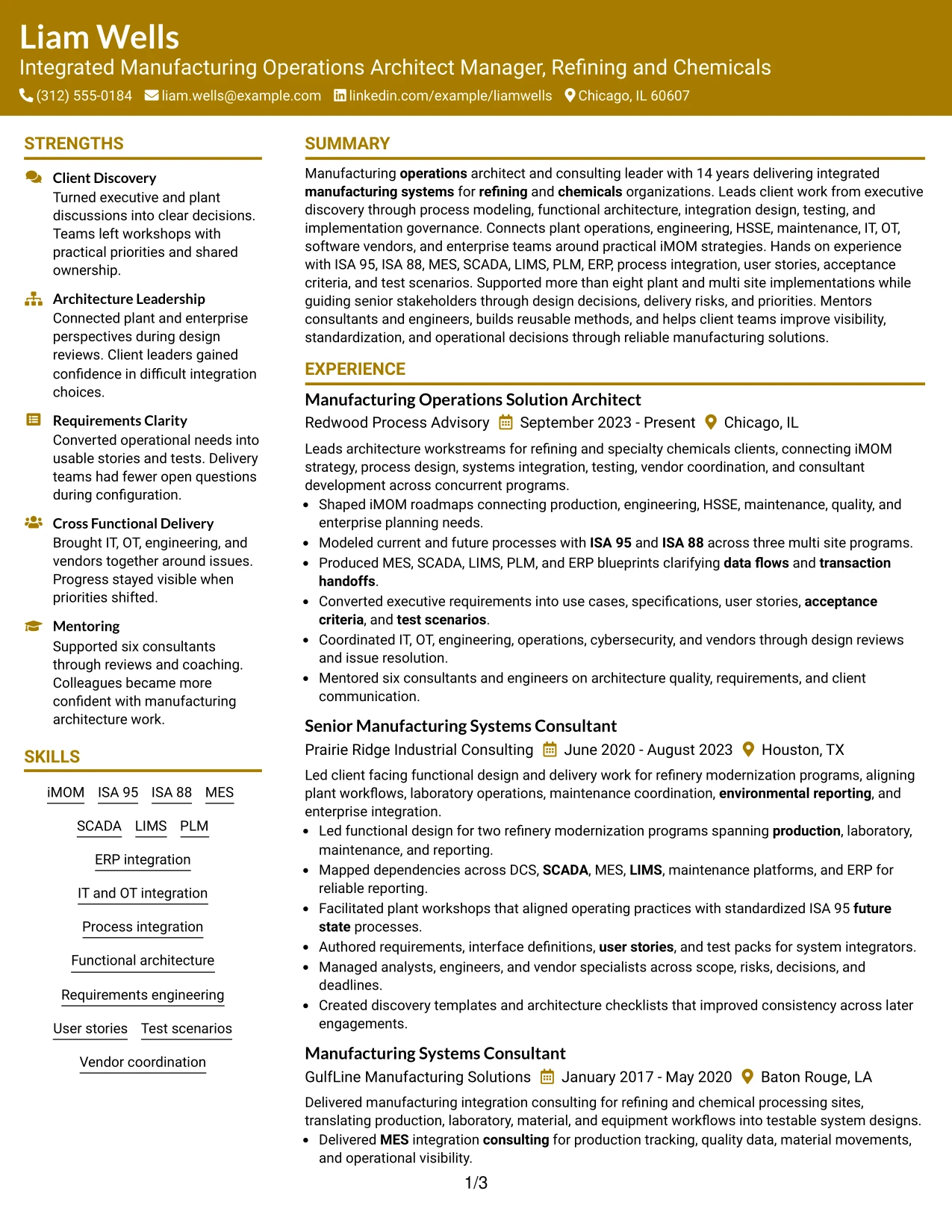
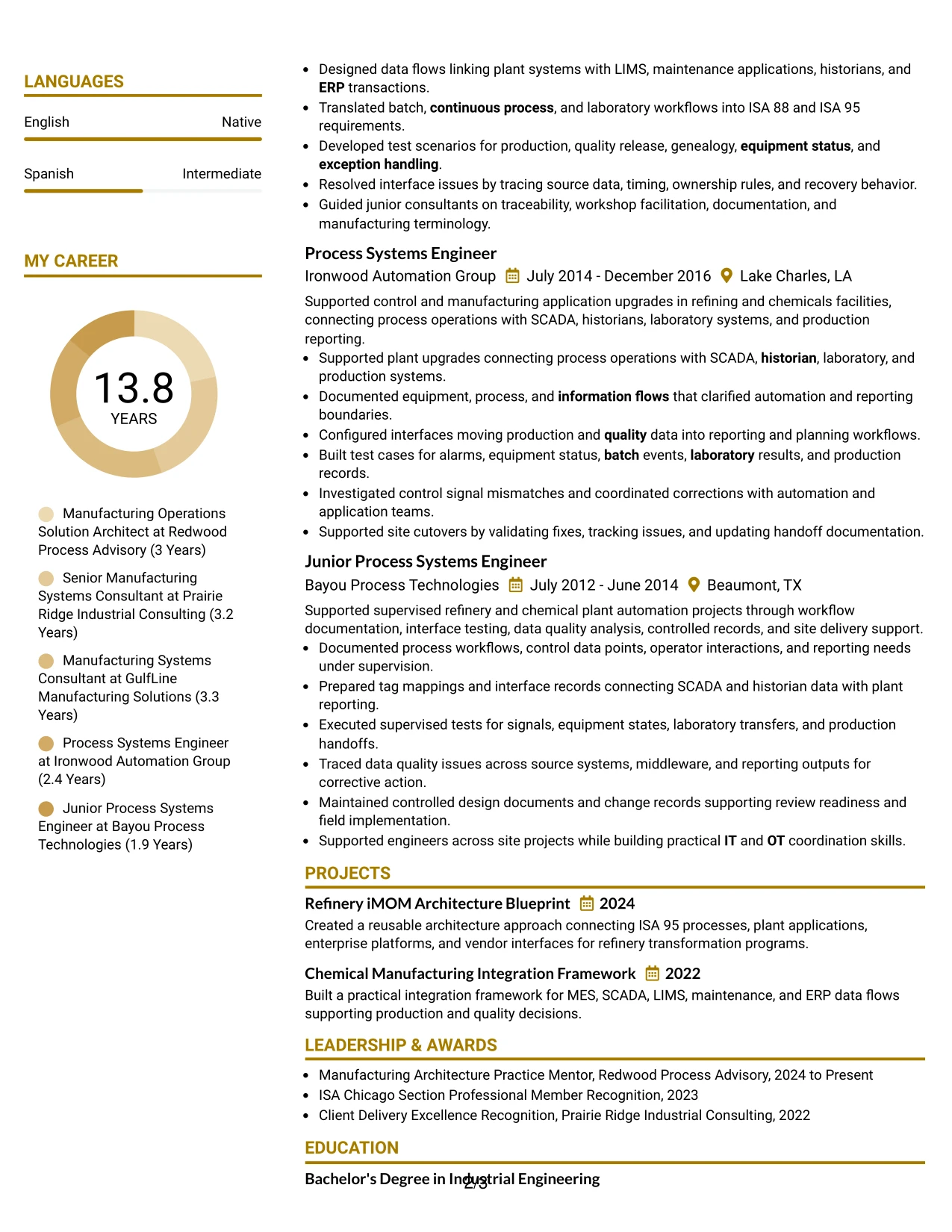
Why the Bold Color Header Professional Format Works for a Resume
- Creates a clear opening area for contact information and summary.
- Keeps the main resume body in a simple one-column sequence.
- Gives detailed accomplishments full line width.
- Helps separate identity information from evidence-heavy experience content.
- Supports projects, certifications, education, and skills below the career history.
- Works well when a stronger header is acceptable but body readability remains the priority.
- Preserves ATS-relevant text when the visual treatment is kept simple.
Best For
- Applications where a stronger but still professional header is appropriate
- One-column resumes with detailed experience and measurable scope
- Candidates who want a clear separation between summary and career evidence
- Documents that need full-width accomplishment bullets
- Digital resume reviews where section contrast can improve navigation
- Professionals with substantial implementation history and several supporting sections
#18 Photo Header Color Sidebar Format Resume Example
A colored sidebar and photo header create a more personal visual presentation while still giving the resume a clear information hierarchy. The main content area can focus on architecture leadership, refining and chemicals implementations, and client delivery, while the sidebar holds skills, certifications, education, languages, and concise supporting details.
This format works best when the photo and color treatment remain secondary to the evidence. The strongest content should still emphasize iMOM, ISA 95, ISA 88, MES, SCADA, LIMS, PLM, ERP integration, testing, process integration, vendor coordination, and the record of more than eight plant and multi site implementations.
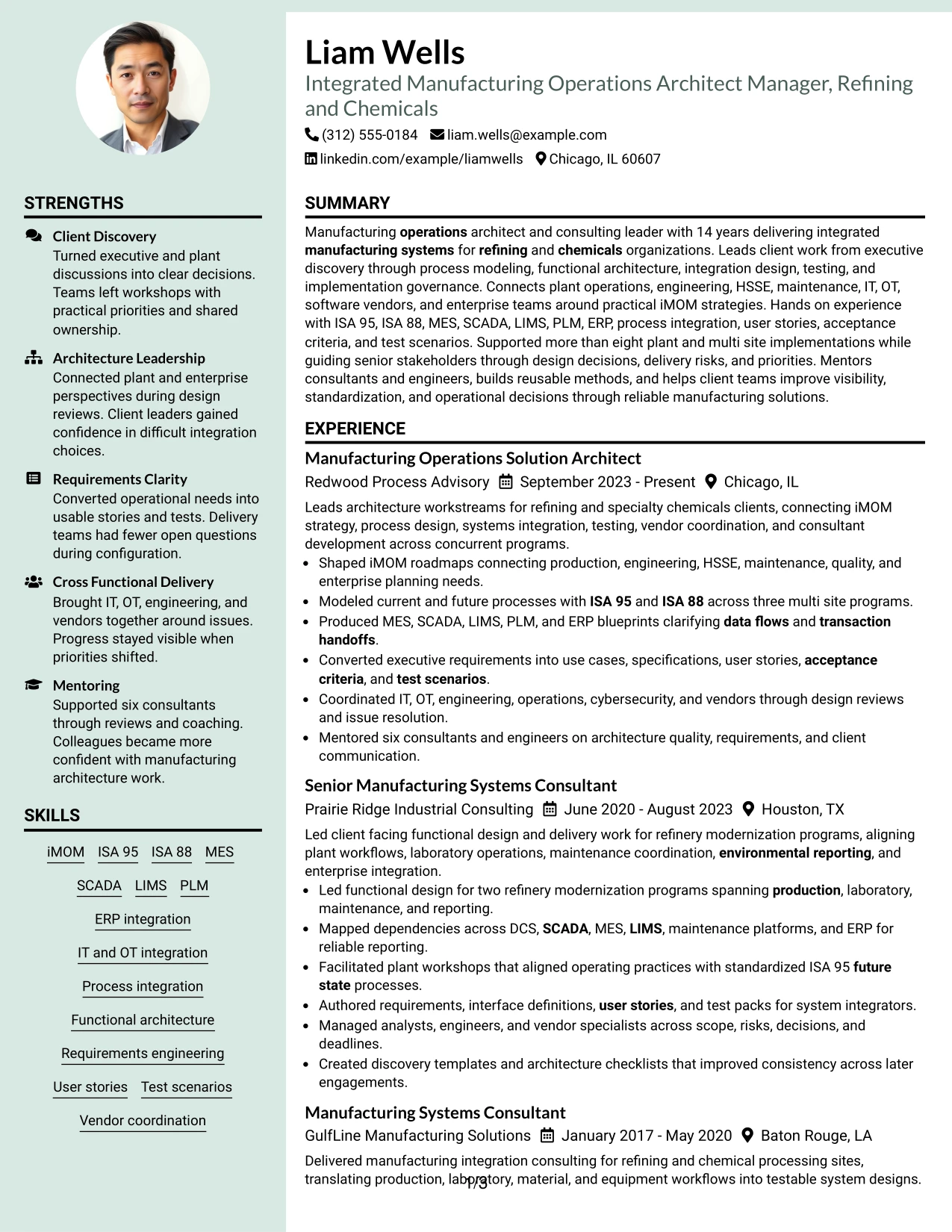
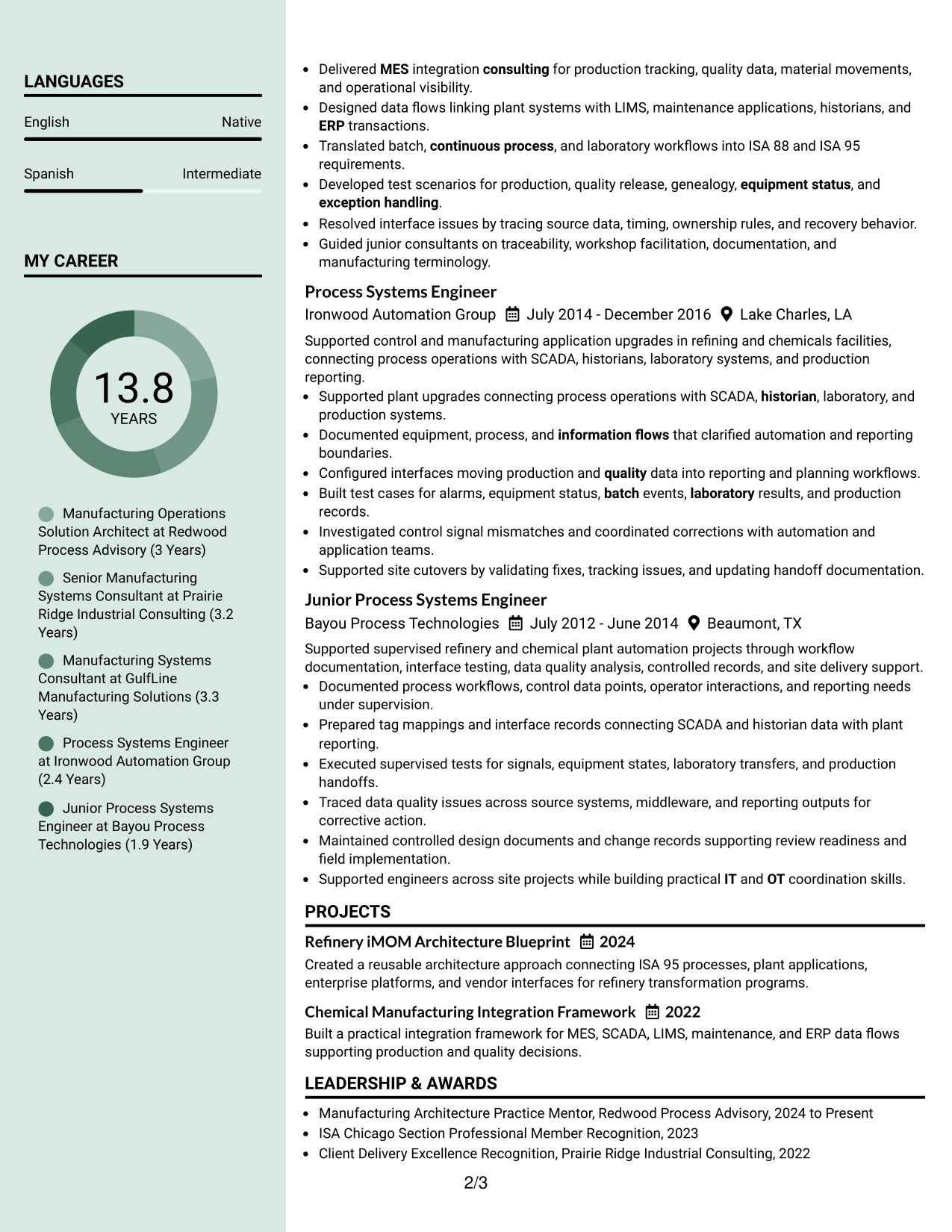
Why the Photo Header Color Sidebar Format Works for a Resume
- Combines a visible identity area with organized supporting qualifications.
- Uses the sidebar to keep technical skills and certifications easy to scan.
- Leaves the main area available for detailed experience and implementation evidence.
- Can support application contexts where a photo-based resume is customary.
- Separates credentials from the career narrative without hiding either.
- Works well for a broad technical profile with substantial consulting and engineering history.
- Keeps the resume practical when visual elements stay subordinate to achievements.
Best For
- Application contexts where a resume photo is customary or explicitly accepted
- Candidates who want a photo header with a structured sidebar for credentials
- Resumes containing long experience plus a broad technical skills section
- Documents that need a dedicated area for certifications, education, and languages
- International submissions where a more personal visual format is appropriate
- Manufacturing architecture professionals who still want accomplishment evidence to dominate
#19 Top Left Header Color Accent Format Resume Example
The Top Left Header Color Accent Format keeps the opening information compact and left aligned, then moves directly into a one-column resume body. That structure makes it easy to keep chronology, projects, certifications, education, and skills in a predictable order while using only a small visual accent.
The restrained accent supports a results-driven resume because it does not compete with detailed evidence. Recruiters can focus on iMOM roadmaps, two refinery modernization programs, MES integration, plant-to-enterprise data flows, test packs, site cutovers, vendor coordination, and progressive growth into manufacturing architecture leadership.
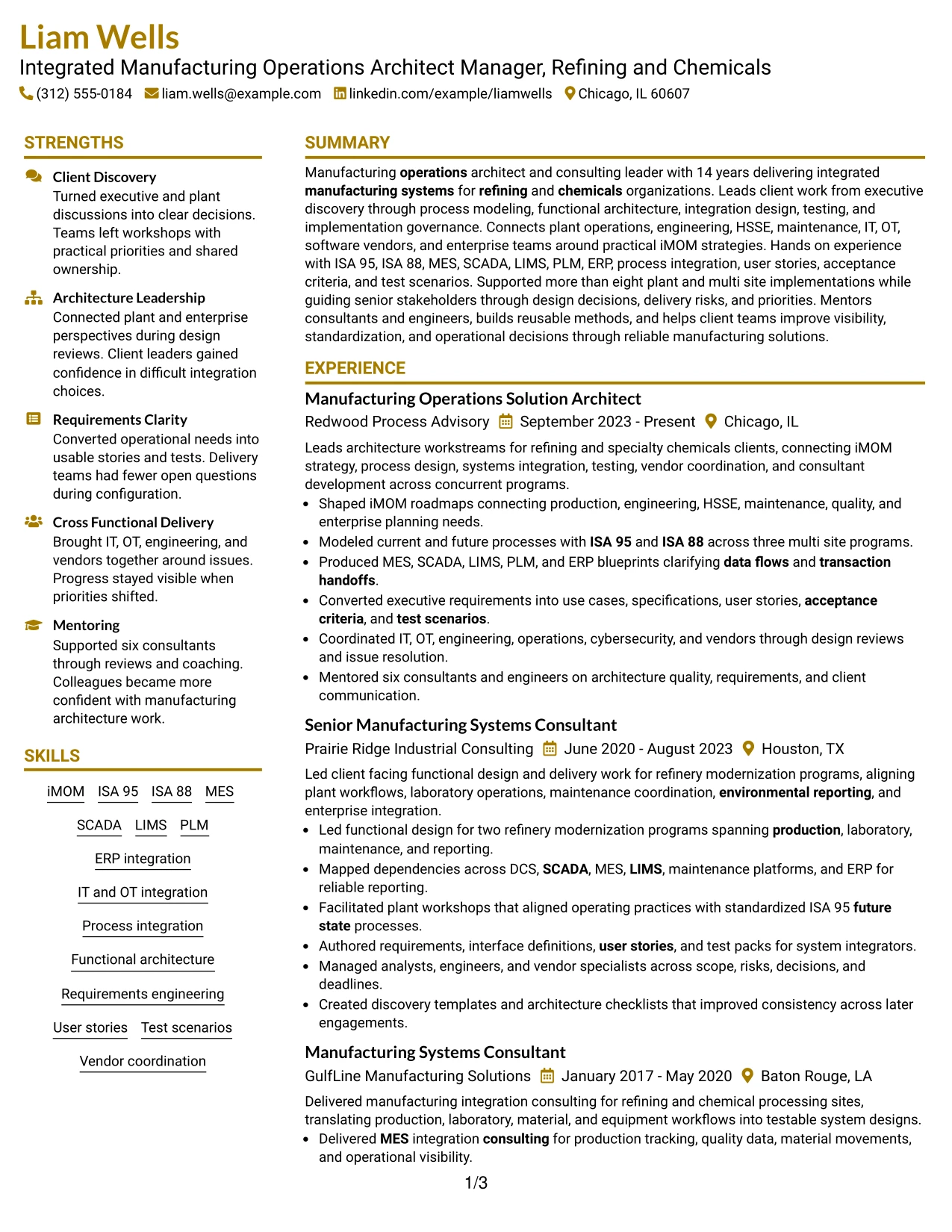
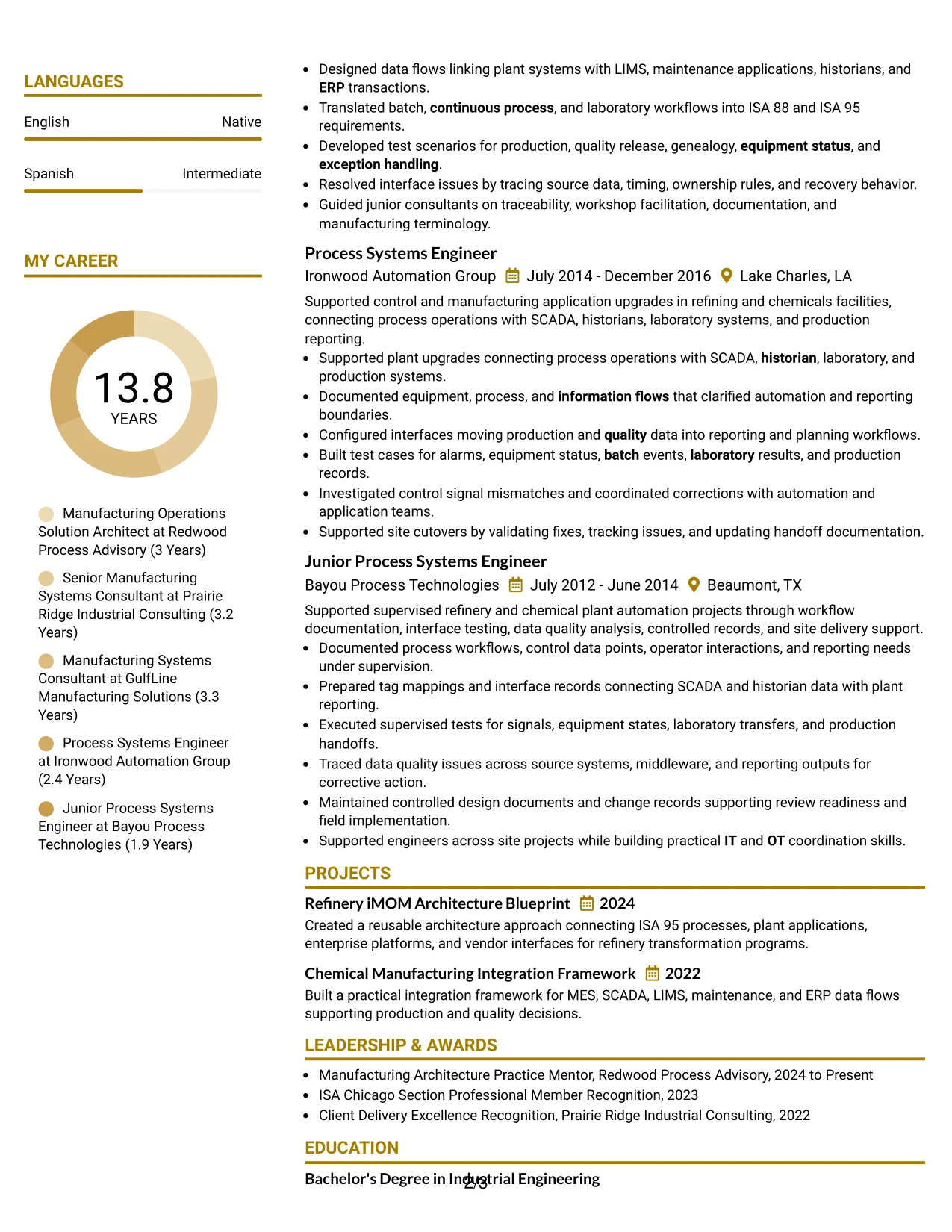
Why the Top Left Header Color Accent Format Works for a Resume
- Creates a compact opening area without taking space from experience.
- Maintains a simple one-column reading path for ATS and recruiter scanning.
- Uses light visual contrast to distinguish the header from the body.
- Gives technical accomplishment bullets full width.
- Supports clear placement of projects, certifications, education, and skills.
- Works well for a long career that needs disciplined section order.
- Keeps attention on evidence rather than decorative layout.
Best For
- Resumes that need a professional accent without a complex layout
- Applications where a left-aligned header improves fast contact scanning
- Candidates with detailed career evidence that needs full-width presentation
- Documents using a conventional section order with a modest visual upgrade
- Career histories that should remain ATS-friendly and easy to follow
- Professionals who want a clean one-column structure with limited color
#20 Centered Header Classic Two Column Format Resume Example
A recruiter first sees a centered identity area, then moves into a classic two-column structure that separates detailed experience from quick-reference qualifications. Liam Wells can use the main column for 14 years of progressive manufacturing systems work and the secondary column for skills, certifications, projects, education, and languages.
The format handles content volume efficiently without forcing the strongest accomplishments into short lines. It can show more than eight implementations, three multi site process-modeling programs, two refinery modernization programs, MES and ERP blueprints, requirements, test scenarios, and mentoring of six consultants and engineers.
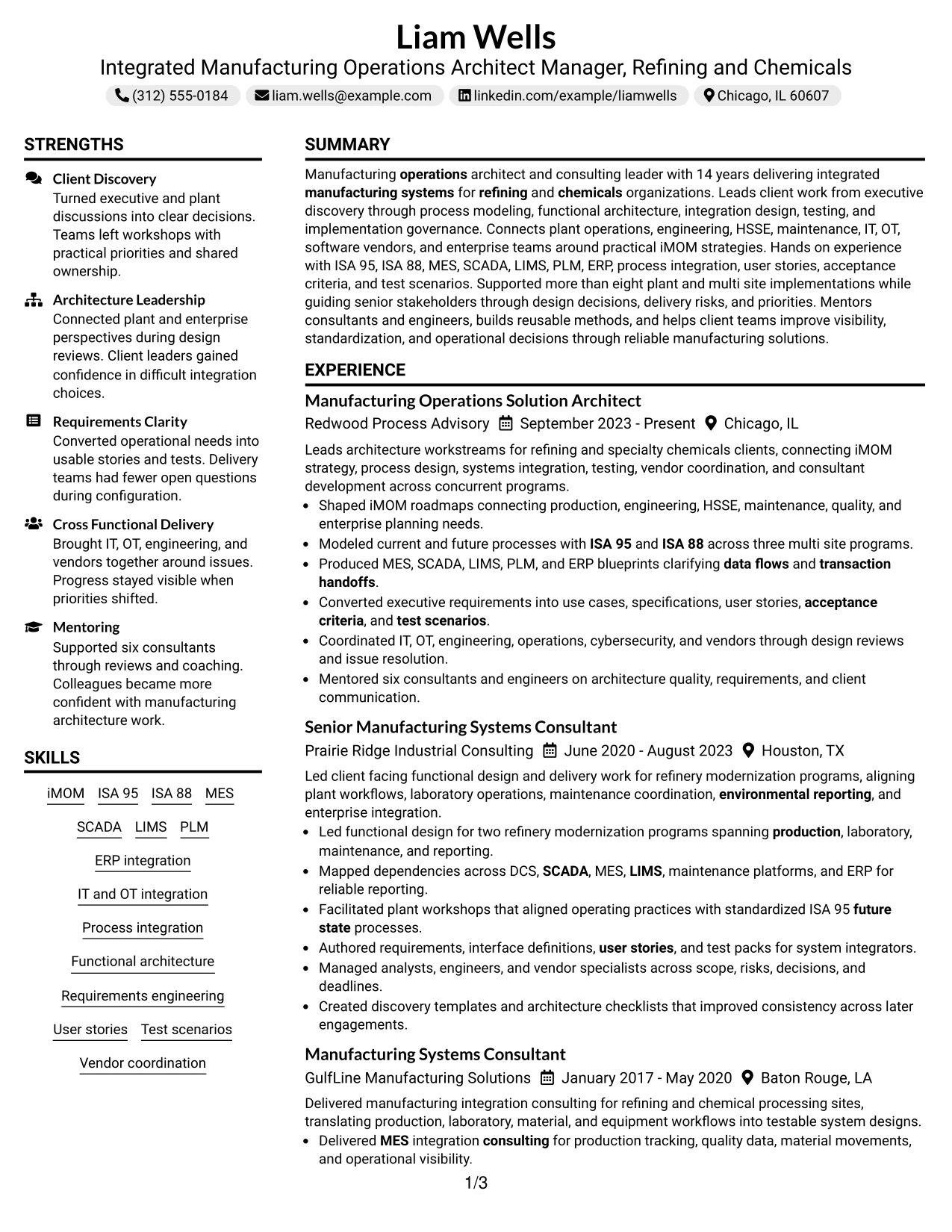
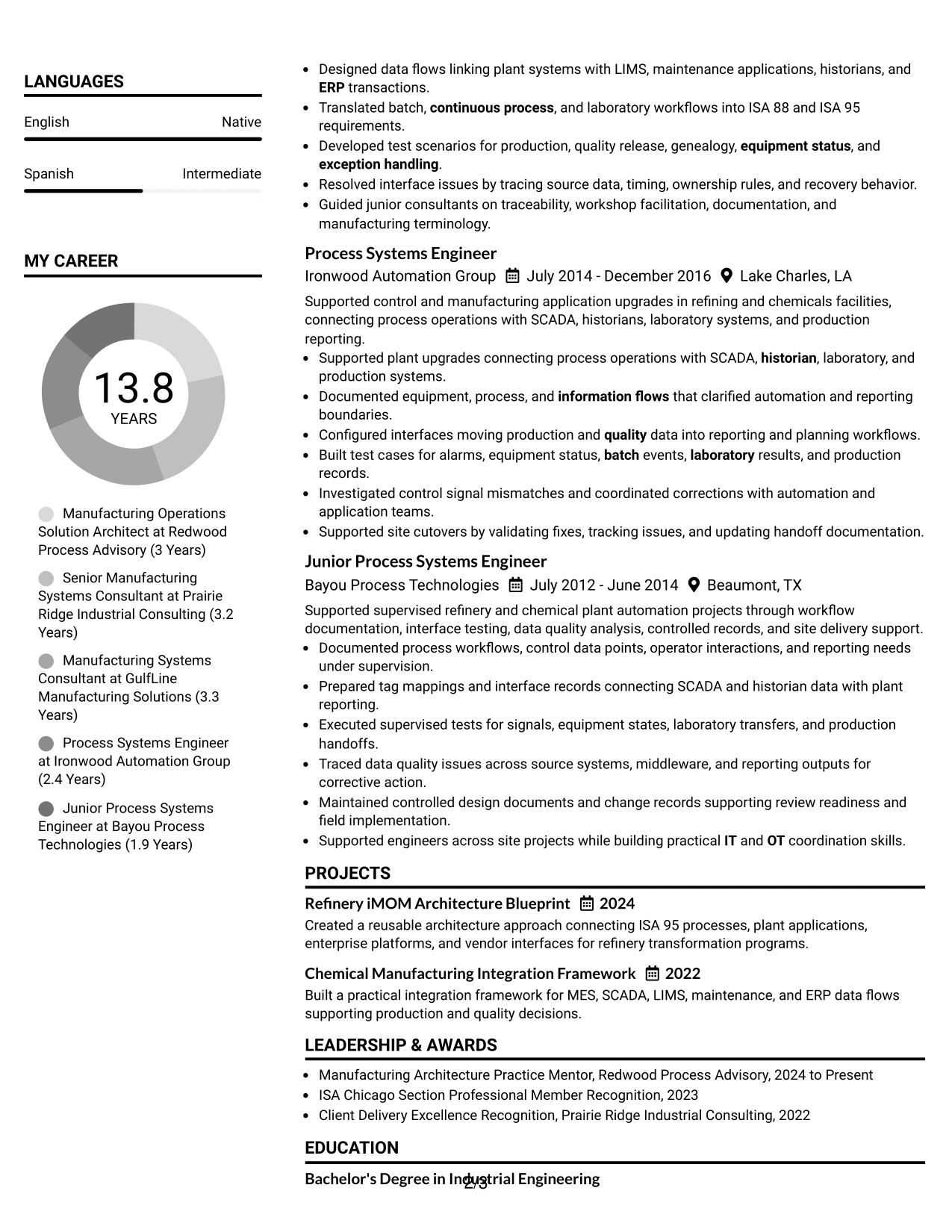
Why the Centered Header Classic Two Column Format Works for a Resume
- Provides a familiar opening area followed by efficient two-column organization.
- Supports a long experience section while keeping technical qualifications accessible.
- Separates detailed accomplishment evidence from supporting credentials.
- Uses space efficiently for five roles, projects, certifications, education, and skills.
- Helps recruiters compare leadership scope with technical depth.
- Works well for content-heavy resumes that still need a traditional appearance.
- Keeps important systems and standards visible without disrupting chronology.
Best For
- Resumes with a long career history and several supporting qualification sections
- Candidates who want a classic structure with more efficient use of page space
- Applications where technical skills should remain visible beside experience
- Documents that need to balance detailed bullets with projects and credentials
- Recruiter reviews that benefit from familiar section placement and strong hierarchy
- Manufacturing systems professionals with broad tools, standards, and implementation evidence
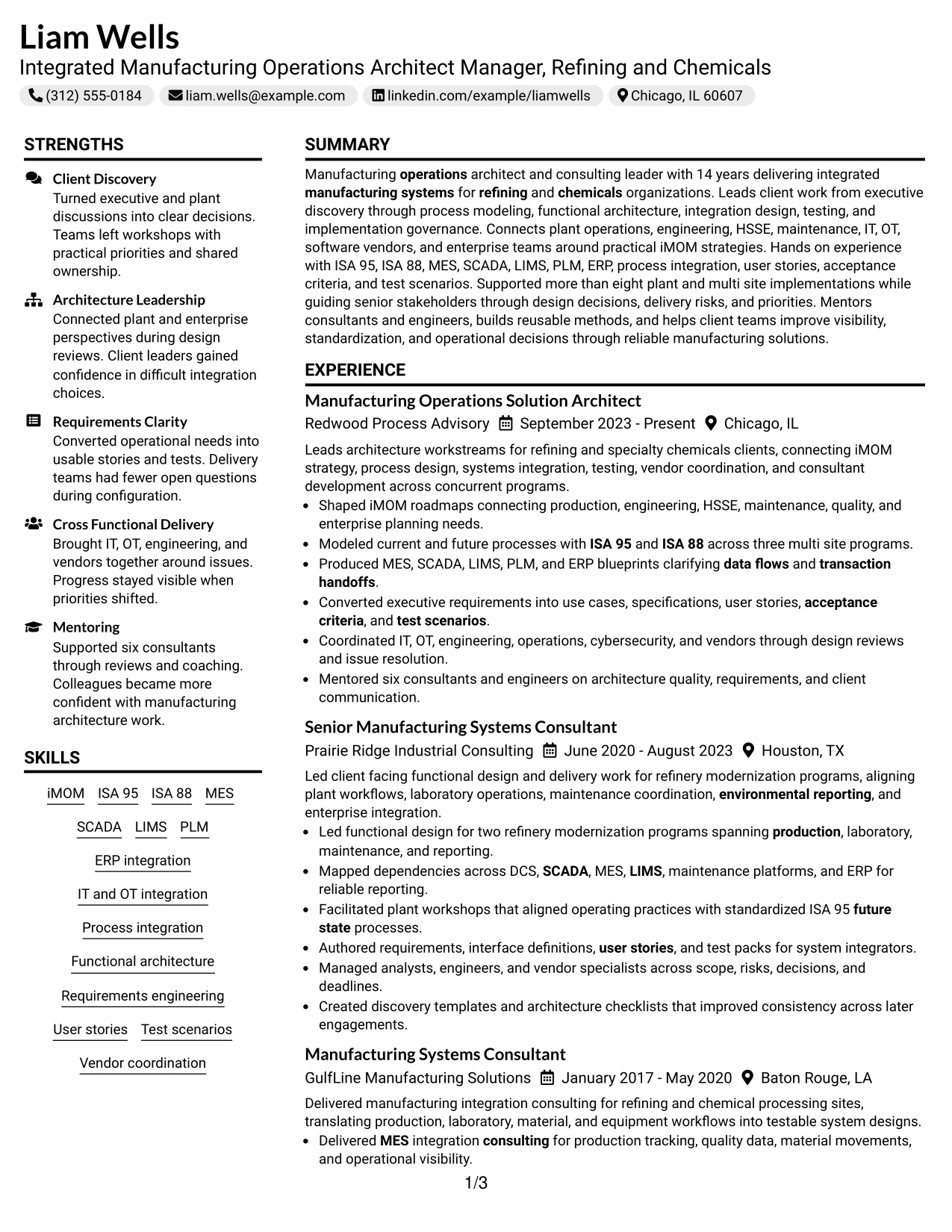
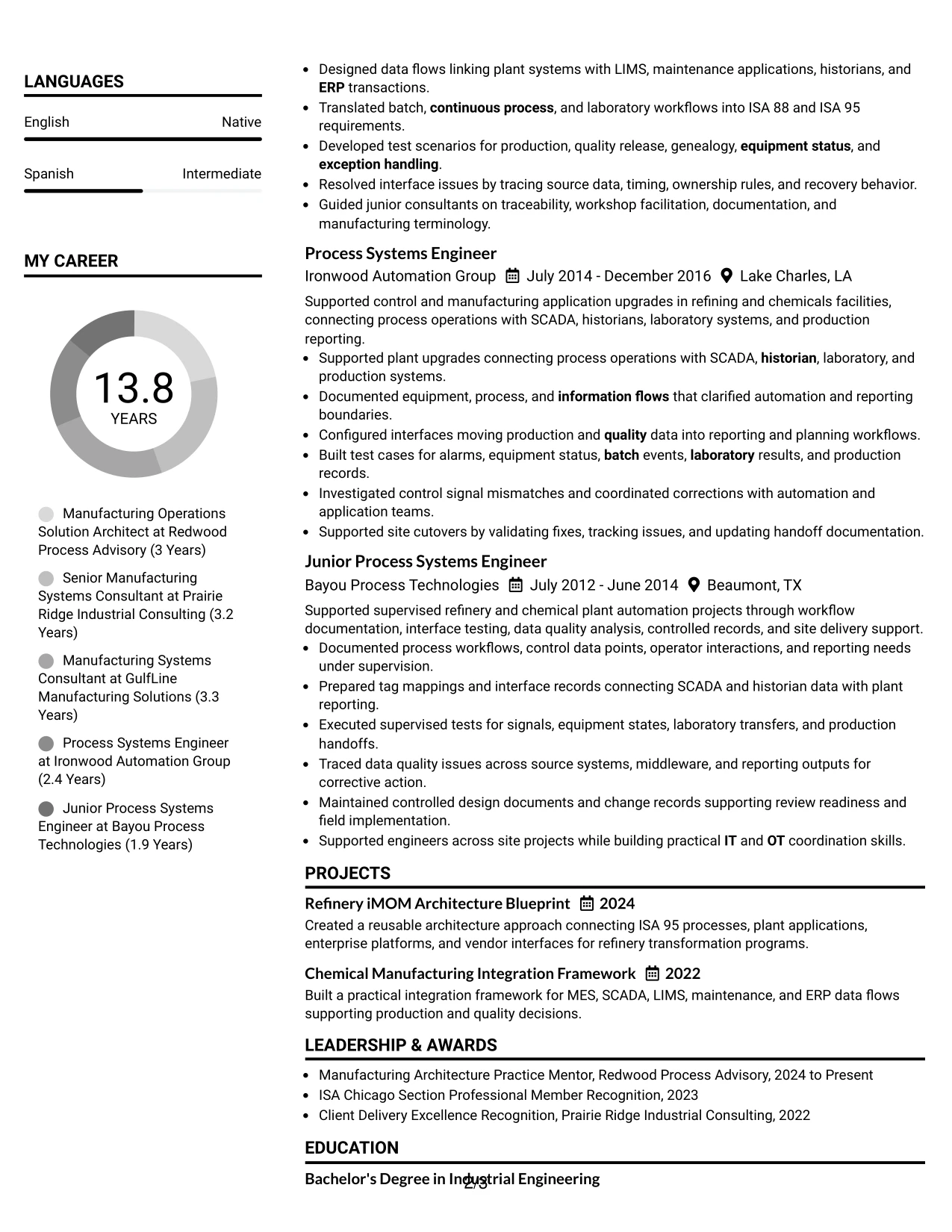
#21 Left Aligned Header Clean Two Column Format Resume Example
Career evidence receives first priority, with the larger column carrying progressive roles, architecture decisions, implementation scope, and client delivery. A smaller second column can hold certifications, education, projects, languages, and technical skills for quick reference.
The clean two-column structure is well suited to evidence that spans plant and enterprise systems. It can keep iMOM, ISA 95, ISA 88, MES, SCADA, LIMS, PLM, ERP, DCS, historians, requirements, testing, vendor coordination, and mentoring visible while preserving the story of increasing responsibility.
Why the Left Aligned Header Clean Two Column Format Works for a Resume
- Prioritizes architecture and implementation evidence in the main reading area.
- Keeps certifications and skills visible without interrupting chronology.
- Supports a wide range of plant and enterprise systems in a compact structure.
- Helps recruiters see progression from engineering support to architecture leadership.
- Provides dedicated room for projects and education.
- Balances technical depth with client-facing delivery evidence.
- Maintains a clean professional hierarchy across a substantial career history.
Best For
- Candidates whose strongest evidence is a detailed progression of technical and leadership roles
- Resumes that need a dedicated reference area for certifications and tools
- Applications where plant and enterprise systems experience must both be visible
- Documents with substantial project evidence and several technical categories
- Career histories that benefit from separating chronology from supporting qualifications
- Integrated Manufacturing Operations Architect Manager - Refining & Chemicals resumes with broad systems integration scope
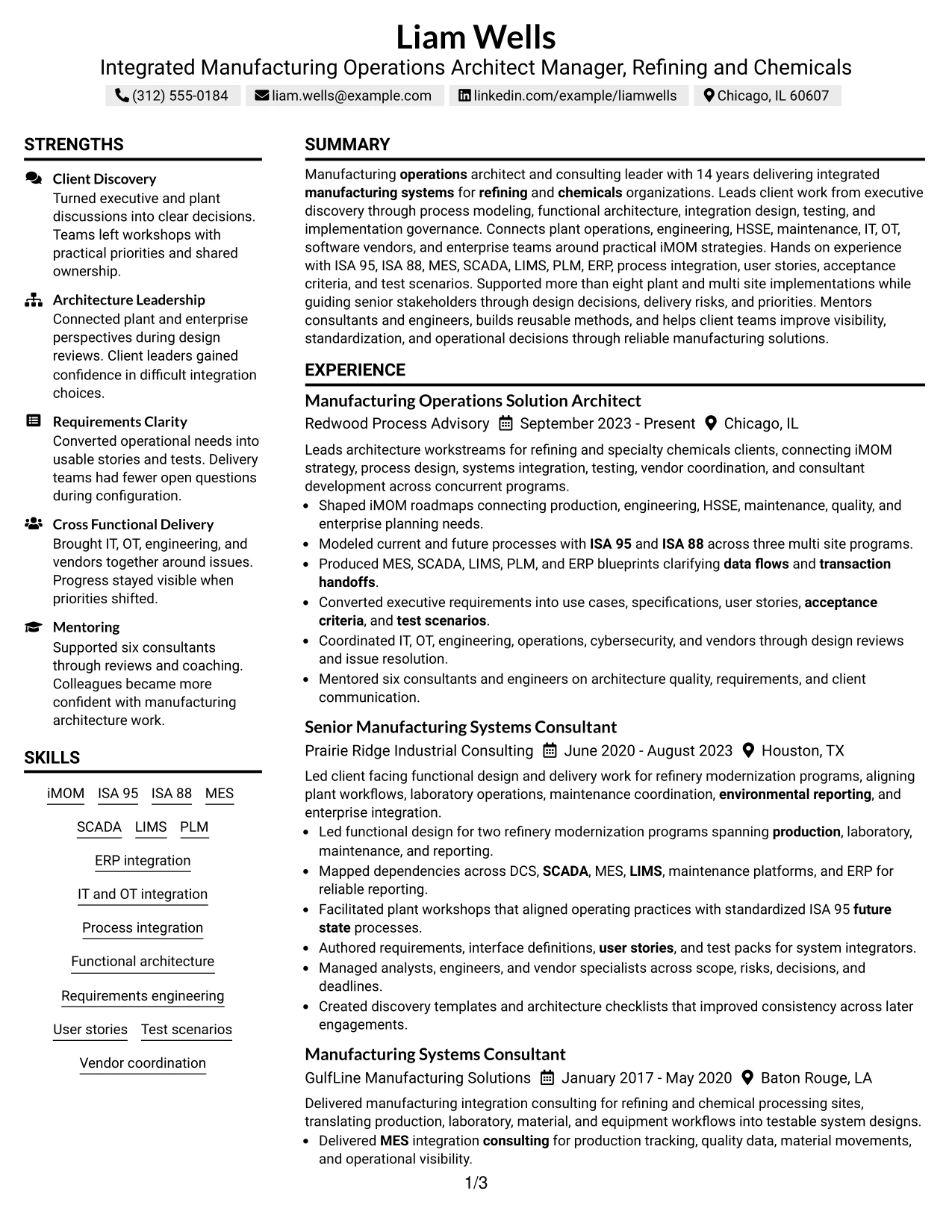
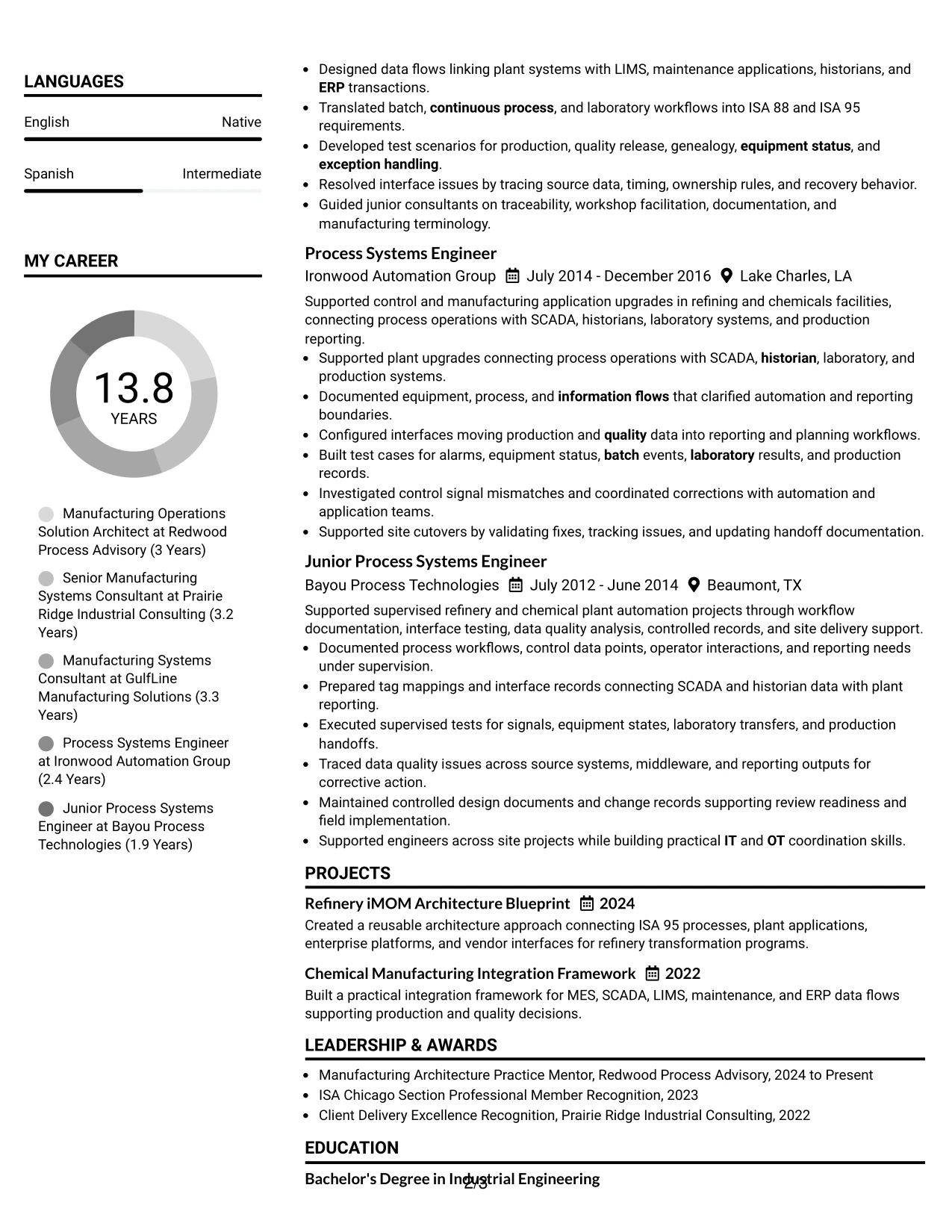
#22 Simple Two Column Format Resume Example
Content is divided between a primary experience column and a compact supporting column, giving the resume enough space for a long career without making the page difficult to scan. The main area can show architecture, implementation, and consulting results while the second area keeps projects, certifications, education, languages, and skills easy to find.
This practical balance fits a resume that must prove both hands-on systems knowledge and leadership scope. Evidence can include iMOM strategy, ISA 95 and ISA 88 process models, MES and ERP blueprints, refinery modernization, IT and OT coordination, testing, vendor management, site cutovers, and mentoring.
Why the Simple Two Column Format Works for a Resume
- Uses page space efficiently without creating a complicated reading path.
- Separates detailed experience from supporting technical information.
- Supports five roles plus projects and certifications in a manageable structure.
- Helps reviewers find standards and platforms without losing the career narrative.
- Works well for a mix of consulting leadership and engineering depth.
- Provides room for measurable scope and specific implementation evidence.
- Maintains a practical professional appearance for ATS-oriented applications.
Best For
- Applications where both detailed experience and quick technical reference matter
- Candidates with several roles plus projects and certifications
- Resumes that need a compact structure without heavy visual treatment
- Documents balancing leadership evidence with hands-on systems knowledge
- Career histories that are too detailed for a minimal one-column page
- Professionals seeking a practical two-column layout for ATS-conscious applications
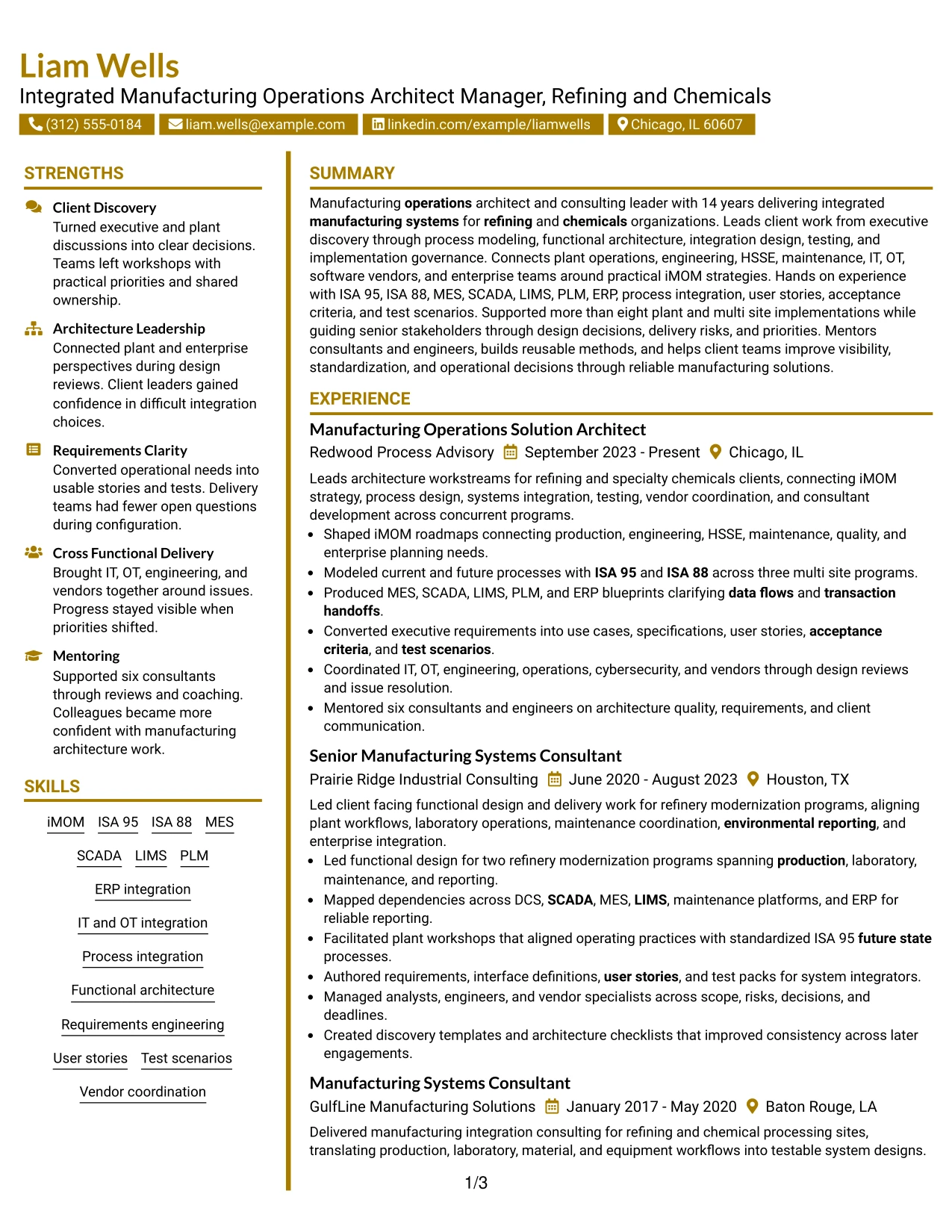
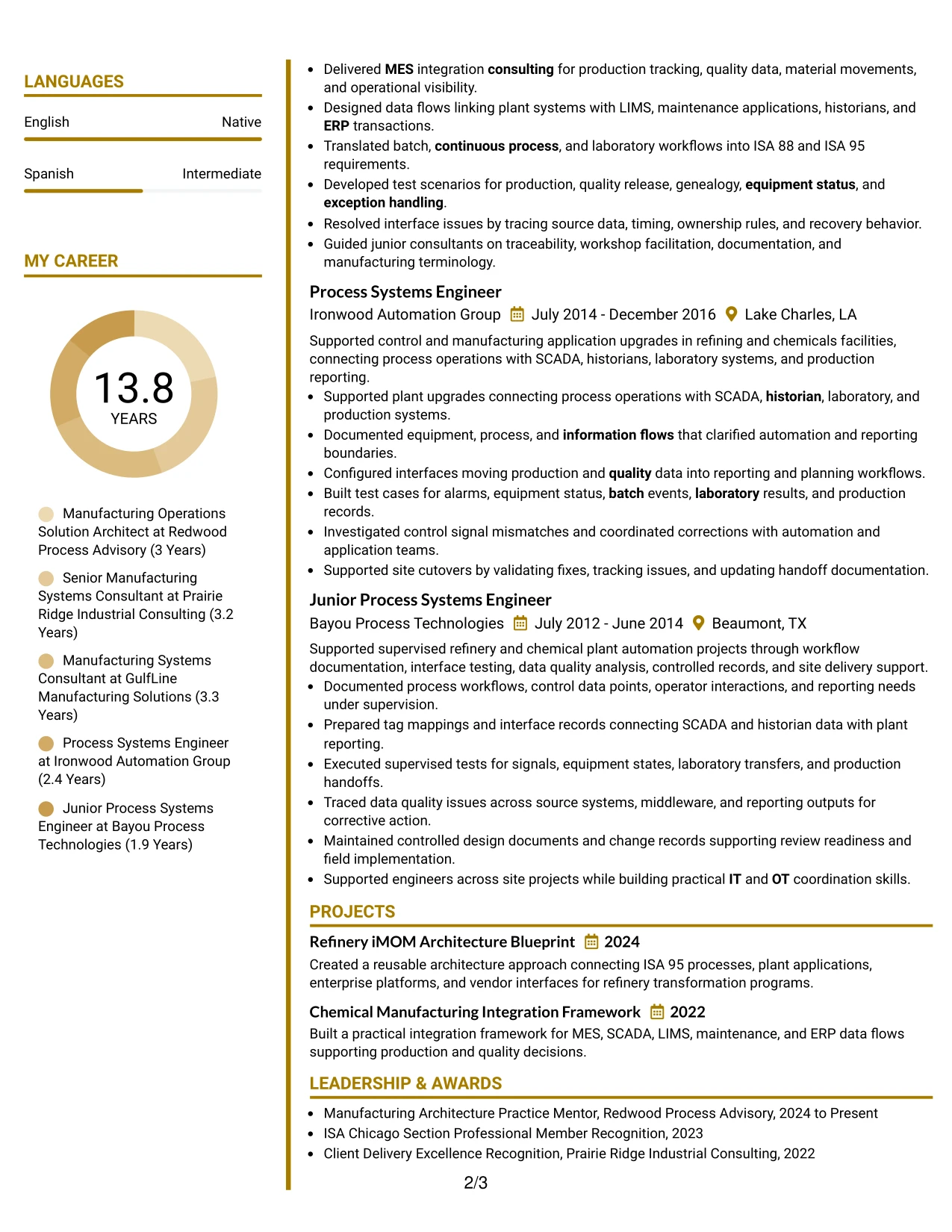
#23 Accent Divider Modern Two Column Format Resume Example
For a resume that must balance senior consulting work with detailed manufacturing systems evidence, the Accent Divider Modern Two Column Format gives clear separation without making the page feel busy. The main column can carry progressive experience and implementation results, while the second column holds skills, certifications, projects, education, and languages.
The divider helps recruiters move quickly between leadership evidence and technical qualifications. Strong content can include iMOM strategy, ISA 95 and ISA 88 process modeling, MES and ERP blueprints, testing, IT and OT coordination, refinery modernization, vendor management, and mentoring.
Why the Accent Divider Modern Two Column Format Works for a Resume
- Uses a clear divider to separate career evidence from supporting qualifications.
- Keeps long experience sections readable without forcing all content into one column.
- Provides a compact area for standards, platforms, certifications, and education.
- Supports fast recruiter scanning across leadership and technical evidence.
- Works well for resumes that combine consulting delivery with engineering depth.
- Creates room for projects and languages without disrupting chronology.
- Maintains a professional hierarchy when visual accents remain restrained.
Best For
- Resumes that need a clear visual boundary between experience and qualifications
- Applications with substantial technical content that still require fast recruiter scanning
- Candidates balancing client leadership with hands-on systems evidence
- Documents containing projects, certifications, education, and languages beside experience
- Career histories where a modern divider can improve navigation without adding complexity
- Senior manufacturing architecture resumes that benefit from organized two-column structure
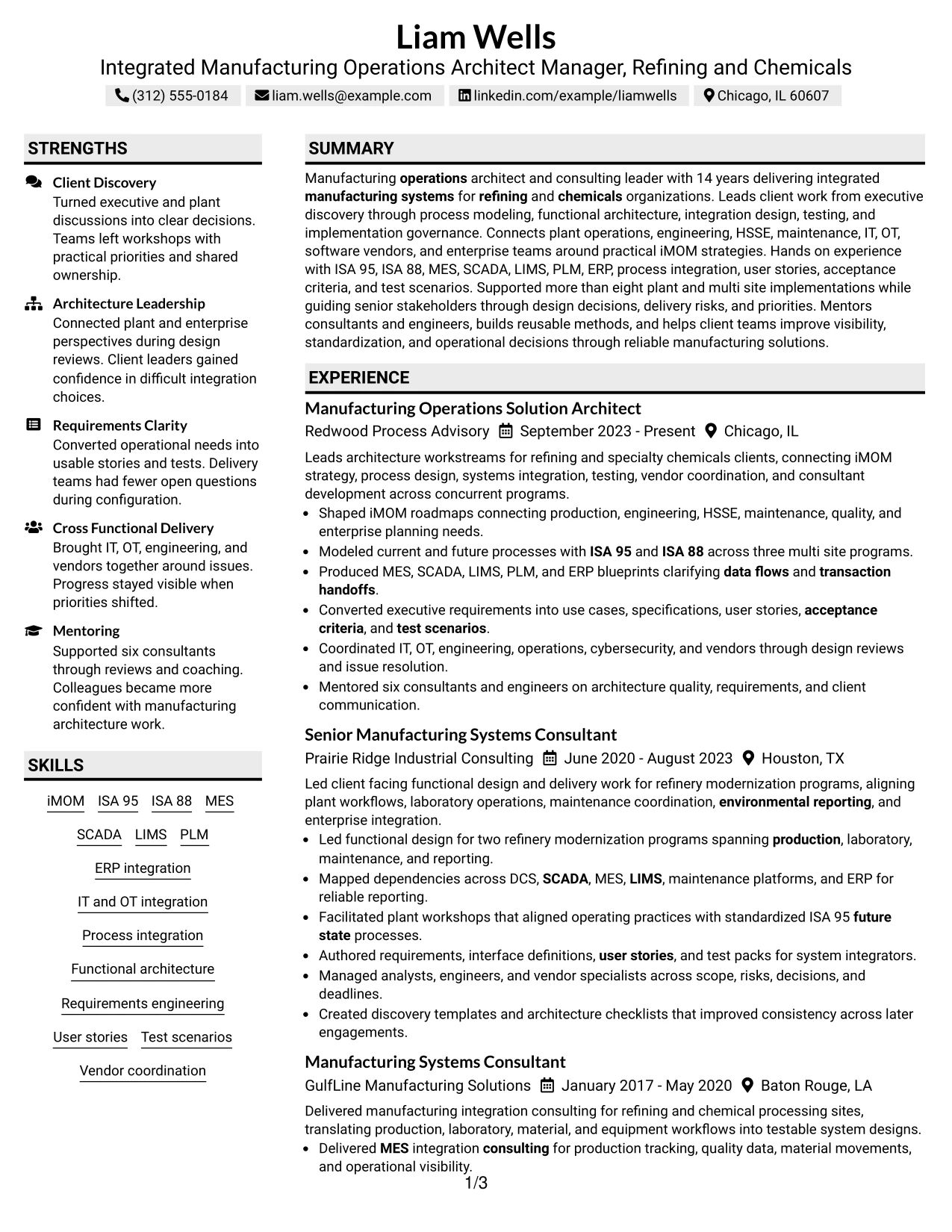
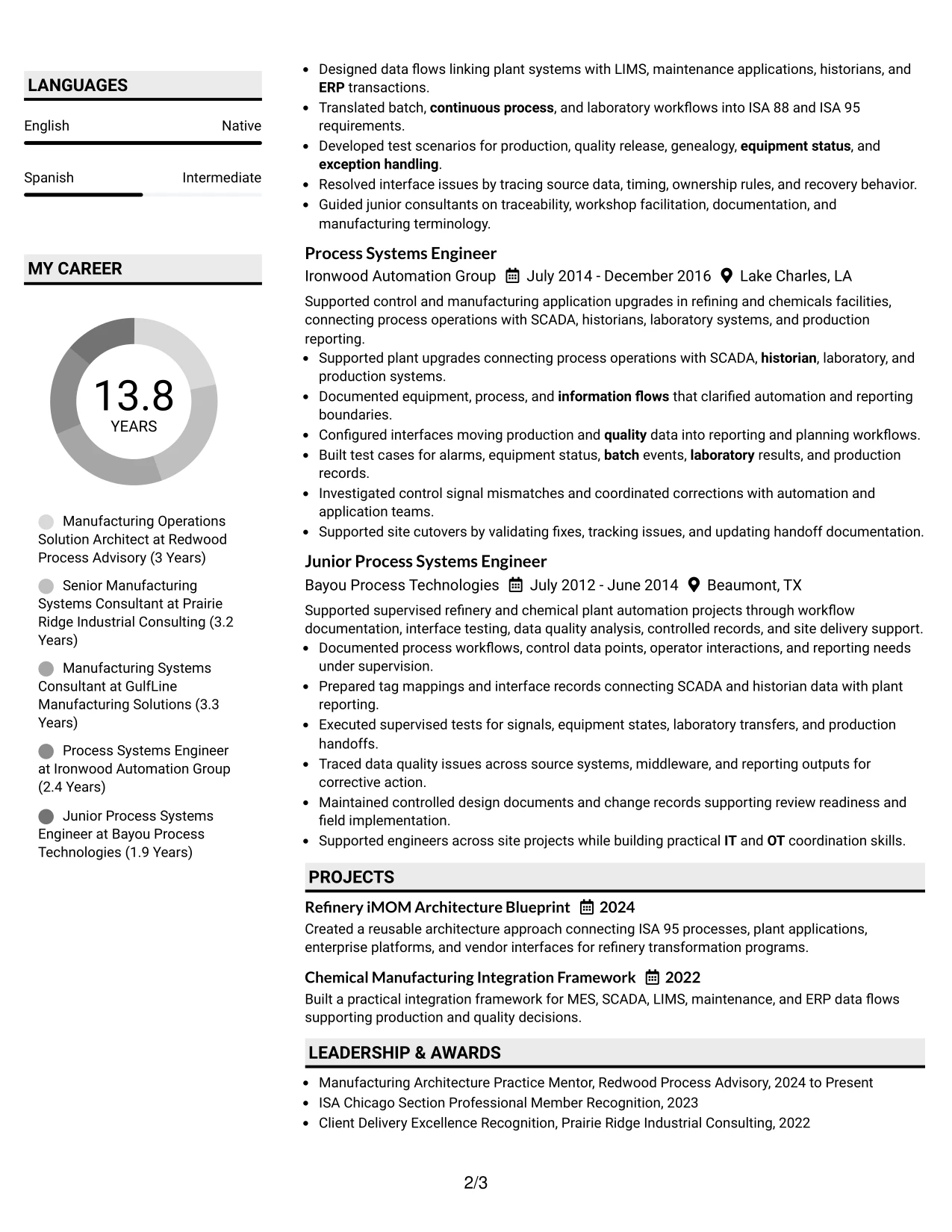
#24 Shaded Labels Clean Two Column Format Resume Example
Subtle shaded labels create quick visual landmarks while the two-column structure keeps detailed experience separate from concise qualifications. In the Shaded Labels Clean Two Column Format, architecture and implementation achievements can lead in the main column while skills, certifications, education, projects, and languages remain easy to locate.
The format suits a resume with broad systems coverage because each technical group can be clearly labeled without overwhelming the page. Recruiters can connect iMOM, ISA 95, ISA 88, MES, SCADA, LIMS, PLM, ERP integration, DCS, historians, testing, and vendor coordination to specific career evidence.
Why the Shaded Labels Clean Two Column Format Works for a Resume
- Makes major sections easy to identify through restrained label contrast.
- Separates detailed experience from fast-reference qualifications.
- Supports a wide manufacturing systems skill set without creating visual clutter.
- Helps recruiters connect technical keywords with accomplishment evidence.
- Provides dedicated space for certifications, education, projects, and languages.
- Works well for a long career with both consulting and engineering roles.
- Preserves a clean professional hierarchy across dense technical content.
Best For
- Candidates with many technical categories that need obvious section labels
- Resumes where supporting credentials should stay visible beside experience
- Applications requiring quick navigation through standards, platforms, and project evidence
- Documents with dense content that benefits from stronger section signposts
- Career histories combining architecture leadership and earlier engineering execution
- Professionals who want more structure than a plain two-column format without heavy design
#25 Photo Header Color Accent International Format Resume Example
The Photo Header Color Accent International Format combines a visible identity area, light color accents, and a one-column resume body. It is best used where a photo-based resume is customary, while the content still follows a clear sequence through summary, experience, projects, certifications, education, languages, and skills.
The photo and color accents should support rather than replace evidence. The strongest material remains the record of iMOM strategy, ISA 95 and ISA 88 process modeling, MES and ERP integration, refinery modernization, test scenarios, client delivery, vendor coordination, and more than eight plant and multi site implementations.
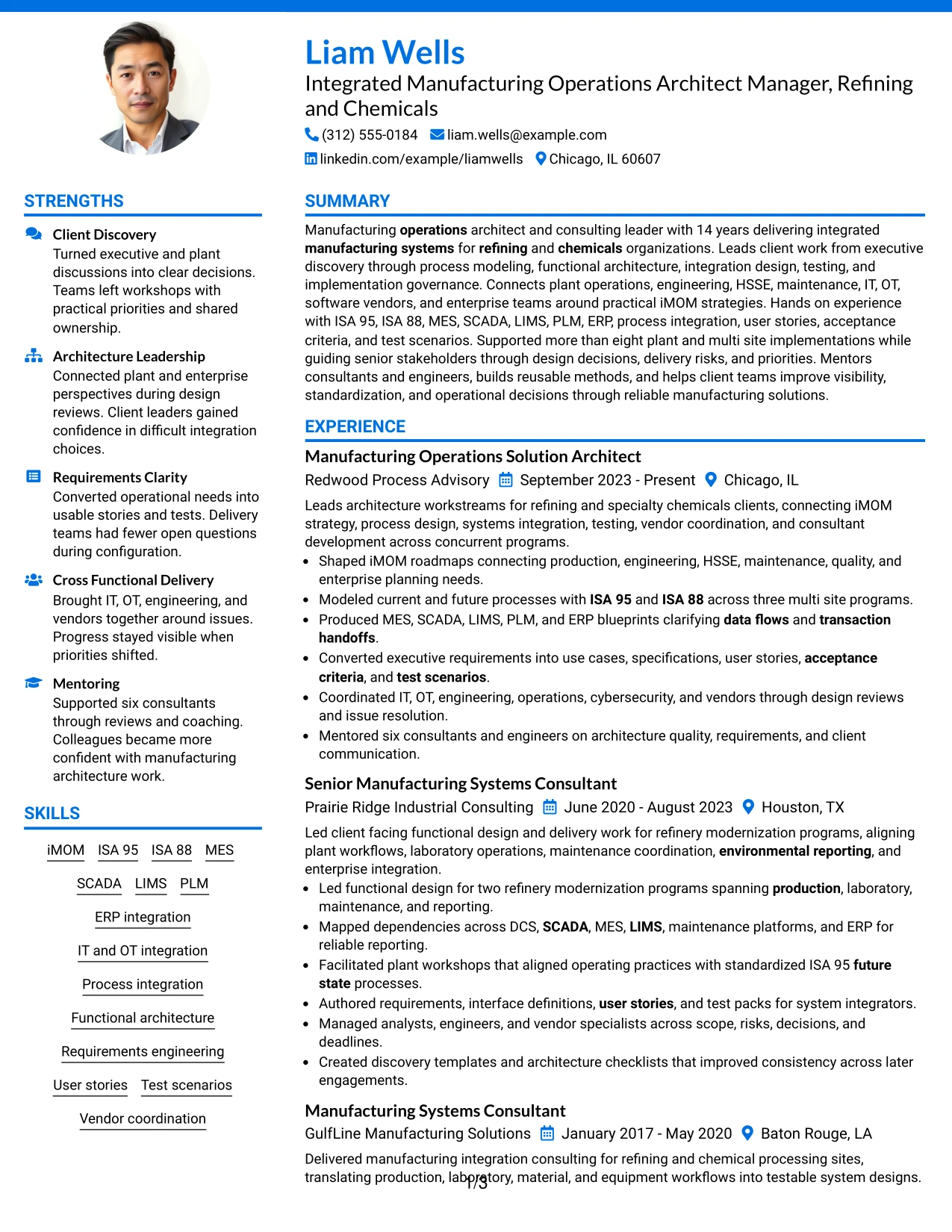
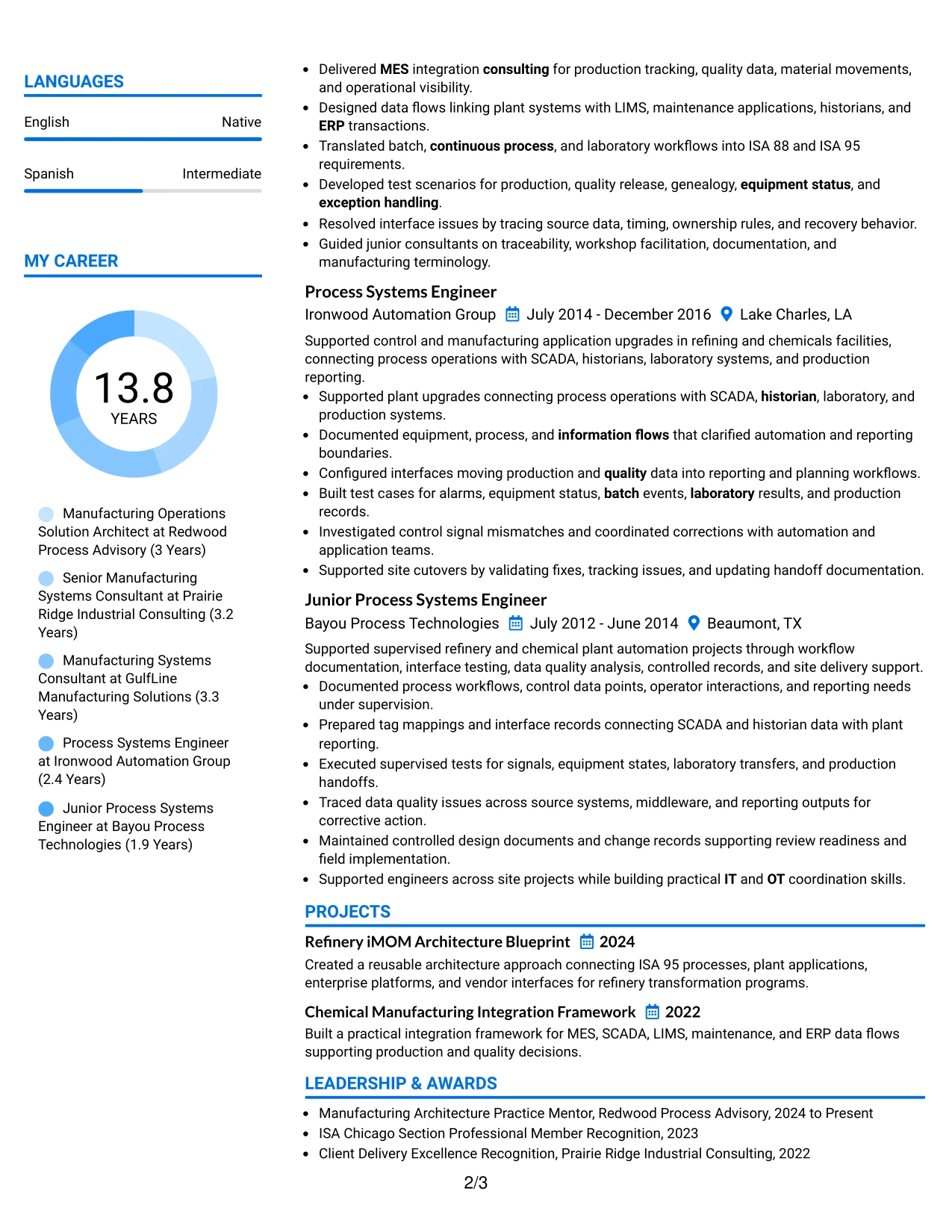
Why the Photo Header Color Accent International Format Works for a Resume
- Combines a photo header with a simple one-column reading path.
- Uses color accents to distinguish sections without fragmenting the content.
- Provides full width for detailed accomplishment bullets.
- Can suit international application contexts where a photo is customary.
- Leaves room for projects, certifications, education, languages, and skills.
- Keeps ATS-relevant text in a direct sequence when visual elements remain secondary.
- Supports a long professional history without compressing technical evidence.
Best For
- International applications where a resume photo is customary or accepted
- Candidates who want a photo header without giving up one-column readability
- Resumes with detailed accomplishment bullets that need full line width
- Documents using light color accents to improve section navigation
- Career histories with several roles plus projects and credentials
- Professionals who need a visually distinct format while keeping evidence in a clear sequence
#26 Large Profile Photo International Two Column Format Resume Example
A recruiter first sees the identity area, then moves through a two-column structure that separates the career narrative from supporting qualifications. The Large Profile Photo International Two Column Format provides substantial space for a photo while still organizing experience, skills, projects, certifications, education, and languages.
Because the photo takes more visual space, the resume needs disciplined content hierarchy. The main column should still lead with architecture leadership, refinery and chemicals implementation scope, process integration, testing, IT and OT coordination, vendor management, and mentoring, while the secondary column keeps technical qualifications concise.
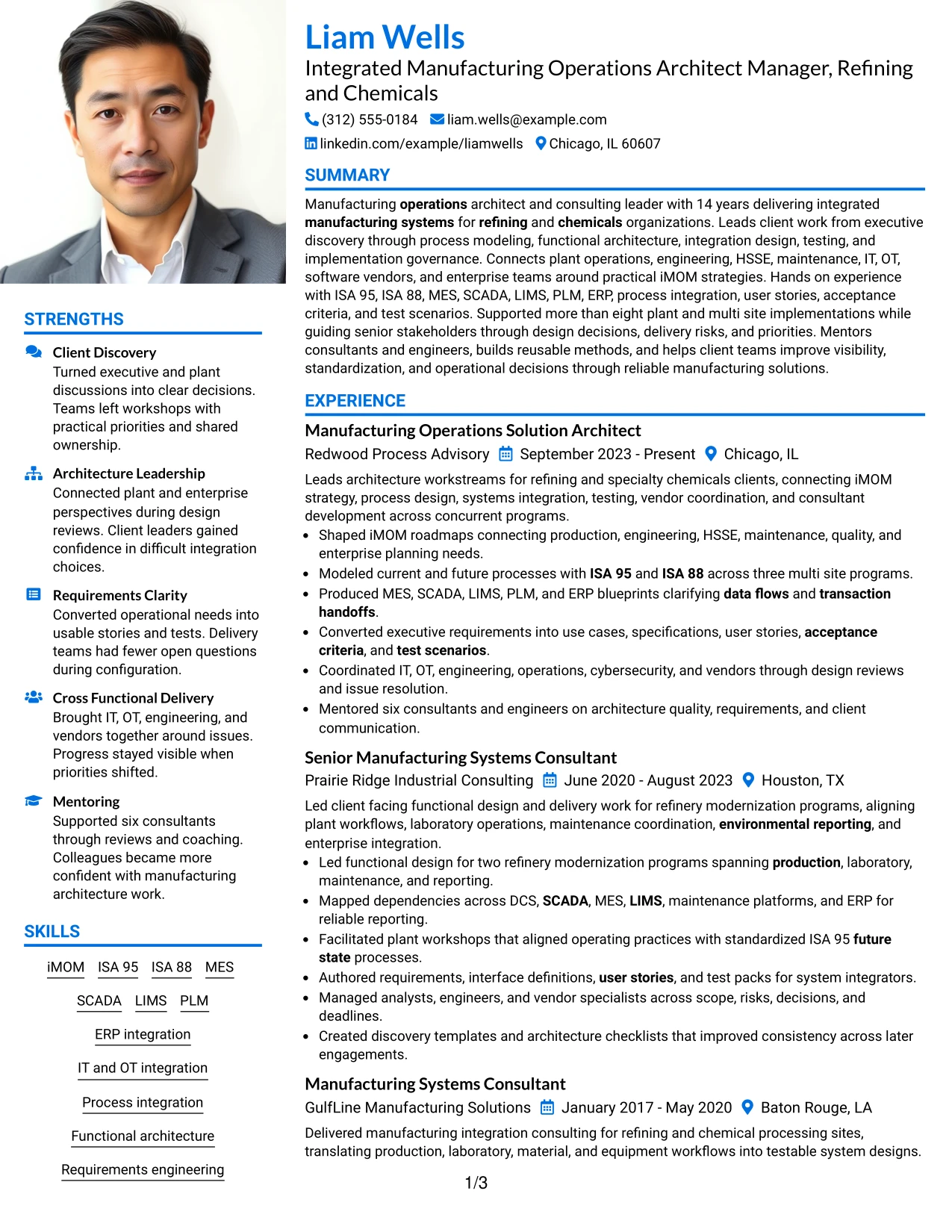
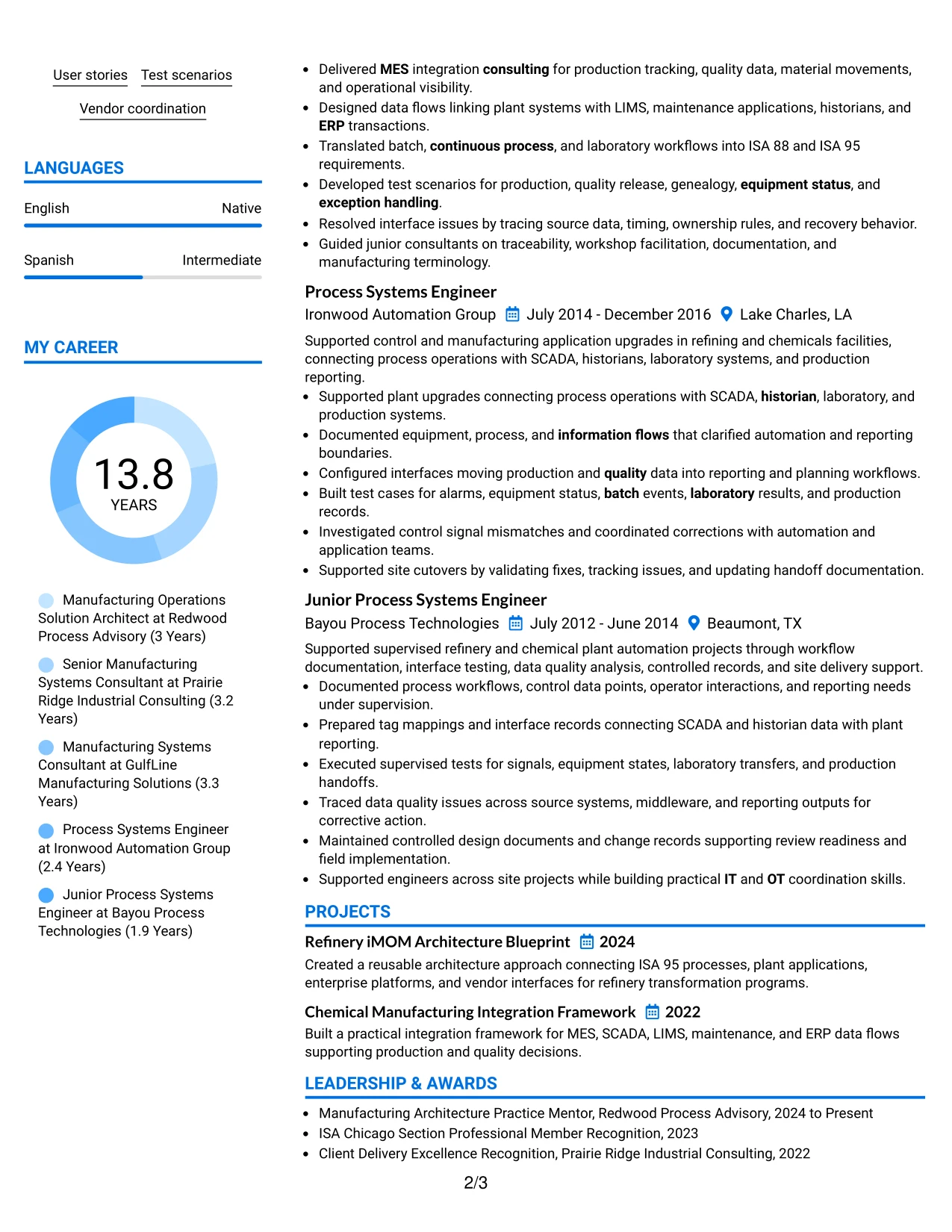
Why the Large Profile Photo International Two Column Format Works for a Resume
- Creates a prominent identity area for markets where large resume photos are customary.
- Separates long-form experience from quick-reference qualifications.
- Uses the second column efficiently for skills, certifications, education, and languages.
- Provides enough structure for a long career with multiple roles and projects.
- Helps reviewers distinguish leadership evidence from supporting technical detail.
- Can present international resume content in a familiar visual pattern.
- Works best when the photo remains secondary to accomplishment-based evidence.
Best For
- International resume markets where a larger professional photo is normal
- Candidates who need both a photo presentation and substantial experience space
- Documents with many supporting qualifications that benefit from a second column
- Applications where identity and contact information receive stronger visual emphasis
- Long career histories that still need quick access to skills and credentials
- Professionals who can keep achievement evidence dominant despite a larger visual header area
#27 One Column Format with Photo Resume Example
Experience evidence receives priority in the One Column Format with Photo, with the career history running in one direct sequence below the identity area. The photo is present, but the resume body should still focus on implementation scope, architecture decisions, systems integration, testing, and client delivery.
The full-width structure supports detailed bullets about more than eight implementations, three multi site process-modeling programs, two refinery modernization programs, MES and ERP blueprints, requirements, user stories, test scenarios, site cutovers, and mentoring of six consultants and engineers.
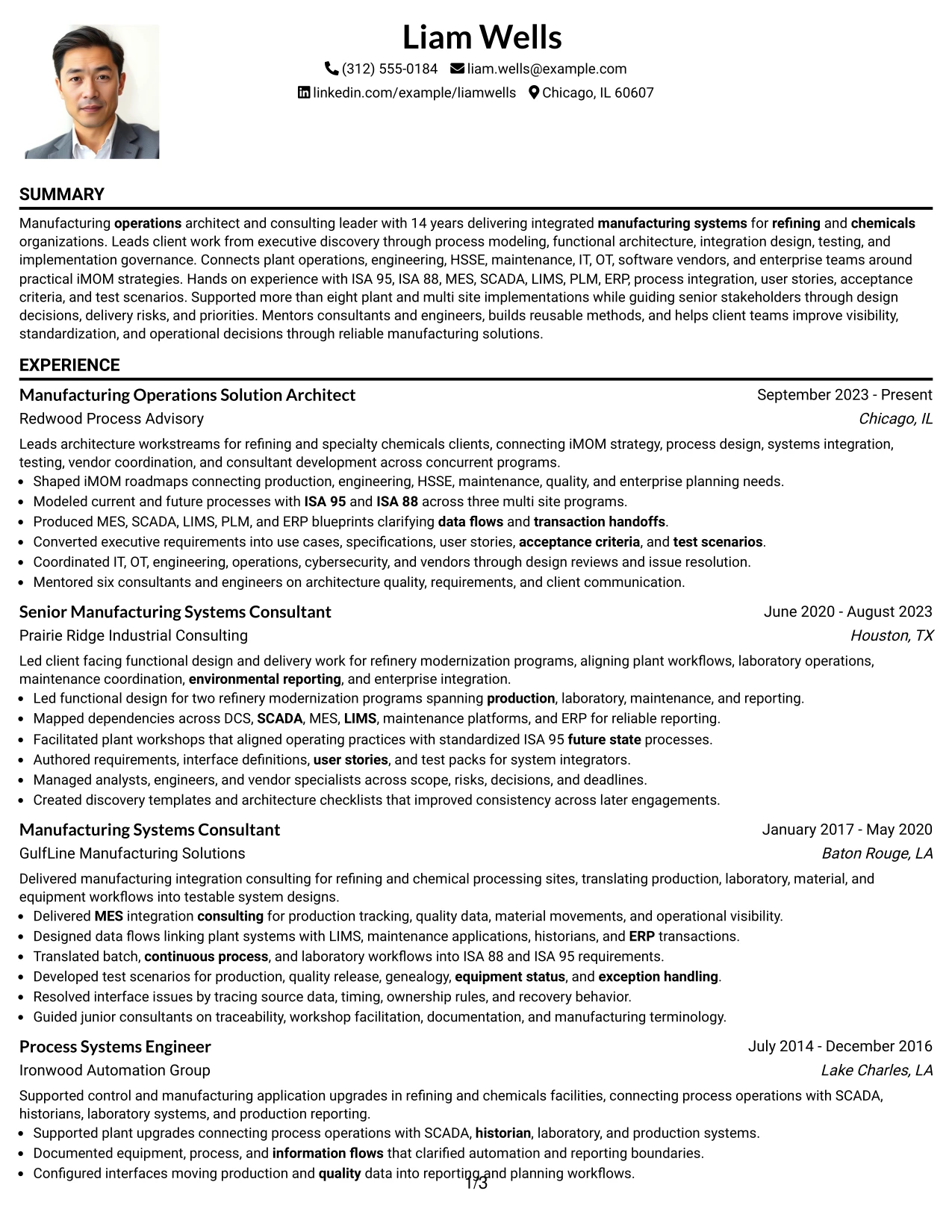
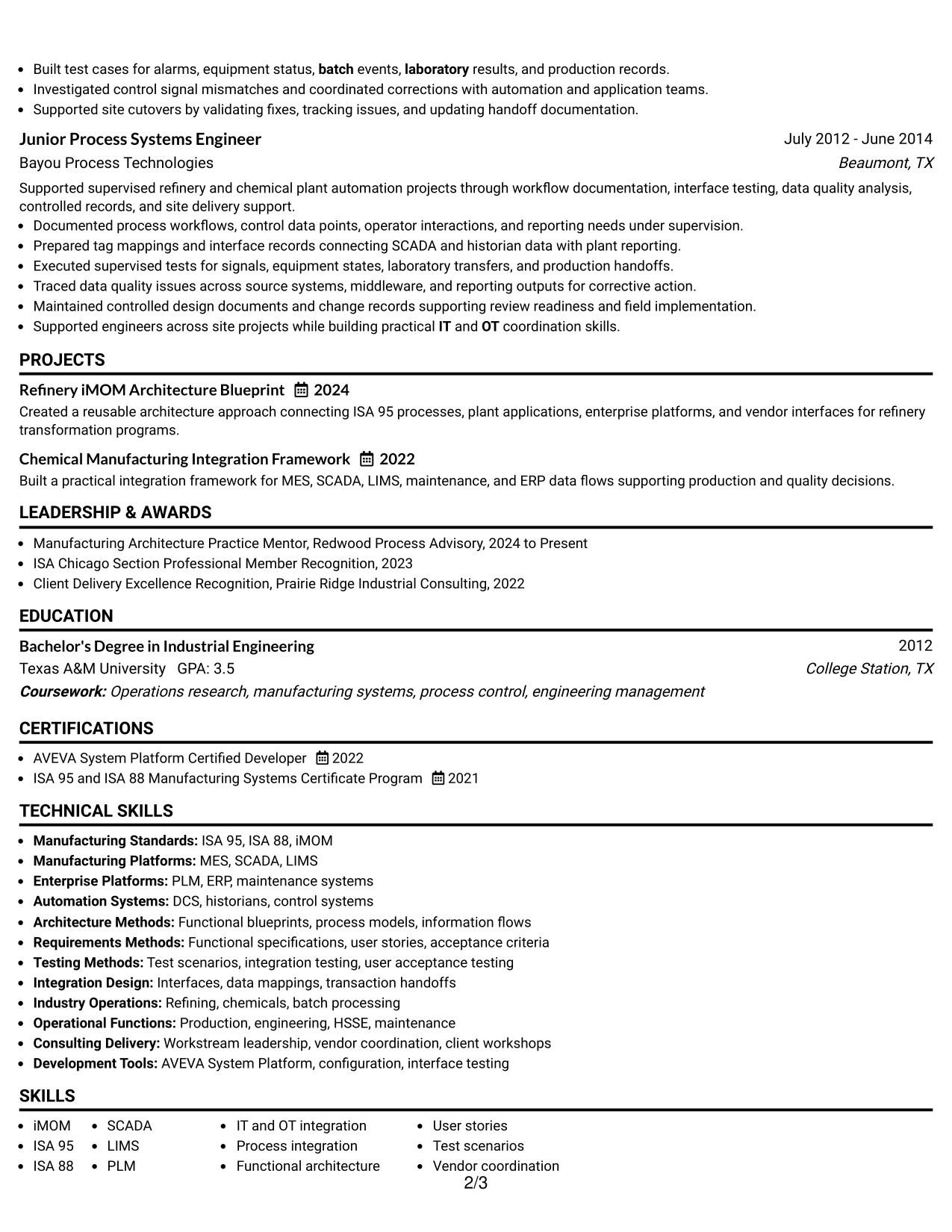
Why the One Column Format with Photo Works for a Resume
- Keeps experience evidence in a direct top-to-bottom reading path.
- Provides full width for detailed technical and leadership bullets.
- Allows a photo without splitting the resume body into narrow columns.
- Supports clear chronology across five professional roles.
- Leaves straightforward placement for projects, certifications, education, and skills.
- Works well when accomplishment depth matters more than page compression.
- Maintains a simple ATS-friendly structure when the photo is treated as a visual extra.
Best For
- Candidates who need a photo but prefer a straightforward one-column resume
- Applications where detailed accomplishment evidence should stay full width
- Resumes with several roles that need clear chronological flow
- Documents containing projects and certifications after a long experience section
- International submissions where a photo is acceptable but simple structure is preferred
- Professionals with substantial implementation evidence that should not be compressed
#28 One Column Format with Photo Right Resume Example
Space is balanced by placing the photo to the right while the contact and summary area stays compact, leaving the rest of the resume in a full-width one-column flow. The One Column Format with Photo Right can present a visible identity area without narrowing the experience section.
That balance supports a long manufacturing systems career because detailed evidence remains easy to read. The resume can show iMOM roadmaps, ISA 95 and ISA 88 models, SCADA and LIMS dependencies, MES and ERP integration, user stories, test scenarios, vendor coordination, and workstream leadership without competing columns.
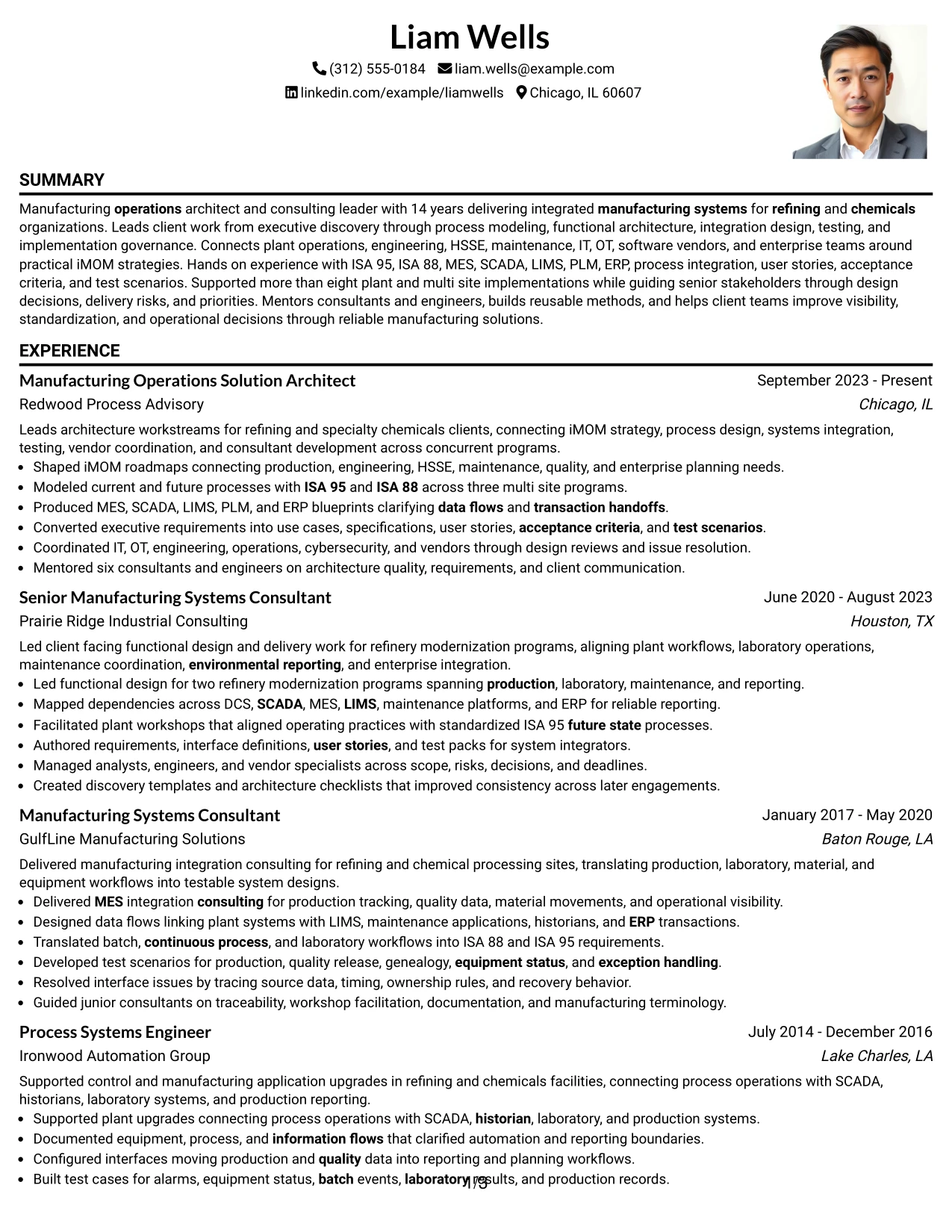
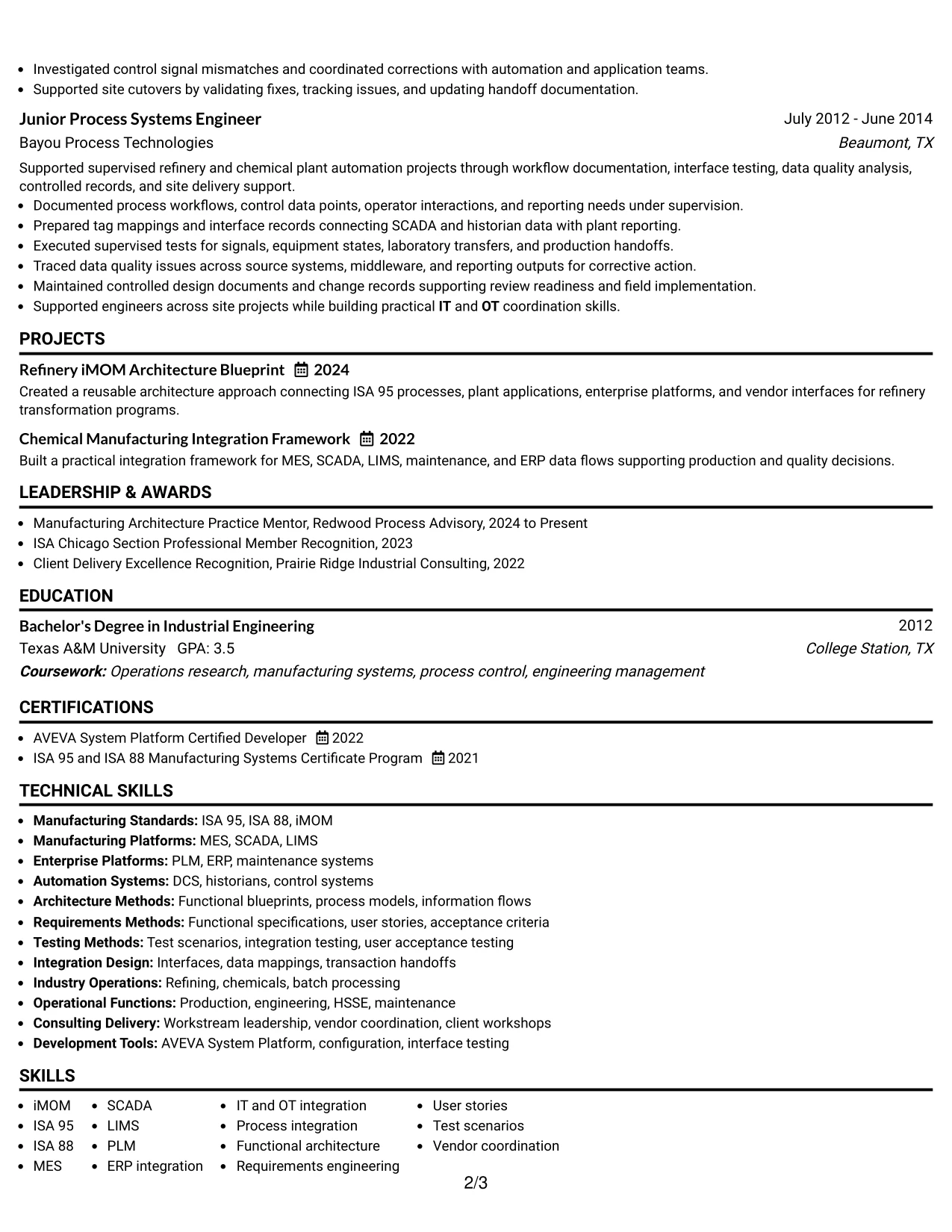
Why the One Column Format with Photo Right Works for a Resume
- Places the photo beside the header while keeping the body full width.
- Preserves a simple top-to-bottom reading sequence.
- Provides enough room for detailed systems and implementation evidence.
- Can support markets where a photo is customary without using a two-column body.
- Maintains clear chronology across a long professional history.
- Leaves room for projects, certifications, education, languages, and skills.
- Works well when a visible identity area is needed but content volume remains high.
Best For
- International applications that permit a photo but favor one-column readability
- Candidates who want the photo contained within the header rather than the main body
- Resumes with lengthy experience sections that need full-width bullets
- Documents where a balanced header should not reduce technical content space
- Career histories with several supporting sections below professional experience
- Professionals who want visual identity without giving up a direct reading path
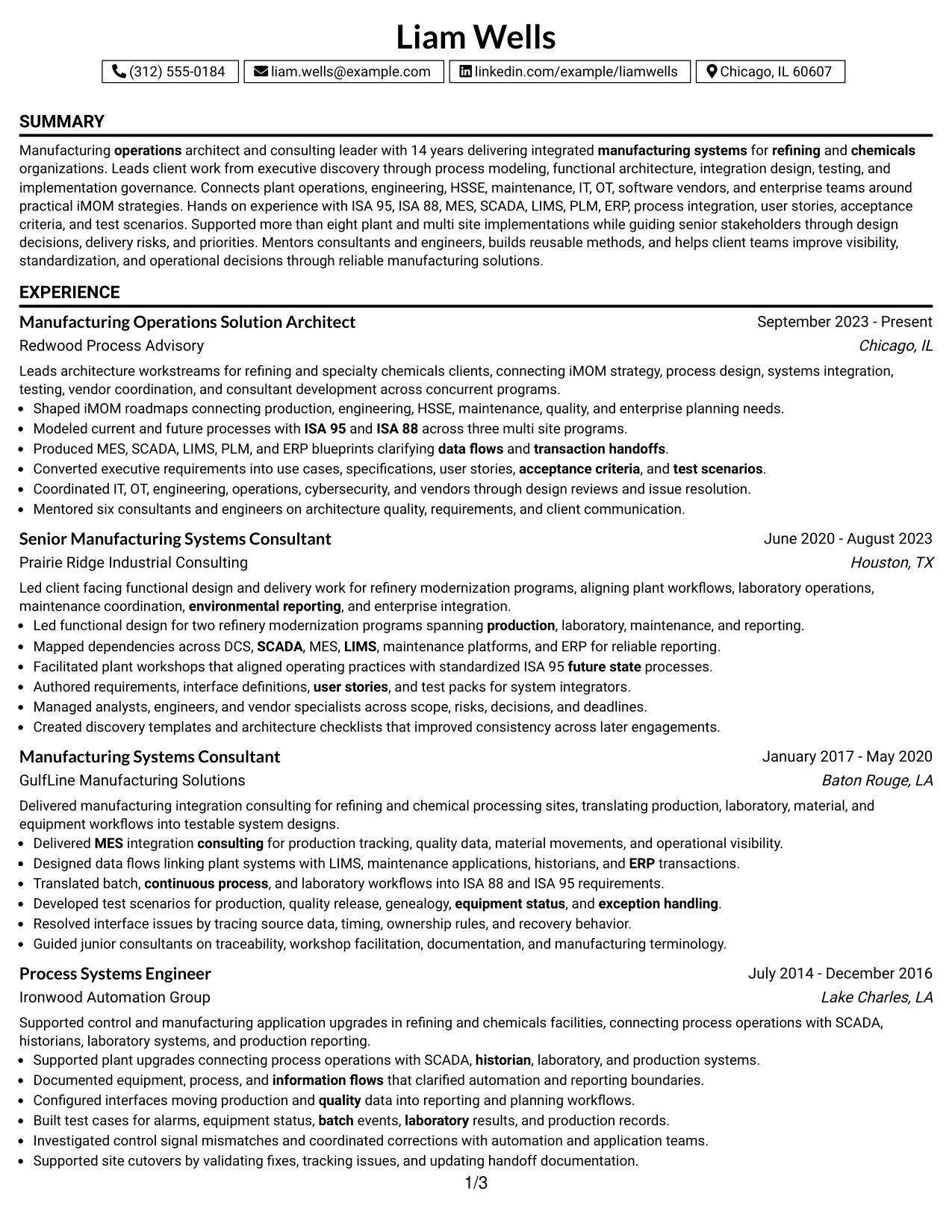
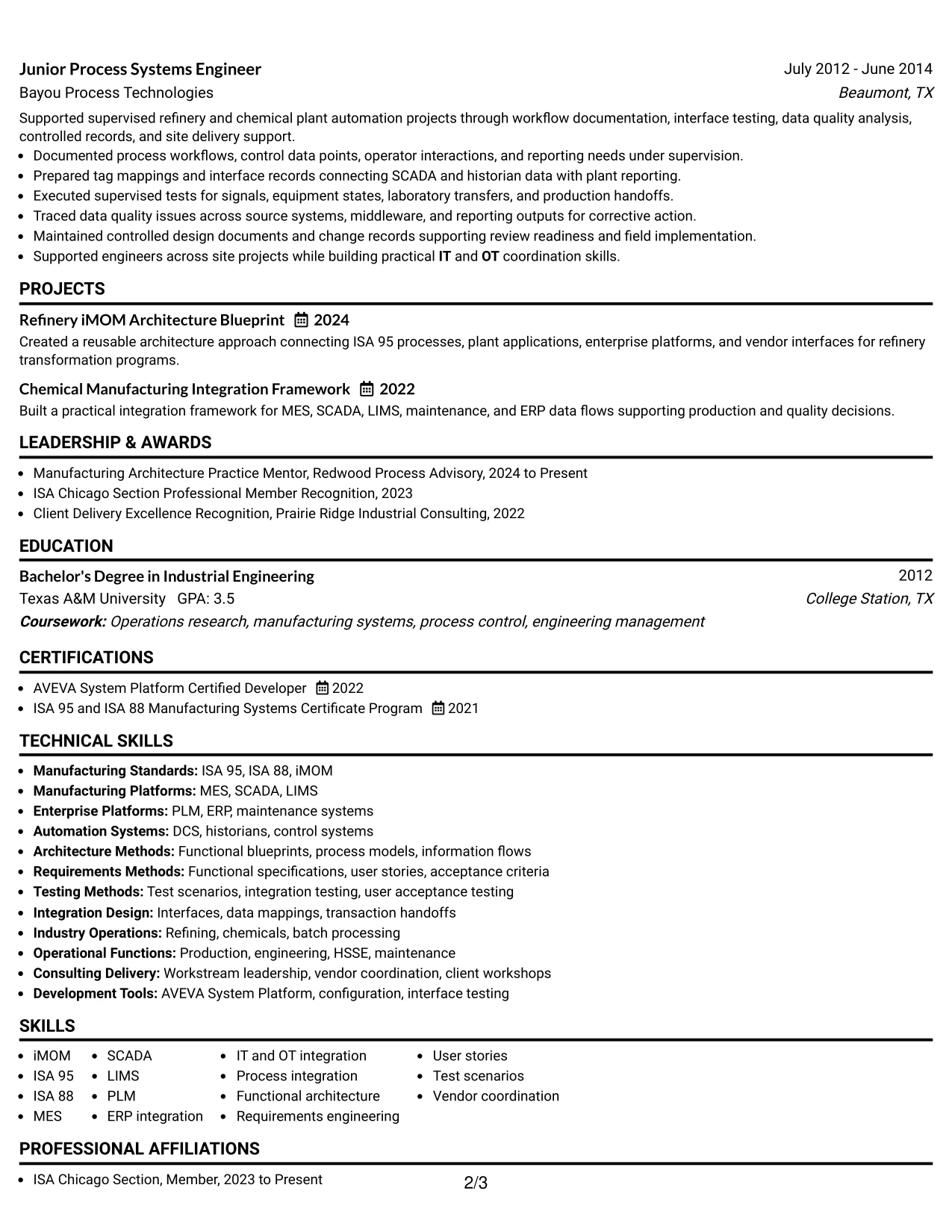
#29 One Column Boxed Contact Header Format Resume Example
For applications that need quick access to contact details while keeping the resume body conventional, the One Column Boxed Contact Header Format creates a clear top section and then returns to a simple reading path. Experience, projects, certifications, education, languages, and skills can follow in a predictable sequence.
The boxed header should stay compact so evidence remains the focus. The body can then show 14 years of progressive manufacturing systems work, more than eight implementations, iMOM strategy, functional blueprints, process integration, testing, vendor coordination, and increasing responsibility from engineering execution to architecture leadership.
Why the One Column Boxed Contact Header Format Works for a Resume
- Separates contact information clearly from the career evidence below.
- Keeps the main body in a straightforward one-column order.
- Gives accomplishment bullets full width for technical context.
- Supports ATS scanning with a predictable section sequence.
- Provides simple placement for projects, certifications, education, and skills.
- Works well for long career histories that need clean visual boundaries.
- Maintains a professional appearance without adding complex layout elements.
Best For
- Applications where contact information should be easy to locate at first glance
- One-column resumes that need a stronger visual boundary at the top
- Candidates with long experience sections and detailed technical bullets
- Documents requiring straightforward ATS parsing and familiar section order
- Career histories with several supporting sections after experience
- Professionals who want a conventional body with a more defined header
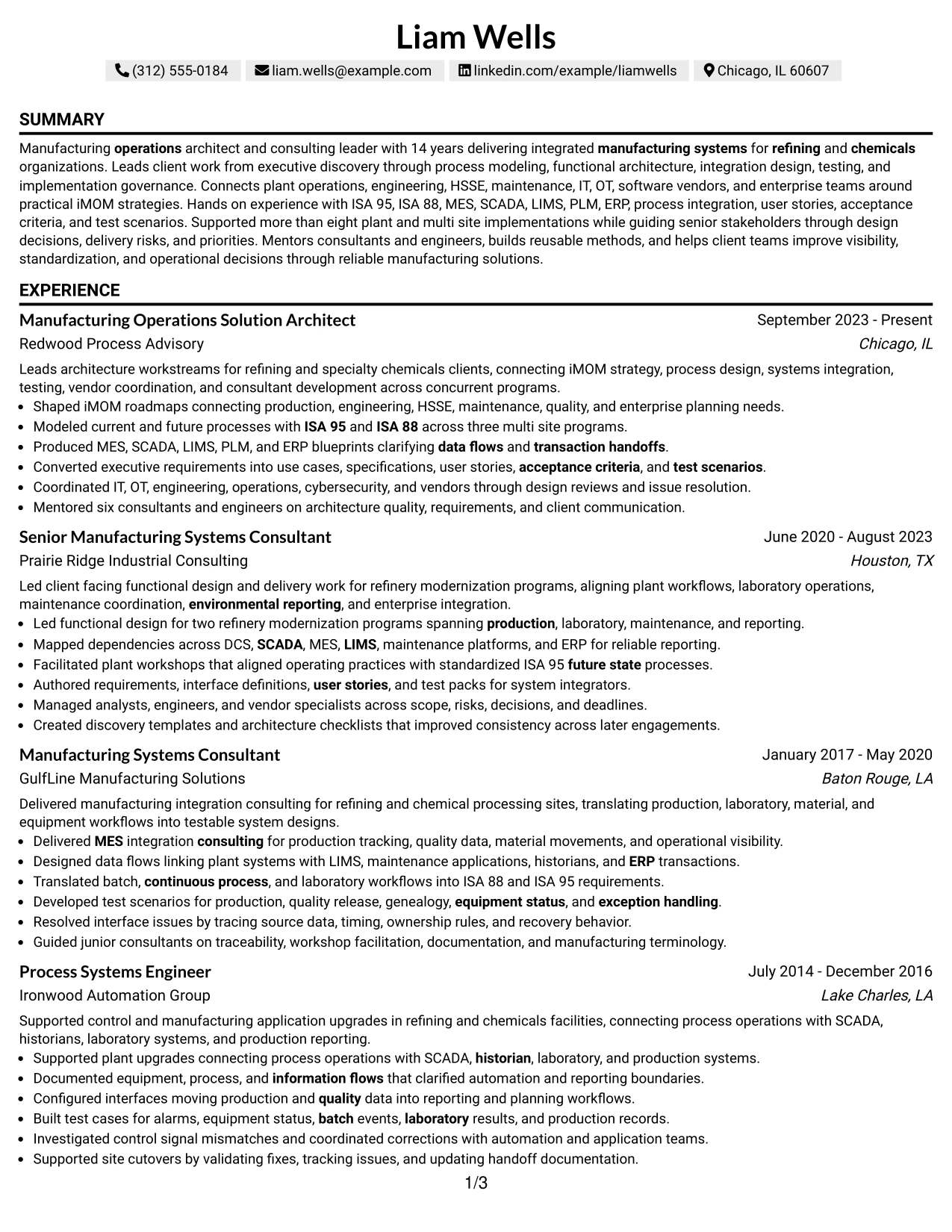
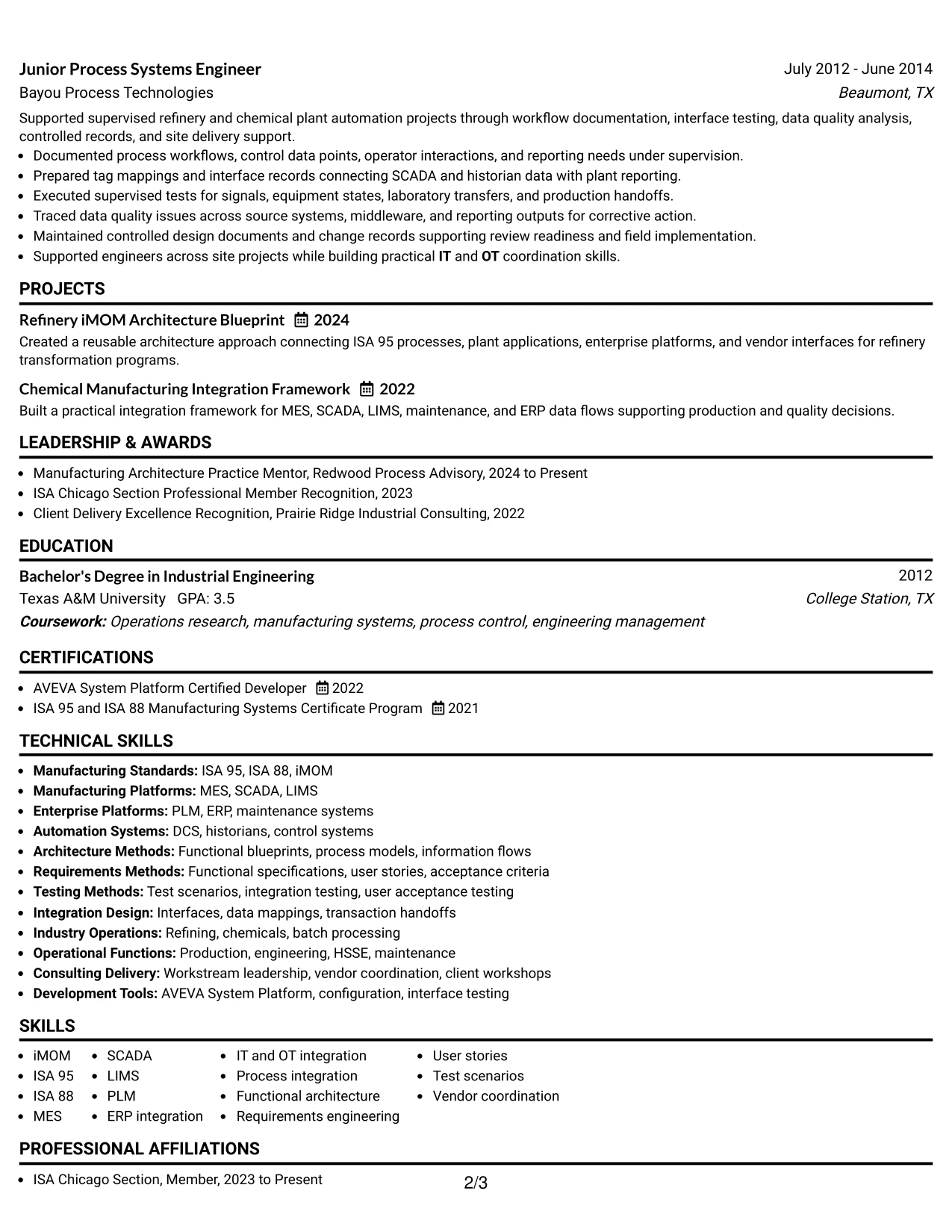
#30 One Column Shaded Contact Header Format Resume Example
A shaded contact header gives the top of the resume a clear visual anchor while the one-column body keeps the career story easy to follow. Liam Wells can use this structure to move directly from summary into five progressive roles, then projects, certifications, education, languages, and technical skills.
The restrained shading supports the evidence rather than replacing it. Recruiters can focus on iMOM strategy, refinery modernization, ISA 95 and ISA 88 process models, MES and ERP blueprints, requirements, testing, workstream leadership, and mentoring of six consultants and engineers.
Why the One Column Shaded Contact Header Format Works for a Resume
- Creates a visible starting point for contact details and summary.
- Keeps the full resume body in one clean reading sequence.
- Provides full width for complex technical accomplishment bullets.
- Supports clear progression across five professional roles.
- Leaves room for projects, certifications, education, languages, and skills.
- Uses restrained shading to improve navigation without dominating the page.
- Works well for a content-rich resume that needs simple visual structure.
Best For
- Candidates who want a stronger contact area without changing the one-column body
- Resumes where professional experience needs full-width space
- Applications that benefit from light visual hierarchy but conservative structure
- Documents with several roles plus projects, credentials, and technical sections
- Career histories where a shaded header can improve first-scan navigation
- Manufacturing architecture professionals with dense evidence and a long progression
#31 Boxed Contact Header with Job Title Format Resume Example
The Boxed Contact Header with Job Title Format places contact information and the target role in a defined top area, then keeps the rest of the resume in a simple one-column sequence. That makes the job target clear before the recruiter reaches the summary and experience sections.
The body can then prove alignment through specific evidence rather than repeating the title. Strong examples include iMOM roadmaps, ISA 95 and ISA 88 process modeling, MES, SCADA, LIMS, PLM, ERP integration, client workshops, test scenarios, vendor coordination, and implementation leadership.
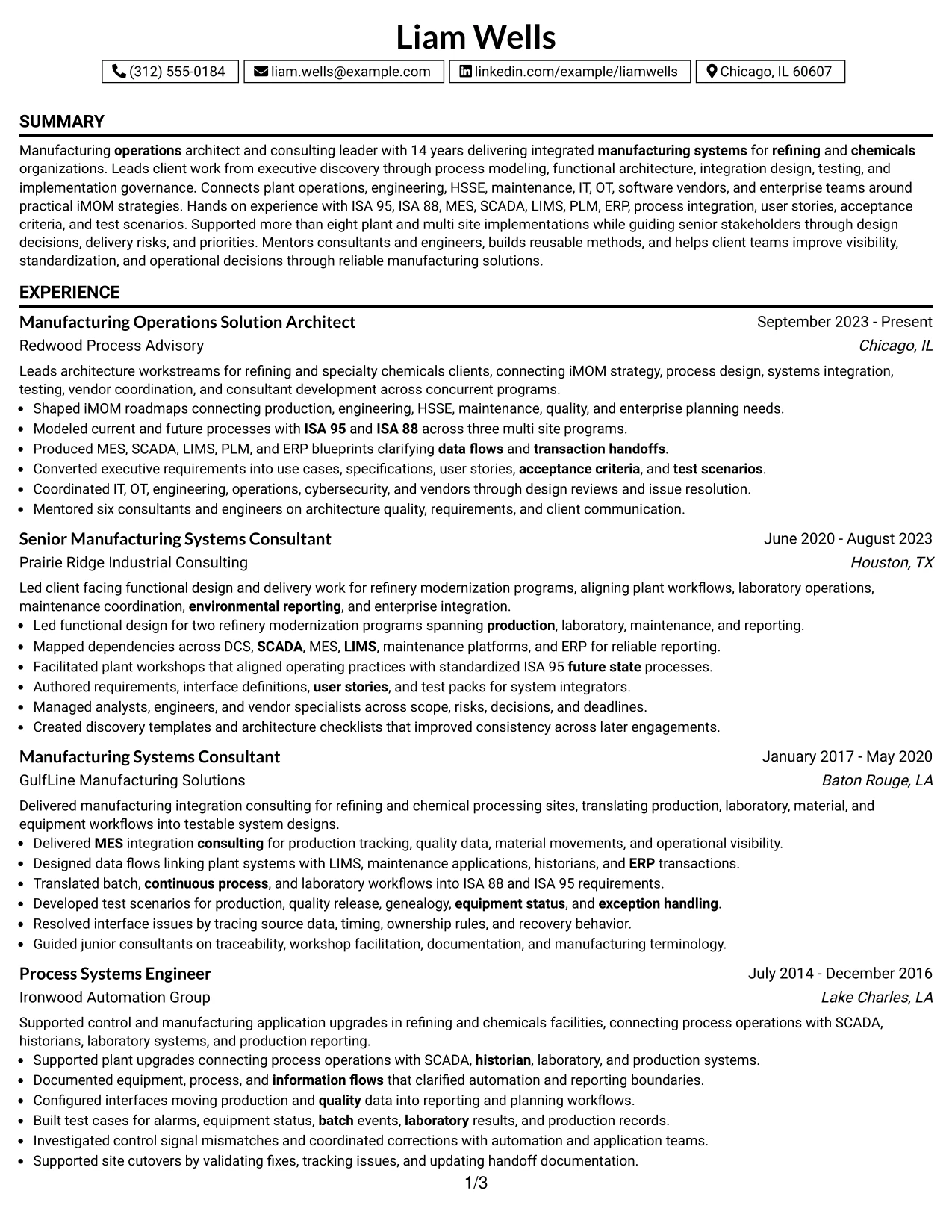
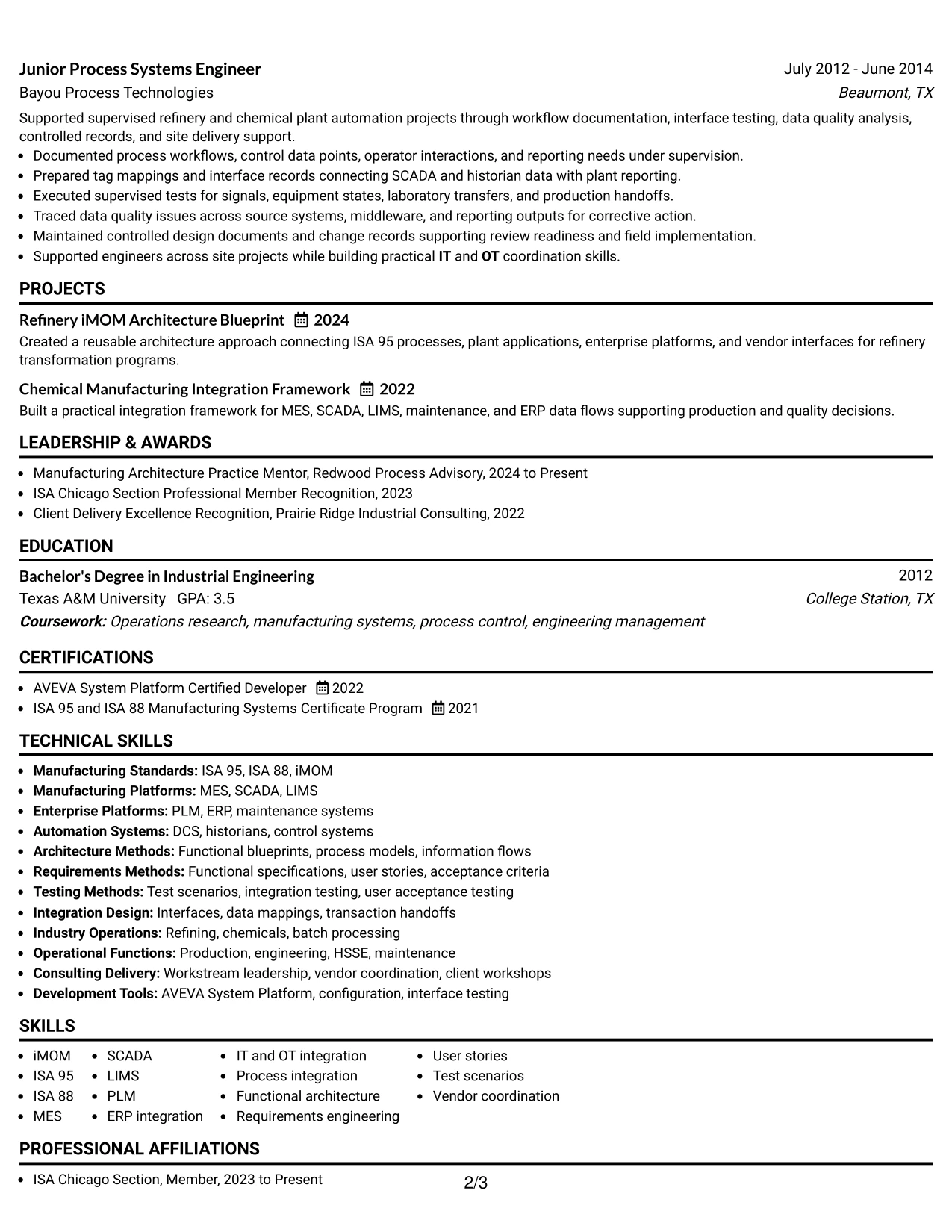
Why the Boxed Contact Header with Job Title Format Works for a Resume
- Makes the target job title visible before the experience section.
- Separates contact details from the main body with a clear visual boundary.
- Maintains a simple one-column flow for ATS and recruiter scanning.
- Gives detailed accomplishment bullets full width.
- Supports clear placement of projects, certifications, education, and skills.
- Helps the resume establish role alignment without overusing keywords.
- Works well when a precise target title matters to the application.
Best For
- Applications where the exact target title should be immediately visible
- Candidates tailoring one resume closely to a specific architecture role
- One-column documents that need a defined contact and title area
- Resumes with detailed technical experience that requires full-width presentation
- ATS-focused applications where role alignment should be clear near the top
- Professionals whose experience already strongly supports the stated job title
#32 Plain Professional Layout with Job Title & Shaded Labels Resume Example
A recruiter can identify the target role quickly, then move through clearly labeled sections in one direct reading path. The Plain Professional Layout with Job Title & Shaded Labels gives a content-heavy resume better navigation without sacrificing the simplicity of a one-column structure.
The format is useful when experience spans five roles plus projects, certifications, education, languages, and a broad technical skills section. Shaded labels can help recruiters find architecture leadership, refinery modernization, process integration, testing, IT and OT coordination, and platform expertise without interrupting chronology.
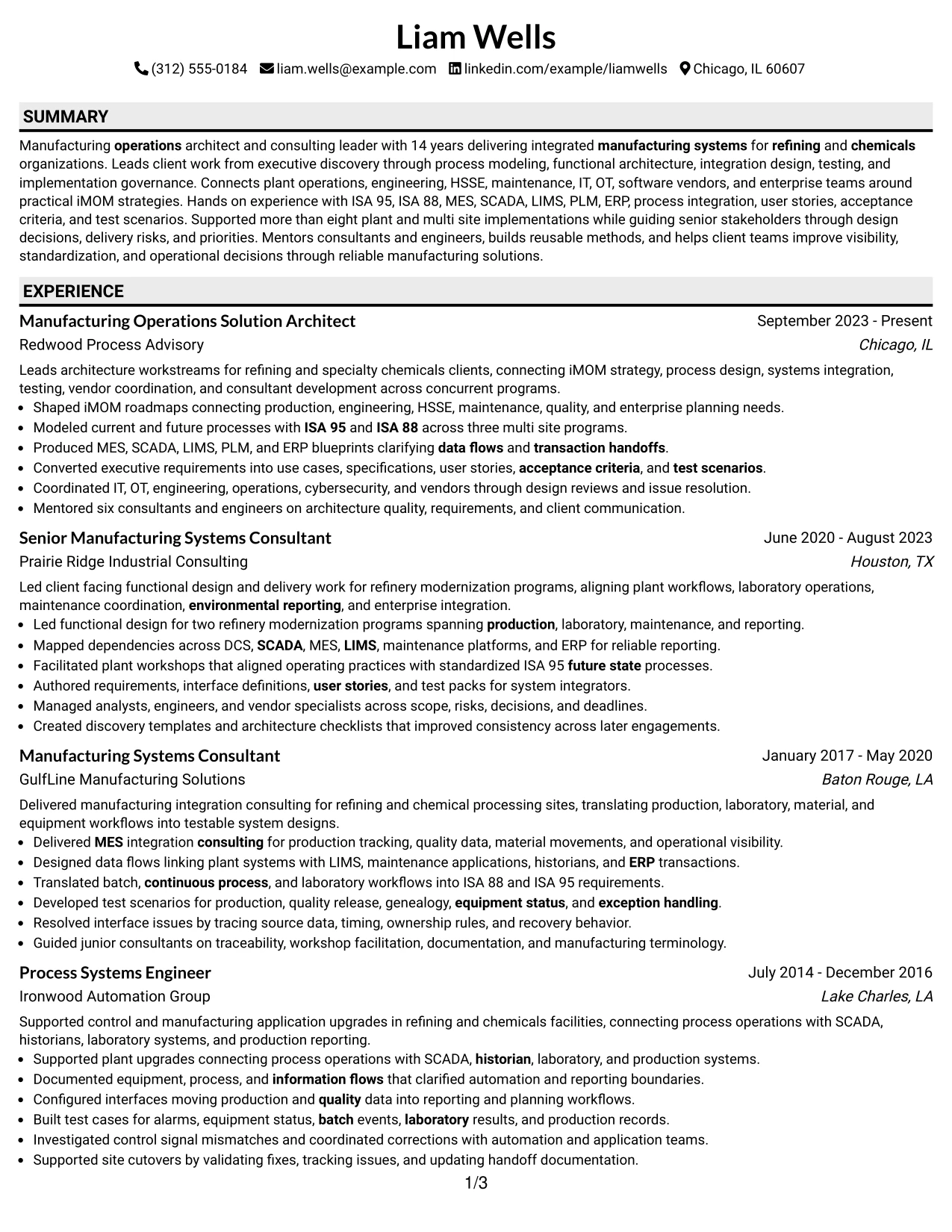
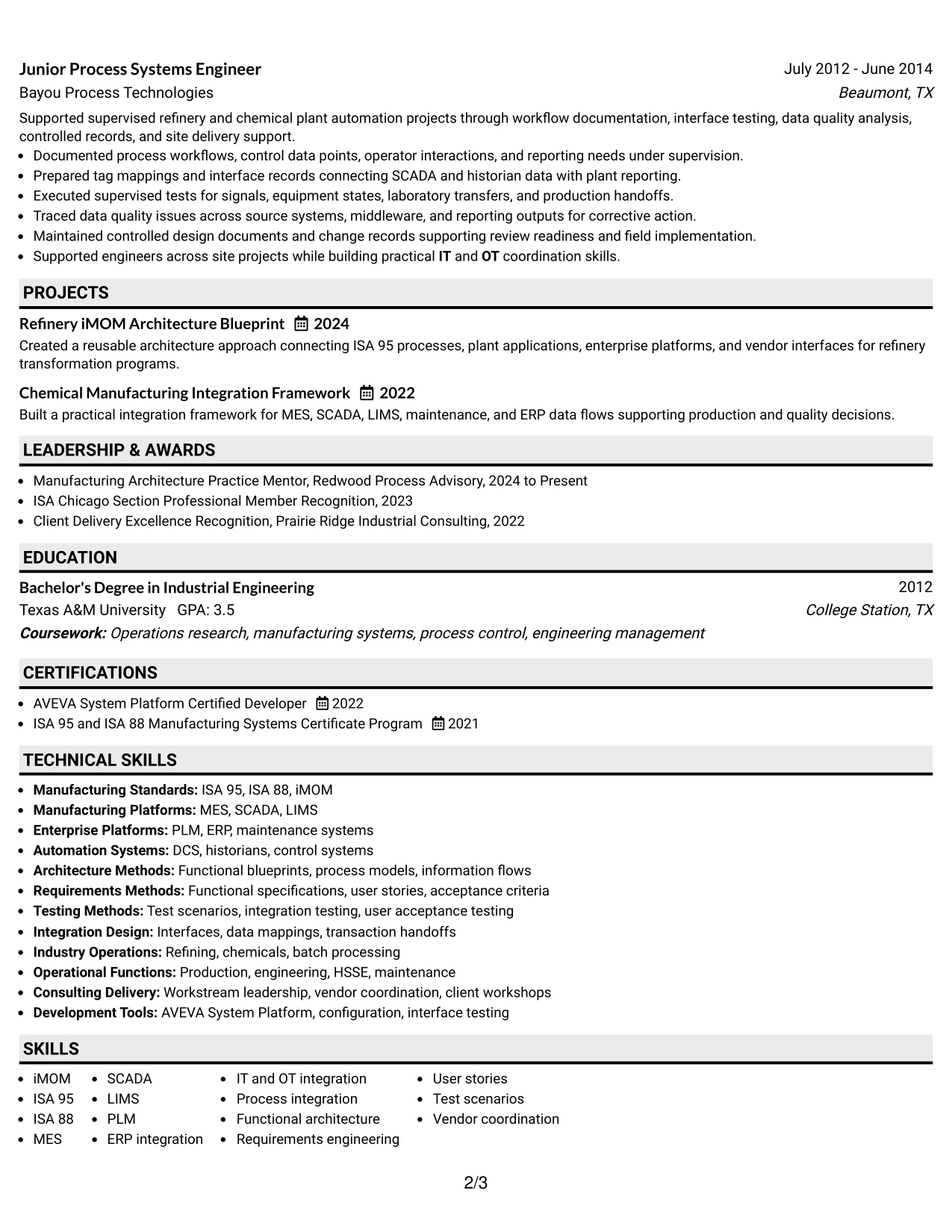
Why the Plain Professional Layout with Job Title & Shaded Labels Works for a Resume
- Shows the target job title clearly at the start of the document.
- Uses shaded labels to make major resume sections easy to find.
- Keeps all career evidence in one continuous reading order.
- Provides full width for detailed accomplishment bullets.
- Supports a long resume with several supporting sections.
- Helps recruiters scan for architecture, integration, testing, and leadership evidence.
- Maintains ATS-friendly structure while improving visual navigation.
Best For
- Content-heavy resumes that need stronger section signposts
- Candidates targeting a precise role while keeping a traditional one-column body
- Applications where recruiters may scan quickly for specific evidence categories
- Documents containing many sections that could otherwise blend together
- Career histories with detailed bullets that should remain full width
- Professionals who want clearer navigation without adopting a multi-column design
#33 Classic One Column Resume Format Resume Example
Career evidence receives full priority in the Classic One Column Resume Format, with experience presented in a direct chronological sequence and supporting sections placed afterward. This is a practical choice when the resume must explain 14 years of manufacturing systems work without relying on complex design.
The full-width body makes it easy to show specific results and scope: more than eight plant and multi site implementations, three multi site process-modeling programs, two refinery modernization programs, MES and ERP blueprints, user stories, test scenarios, site cutovers, vendor coordination, and mentoring of six consultants and engineers.
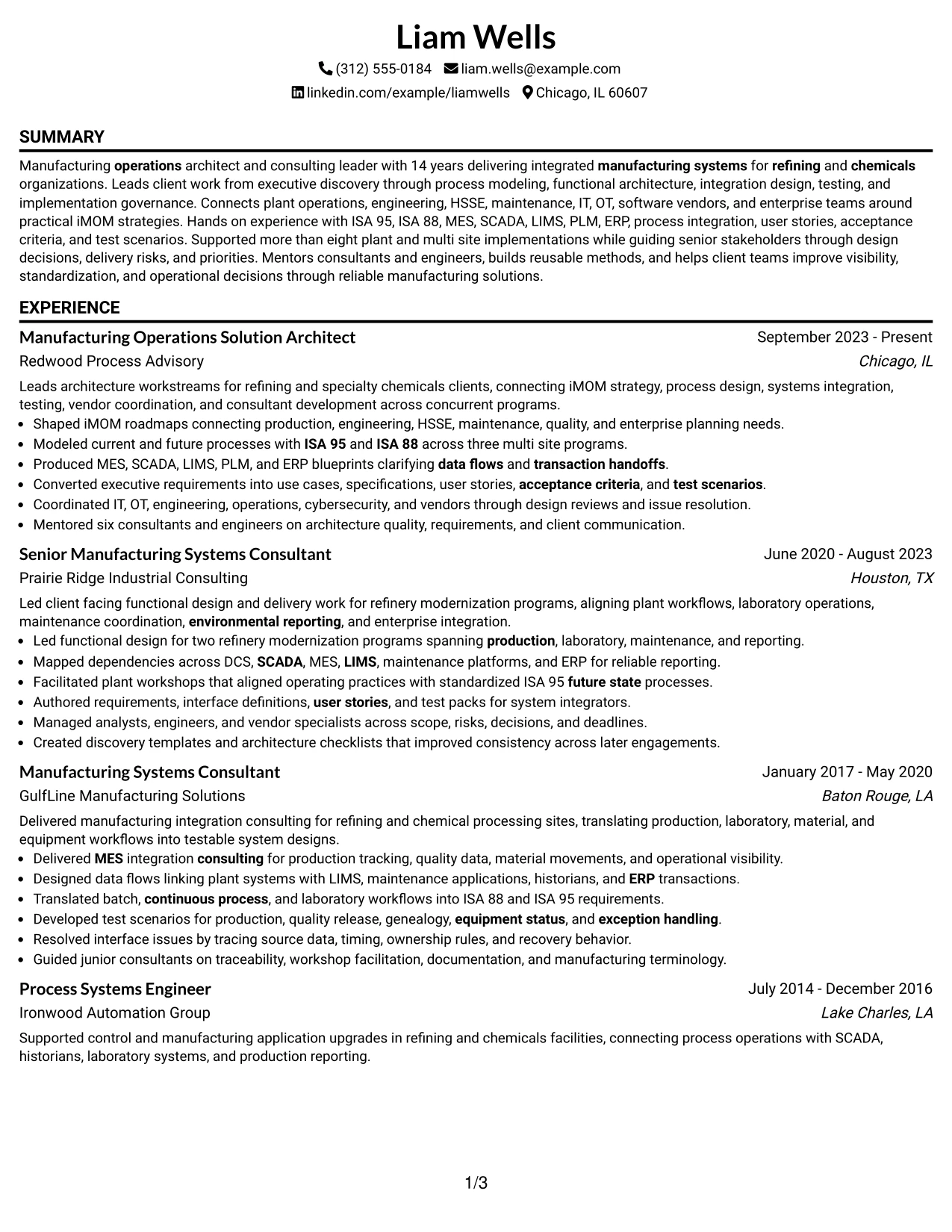
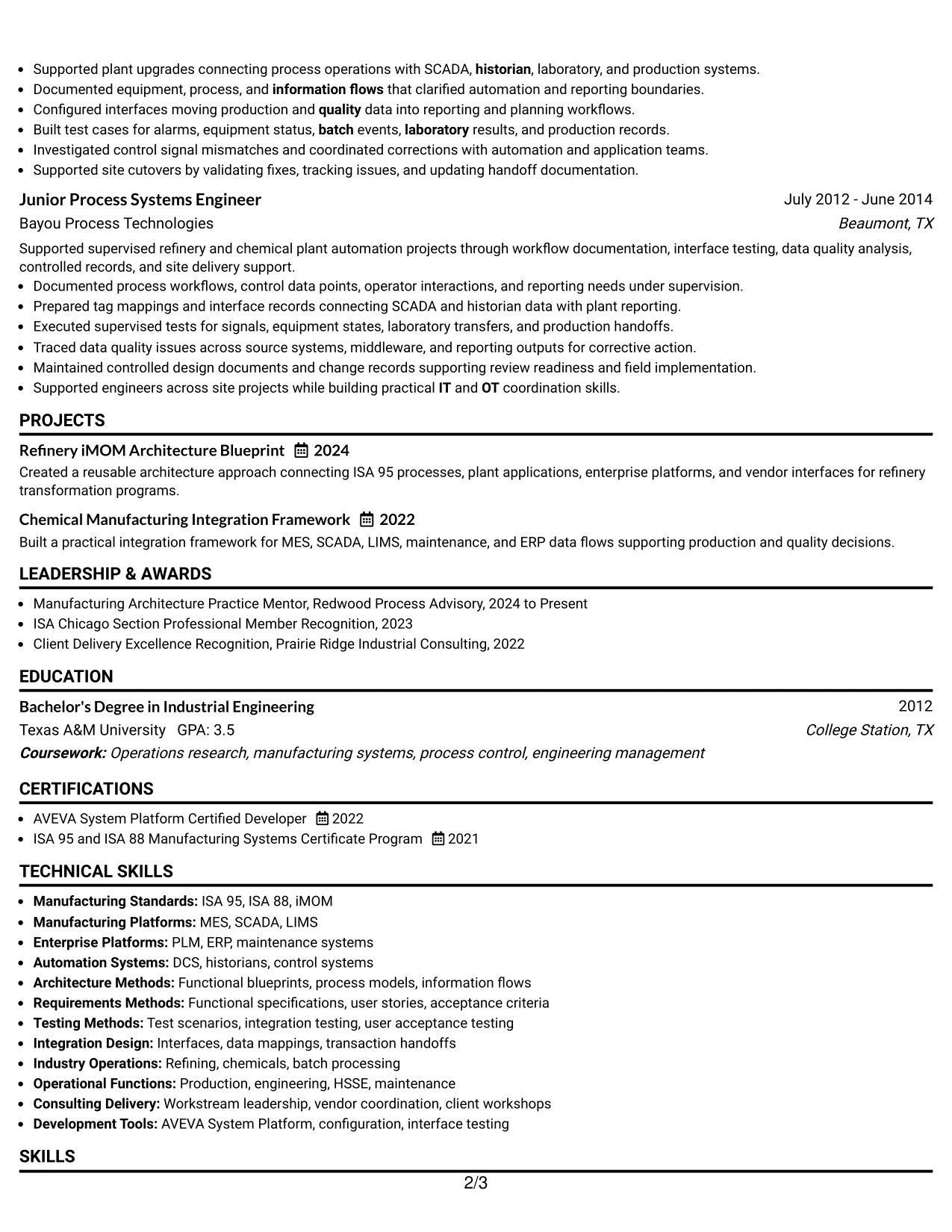
Why the Classic One Column Resume Format Works for a Resume
- Places all experience evidence in a direct and familiar reading path.
- Gives detailed technical bullets full line width.
- Makes progression across five roles easy to understand.
- Supports ATS parsing with simple section order and minimal layout complexity.
- Leaves clear space for projects, certifications, education, languages, and skills.
- Works well for a long professional history with substantial implementation evidence.
- Keeps the focus on accomplishments, scope, and role progression.
Best For
- Traditional applications where clarity and evidence matter more than design
- Candidates with long career histories that should read in strict sequence
- Resumes with detailed accomplishment bullets and substantial technical context
- Documents where ATS compatibility is the highest presentation priority
- Professionals whose strongest value is proven through experience depth and progression
- Applications that benefit from a familiar, conservative resume structure
Why Build Your Integrated Manufacturing Operations Architect Manager - Refining & Chemicals Resume with ResumeInMinutes
ResumeInMinutes helps manufacturing architecture professionals turn complex plant, enterprise, and consulting experience into a resume that is structured for fast recruiter review and ATS parsing.
- Diverse resume formats
- ATS-compliant section structure
- Keyword-optimized resume content
- Organized project and skills presentation
- Free PDF resume previews
- Resume customization support
You can tailor the content to highlight refining and chemicals manufacturing systems, functional architecture, client-facing delivery, integration design, implementation leadership, and relevant certifications without losing a clear resume hierarchy.
See Also
- 33 Advisory Data Architect-Senior Manager Resume Templates with Example 2026 (ATS-Optimized)
- 33 AI/ML Solutions Architect Resume Templates with Example 2026 (ATS-Optimized)
- 33 AI Solutions Architect Resume Templates with Example 2026 (ATS-Optimized)
- 33 Architect-Associate Resume Templates with Example 2026 (ATS-Optimized)
- 33 Architect, Data Science Resume Templates with Example 2026 (ATS-Optimized)
- 33 Big Data Architect / Senior Developer Resume Templates with Example 2026 (ATS-Optimized)
- 7 Client Solution Architect Resume Templates with Example
- 33 Cloud Architect Resume Templates with Example 2026 (ATS-Optimized)
- 30+ Advisory Data Architect-Senior Manager Cover Letter Templates with Example 2026
- 30+ AI/ML Solutions Architect Cover Letter Templates with Example 2026
Frequently Asked Questions
Are these Integrated Manufacturing Operations Architect Manager - Refining & Chemicals resume templates ATS-friendly?
Yes. The templates use clear section headings and support role-specific keywords such as iMOM, ISA-95, ISA-88, MES, SCADA, LIMS, PLM, ERP, IT/OT integration, and process integration.
Are these different resumes?
No. This guide presents one Integrated Manufacturing Operations Architect Manager - Refining & Chemicals resume example in multiple design styles so you can compare layout choices without changing the underlying career evidence.
What should an Integrated Manufacturing Operations Architect Manager - Refining & Chemicals resume include?
Include a focused summary, senior manufacturing systems experience, education, certifications, relevant projects, technical skills, and accomplishment bullets that show architecture leadership, implementation scope, process integration, testing, and client delivery.
Can I download the resume templates as PDFs?
Yes. Each resume design includes a free PDF download so you can review the layout and choose the format that best presents your manufacturing architecture experience.
Which resume style is best for an Integrated Manufacturing Operations Architect Manager - Refining & Chemicals position?
A clean one-column or simple two-column format is usually the strongest choice because it keeps senior experience, architecture skills, certifications, and implementation achievements easy to scan while remaining ATS-friendly.
How should senior manufacturing architecture experience be presented?
Lead with business and plant context, then show the architecture decision, method, systems involved, stakeholder scope, and delivery result. Strong examples can reference iMOM roadmaps, ISA-95 or ISA-88 process models, integration blueprints, testing, and cross-functional workstream leadership.
Should I include a photo on my resume?
Include a photo only if it is customary or expected in your region, industry, or role. For U.S. applications, a no-photo resume template is usually a safer option.
Can I customize these resume templates?
Yes. ResumeInMinutes lets you update the resume text, format, design style, and PDF layout to match an Integrated Manufacturing Operations Architect Manager - Refining & Chemicals application.




